

Question
Objects in Figma Slides keep moving to edge of screen
Randomly, and without any sense or oder, I will have my objects in my Figma Slides just completely bug out and push to the edge of the screen.
Here is an example - originally I had everything with a 48px border around the edge of the screen. I have no idea what I did - I just went into my file and scrolled through the slides, and when I came back to this slide, nearly everything had shifted.
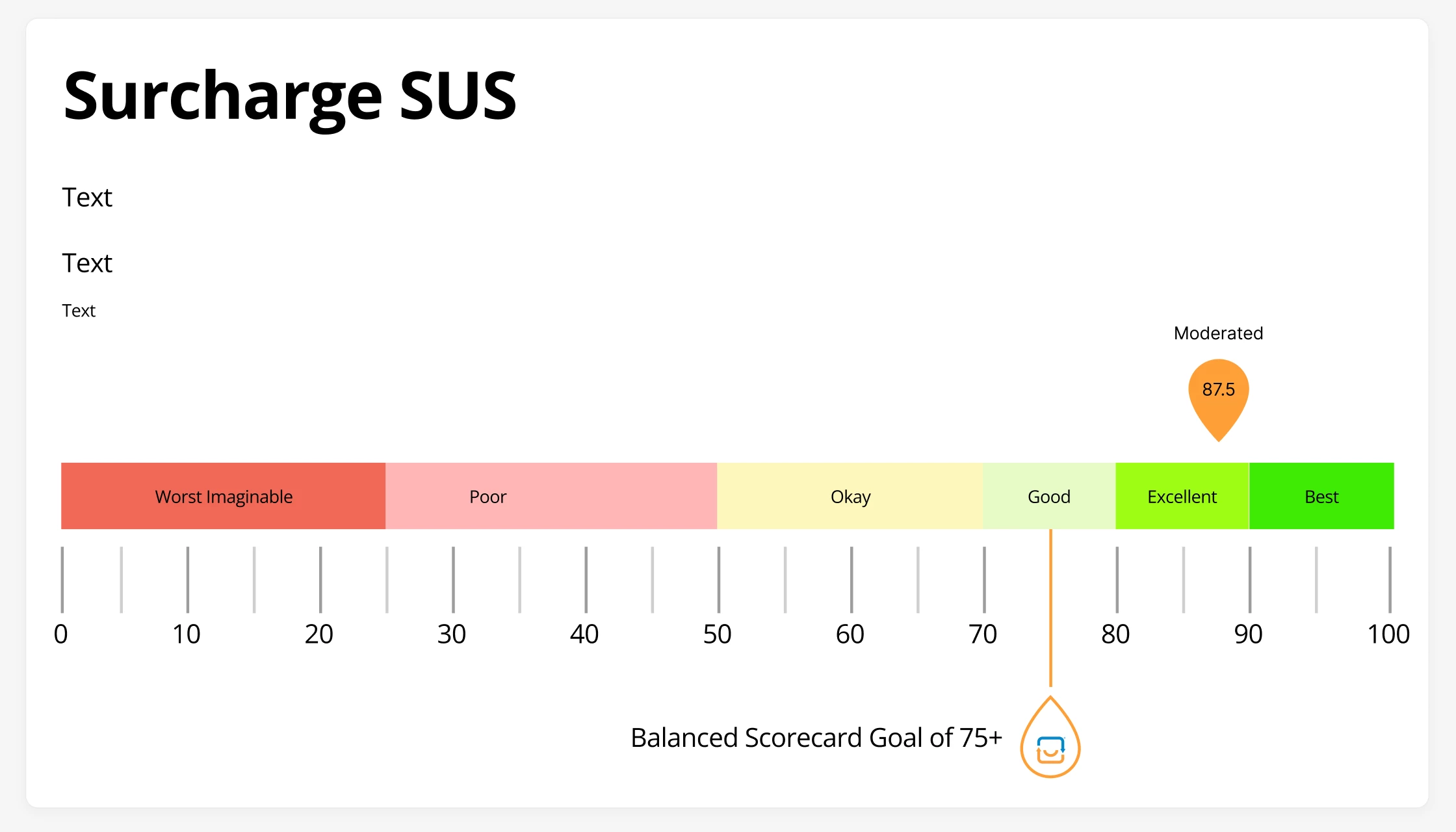
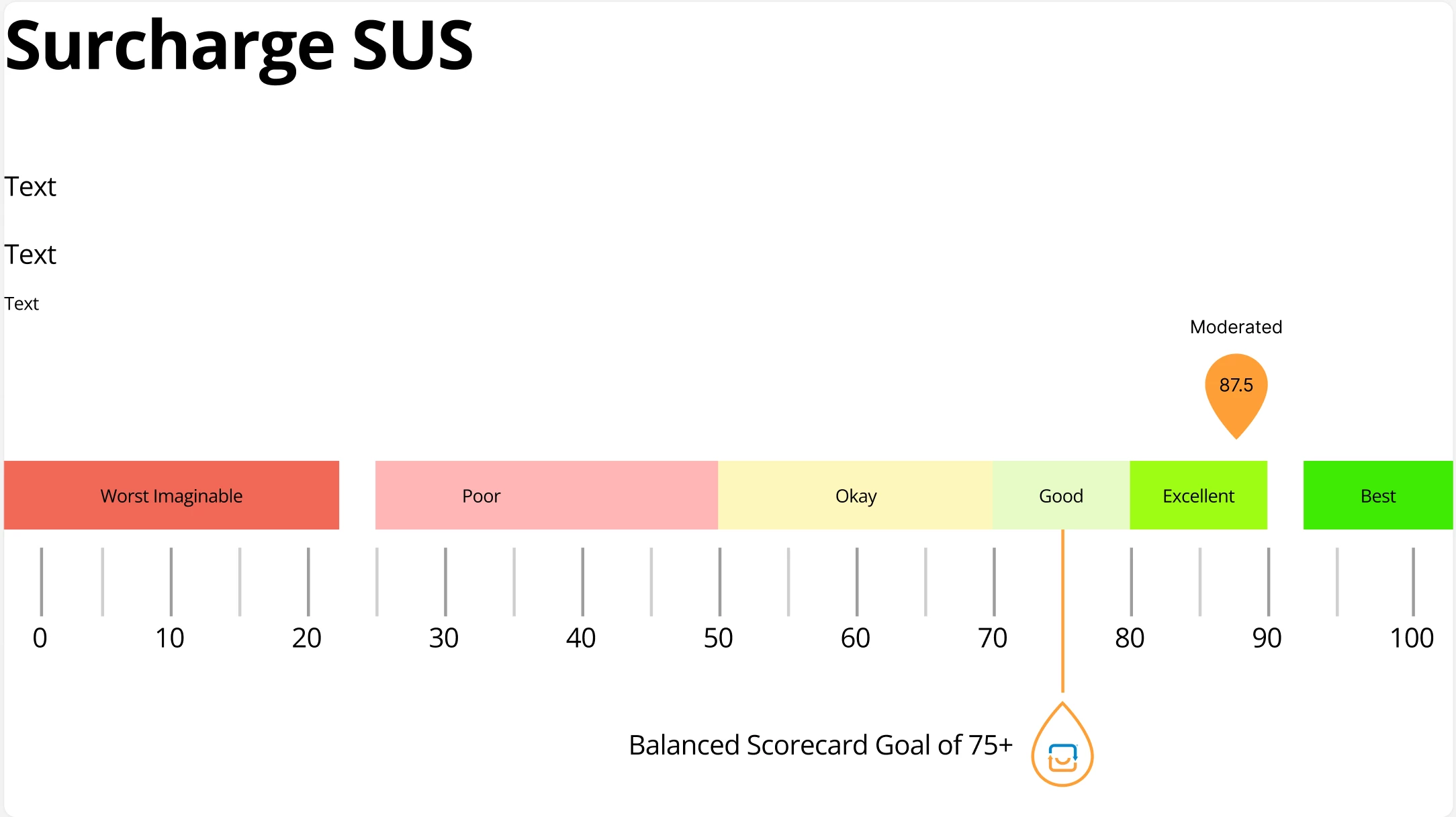
- It seems with or without auto-layout, the components just move by themselves
- It seems with or without a layout guide, the components will just move by themselves
- It happens to random slides, without reason. It can be a slide I was just looking at, or a slide I was not looking at for a while - it just happens.
- It’s causing me to do a lot of extra work to reclean the slides back to how they were.
- Then I have to triple check the slides to ensure it looks fine, and when I do that, I inevitably find another slide that has completely shifted everything.
- Frustratingly, I cannot replicate this issue. It’d be one thing if I could pinpoint why my slides suddenly get messed up, but it just randomly happens. So it’s causing me to become paranoid about if a slide has messed up before a presentation (and it’s already happened once where I corrected a slide, and then during a presentation a different slide had shifted objects)
This is extremely frustrating and makes Figma Slides unreliable.