Hi @Shelly Kraus, thanks for letting us know about this!
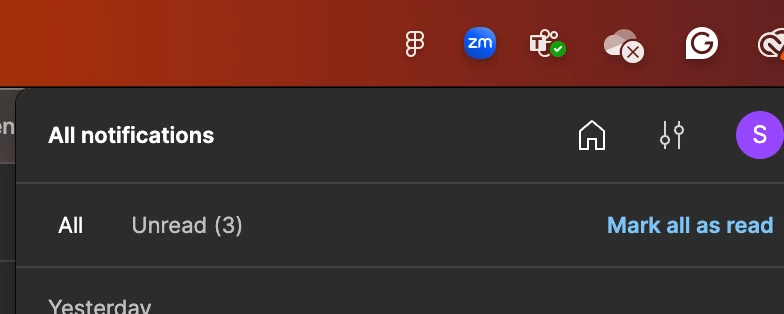
Thanks for the screenshot. So, I understand you're using the Figma desktop app and have desktop notifications turned on, but that little red dot isn't showing up on the Figma icon.
Let's try a couple of things to troubleshoot this. Could you please check these settings for us?
Desktop Notification Settings:
For Windows: Go to the System Tray in your Task bar and make sure "Show Figma in the System Tray" is selected.
For Mac: Go to Figma > Preferences and make sure "Show Figma in the Menu Bar" is selected.
Figma Desktop App Notification Setup:
Click on your account menu in the top-left of the file browser.
Go to "Settings".
Click on the "Notifications" tab.
Could you just double-check that your settings here match what you see in this screenshot?
Yes, I am using the Figma desktop app on my Mac. I have already tried turning both of the settings you mentioned off and on, but it hasn't fixed the problem.
Please review my screenshots. From day one, I remember that each comment I mentioned had a small dot on the Figma icon, and this is how I knew I needed to check my notifications.
Thanks
New comment
Only when I open the notification bar can I see that there is a new comment.
Hi @Shelly Kraus, thanks for checking your settings and sharing those screenshots – that really helps.
To understand what happened better, I'm going to create a support ticket using the info you've provided.
Our support team will be in touch to help you out with this. Please keep an eye on your inbox – you should receive an email about the new ticket pretty soon. It'll be sent to the email address we have on file for your account.