Solved

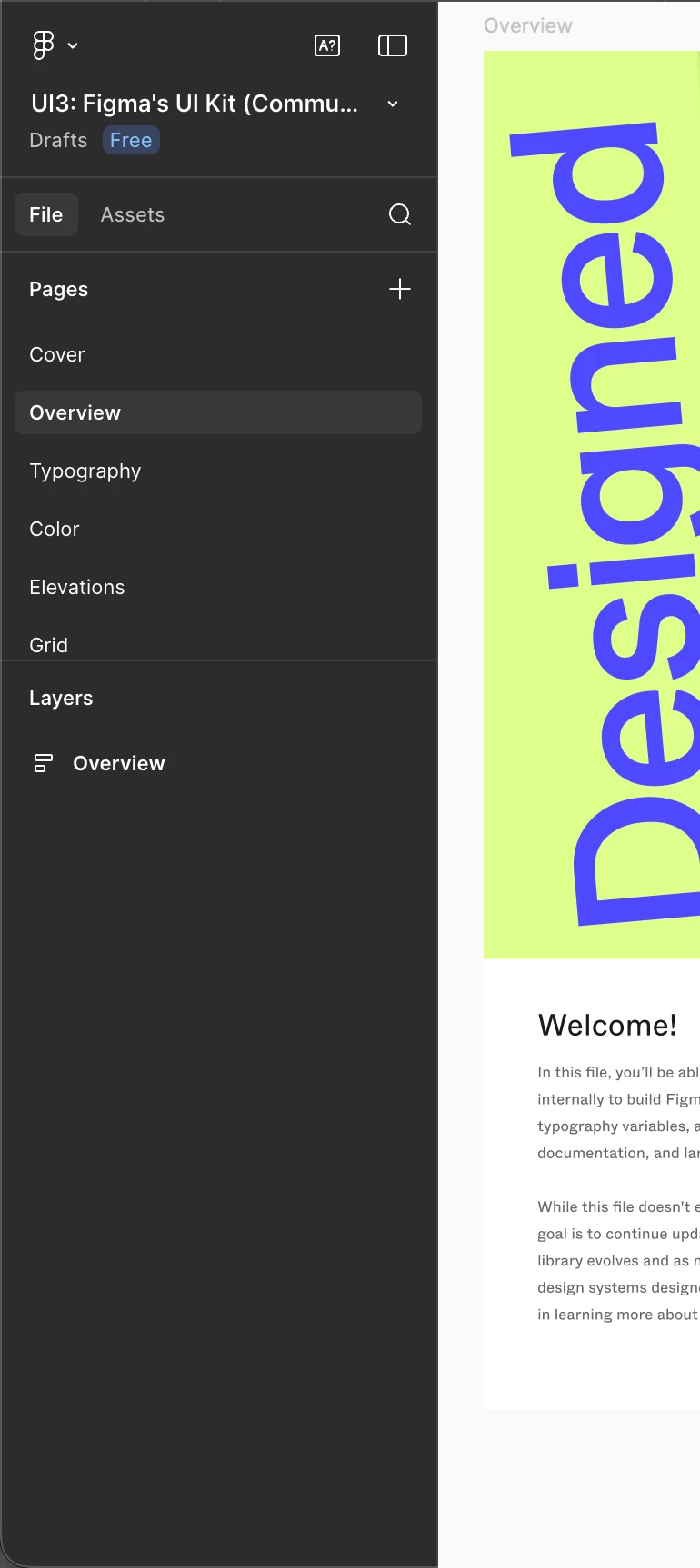
Not receiving recent Figma updates (UI3, Slots) on both main and beta app

  • March 6, 2026
  • 61 replies
  • 2676 views

Show first post

61 replies

djv
Figmate
  • Community Support
  • March 26, 2026

Hi ​@Heath Dyer, ​@Badredine Aniba, and ​@David_Galliford, thanks for following up here! 


As mentioned above, we’re still gradually rolling out the new left navbar to users. This rollout is happening at the user level (not the team or organization level), so it’s expected that people within the same team or organization may see different experiences for now. We understand this can be frustrating, but thanks for your patience while the rollout completes.
 

Regarding Slots, this feature has already been fully rolled out to all Full seat users. If you’re unable to access it, try refreshing your design file, confirming you have edit access to the file, or creating a new main component. For step-by-step guidance, you can visit:
https://help.figma.com/hc/en-us/articles/38231200344599-Use-slots-to-build-flexible-components-in-Figma


If you’re still having trouble accessing Slots, please feel free to let me know!


Andrea_Avesani

Still can’t access slots. It’s been months since the launch and my colleagues are creating files I can’t work on!


djv
Figmate
  • Community Support
  • April 14, 2026

Hi ​@Andrea_Avesani, thanks for letting us know! 

That definitely doesn’t sound right. Slots has already been fully rolled out to all Full seat users. Have you already tried all the recommendations I’ve given in the thread above?


Again, if you’re not seeing slots, could you double-check the following?

  • You have a Full seat on the team where the file lives
  • You have edit access to that specific file
  • You’re using Figma Design (or design mode in Figma Buzz)

If everything above looks correct, I also recommend trying to create a new main component. As a reminder, a slot can only be applied to layers nested within a main component or within variants of the same component set. Are you trying to add slots to variants or convert a frame inside a main component into a slot? 

For step-by-step guidance, you can also check out our Help Center article: Use slots to build flexible components in Figma


If after everything, you’re still having trouble; please feel free to let me know. 


Takaz cao
  • New Member
  • April 16, 2026

Hi ​@djv 

I access slot but do not have left navigation bar. Please check my account and update for me


djv
Figmate
  • Community Support
  • April 16, 2026

Hi @Takaz cao, thanks for chiming in here!
 

As mentioned above, we’re still gradually rolling out the new left navigation to users. At this time, both our support teams aren’t able to manually grant access.

I understand the wait can be frustrating, and we appreciate your patience while the rollout continues. You should receive access in a future rollout wave.


Kingsley3
  • New Member
  • April 22, 2026

I don’t see them in the web view. Paid plan as well. 


djv
Figmate
  • Community Support
  • April 23, 2026

Hi ​@Kingsley3, thanks for chiming in here! 

Are you referring to slots? 


If so, slots has already been fully rolled out to all Full seat users. Have you already tried all the recommendations listed above?


Again, if you’re not seeing slots, could you double-check the following?

  • You have a Full seat on the team where the file lives
  • You have edit access to that specific file
  • You’re using Figma Design (or design mode in Figma Buzz)


If everything above looks correct, I also recommend trying to create a new main component. Are you trying to add slots to variants or convert a frame inside a main component into a slot? As a friendly-reminder, a slot can only be applied to layers nested within a main component or within variants of the same component set. Check out our Help Center article here for more info: Use slots to build flexible components in Figma


If you’re still having trouble after trying these, please let me know. 


Dennis O'Neil

Here we are on May 21st several months after these features have started rolling out and I am sitting with an Organization account of 10+ seats and do not have the updated UI3 sidebar or slots. Seeing that agents are coming now has me excited and instantly frustrated that my account is so far behind on updates. 

Get with the program, let’s go. We are all starting to use other tools in the meantime. 


noella.choi
  • New Participant
  • May 22, 2026

Following up on this. Our organization still doesn’t have the latest UI. 

We have 16 Full Seats, 6 Collab seats, 3 Dev seats. We’ve been using figma for years and use it on a daily basis. I echo the previous poster’s frustration. Agents is very exciting and we have a project coming up in a month that would be great for testing out Agents. 

But I feel extremely deflated that despite always requesting for beta access, we never get it. And all our updates are always so far behind everyone else.


adamsmasher
Figmate
  • Figmate
  • May 23, 2026

Hi, ​@noella.choi - thank you for your post.


I can definitely understand your frustration and excitement over AI agents, especially with a project coming up in a month and as a team that is using Figma on a daily basis. Regarding AI agents in specific, did you use the form to join the waitlist? I wasn’t sure if you were speaking more broadly about betas or this one in particular. While the beta is gradually rolling out, you are welcome to join the waitlist - as you already know, this doesn’t guarantee early access but will let our team know that you’re interested! 


Takaz cao
  • New Member
  • June 6, 2026

Hi ​@adamsmasher 

me again for 1 month. still not updated new UI. Just give me correct answer, when? please, we not kid, not promise things we not finished???? Stop treat people like a kid FIGMA TEAM