Badredine Aniba
New Member
March 6, 2026
Solved

Not receiving recent Figma updates (UI3, Slots) on both main and beta app

  • March 6, 2026
  • 61 replies
  • 2920 views

I noticed that my Figma app hasn’t received some of the recent updates such as new left navigation bar and Slots for components.

I’m using the desktop app, and I also tried installing the beta version, but the features still don’t appear in either version.

To troubleshoot, I also reinstalled the application, but the issue remains the same.

Are these updates still being rolled out gradually, or could this be related to account permissions, region, or workspace settings?

Thanks in advance for your help!
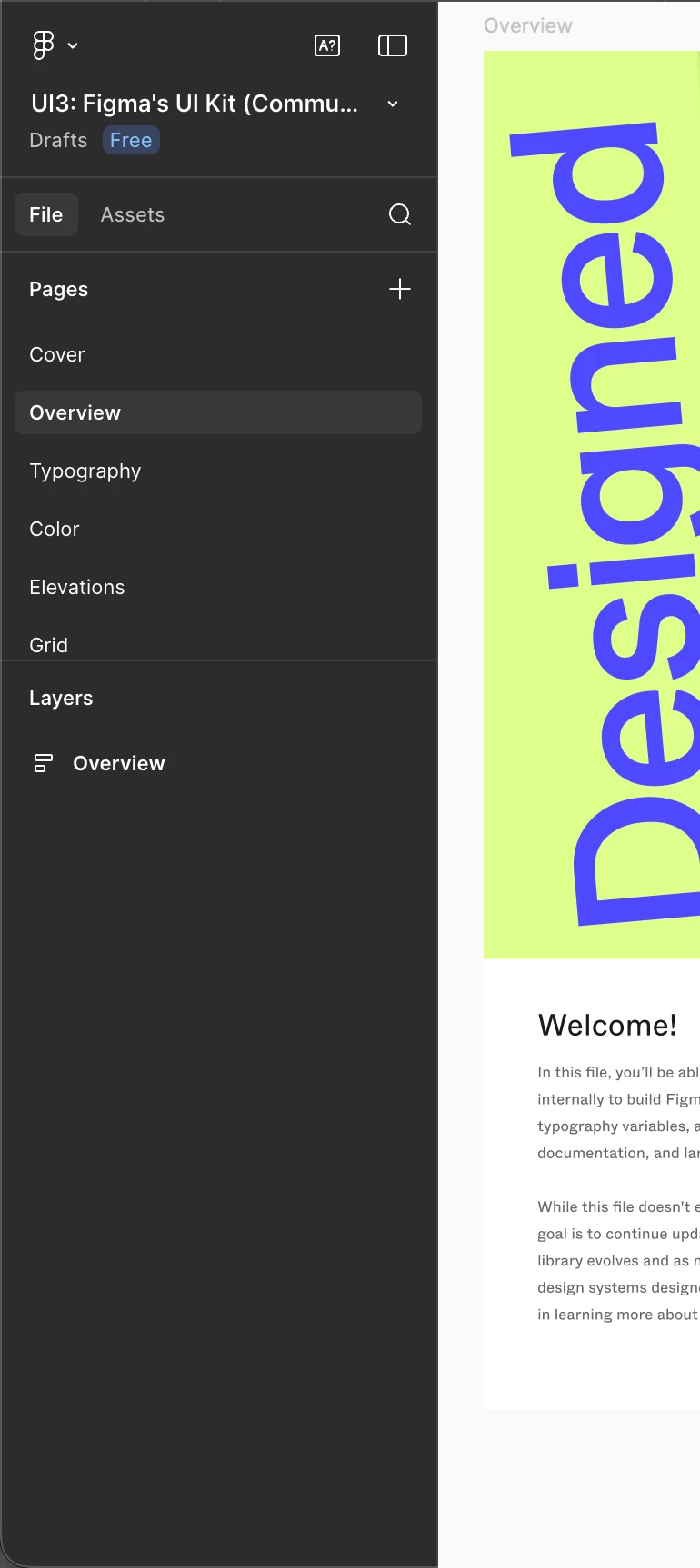
The actual left bar


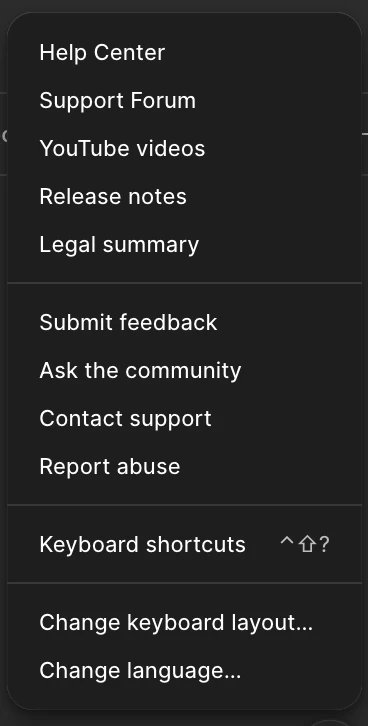
No new UI in the help section


Best answer by ksn

Hello everyone! I’m happy to tell you that slots is now rolled out to all Full seat users. If you're unable to access the feature, refresh the design file and check if you have edit access to it.

If you do not see the feature after that, please reply or PM me so I can have someone take a look. Enjoy!

61 replies

GustafG
New Member
March 6, 2026

Same for me

Eriksen
New Member
March 6, 2026

Same for me

Almantas
New Member
March 6, 2026

Same

An3aki
New Member
March 6, 2026

I also have this issue.

Raphael_Loder
New Participant
March 6, 2026

I also don’t have access to Slots, but I do for the nav sidebar update.

Based on the article in Help there are maybe 2 issues here at play:

  • It is only available for paid plans (judging from the “Free” badge in your screenshot you might not be on one? Not sure)
  • They say “rolling out starting March 5th”. That’s a real shame and very deceitful in terms of marketing. When they announced it in the Release Notes podcast almost 2 weeks back they made a point to say “March 5th”, not “starting to roll out”. If I don’t have the feature by March 6th (which is today), then I’m being deceived. Especially for a feature that has been teased for almost a year by now?


Apolline
Active Member
March 6, 2026

I also don’t have access to Slots, but I do for the nav sidebar update.

Based on the article in Help there are maybe 2 issues here at play:

  • It is only available for paid plans (judging from the “Free” badge in your screenshot you might not be on one? Not sure)
  • They say “rolling out starting March 5th”. That’s a real shame and very deceitful in terms of marketing. When they announced it in the Release Notes podcast almost 2 weeks back they made a point to say “March 5th”, not “starting to roll out”. If I don’t have the feature by March 6th (which is today), then I’m being deceived. Especially for a feature that has been teased for almost a year by now?


All of their communication said available on march 5th, and then if you go to the help page it says rolling out on a per-user basis… 🙄 Wasn’t it already rolling out on a per user basis before ?


GustafG
New Member
March 6, 2026

Im a on a paid plan with a full seat, don’t see any of the new updates. No slots, no new sidebar, no new search color function 😓

Miller_Cristina
New Participant
March 6, 2026

Same here! Do not see any of it in Figma.

Anna_Winter
New Member
March 6, 2026

I am also on a paid seat, and I don't have any of the updates. The sidebar update has been out for a while as well - so if its a time issue, it seems like that one should be present at the very least.

ksn
Figmate
Community Support
March 6, 2026

Hi all - really sorry if this has confusing or unclear. Both of these features are still rolling out to users.

To address the left navigation bar: this is a gradual rollout. We don’t have a timeline to share right now, but we’ll update as we learn more.

To address Slots:  it will still continue to roll out to to open beta on March 5th to all full seat / Starter+ users over the course of a week. The rollout is also gradual as swell, so you may see it appear for some teammates before others over the course of the week. Learn more about how we are rolling out slots to you. (someone above did mention this as well, but I wanted to also acknowledge on my end)

I understand that this may be frustrating, and again, I apologize. Thank you for your patience as we continue to work on this.