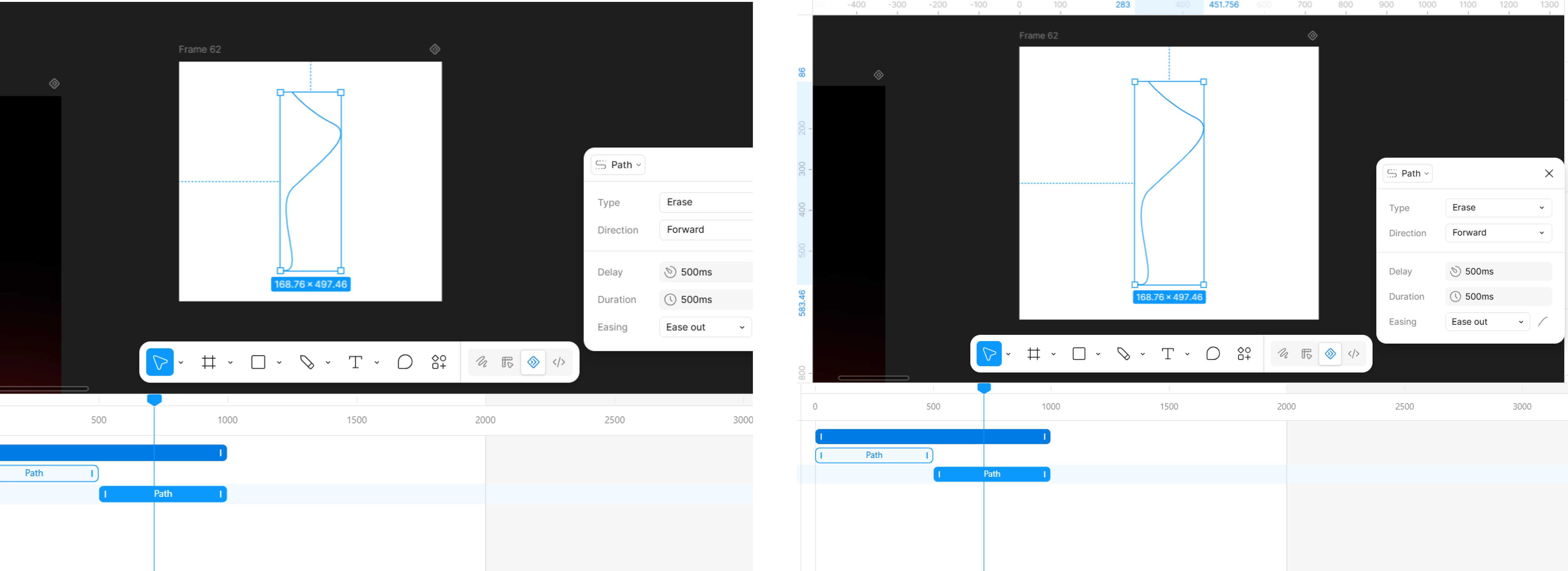
Hi @meet, thanks for reaching out!
You can only apply one path preset (like Draw or Erase) per object, and path presets only work on open paths. If you apply a second one, it won't stack with the first. A couple of quick questions, so I can help you get the exact effect you're after:
- Are you going for a draw-in-then-erase-out sequence, or something more like both effects blended together?
- Is the path you're working with open or closed?
The good news is there's a more flexible option built for exactly this: path trim keyframes. Instead of relying on presets, you set keyframes for "Path trim start" and "Path trim end" independently, which lets you recreate draw and erase behavior (and combinations of the two) with full control over timing, and it works on both open and closed paths. Here's the doc that walks through both approaches: Animate strokes with path trim.
Give that a try and let us know if it gets you the result you're looking for.