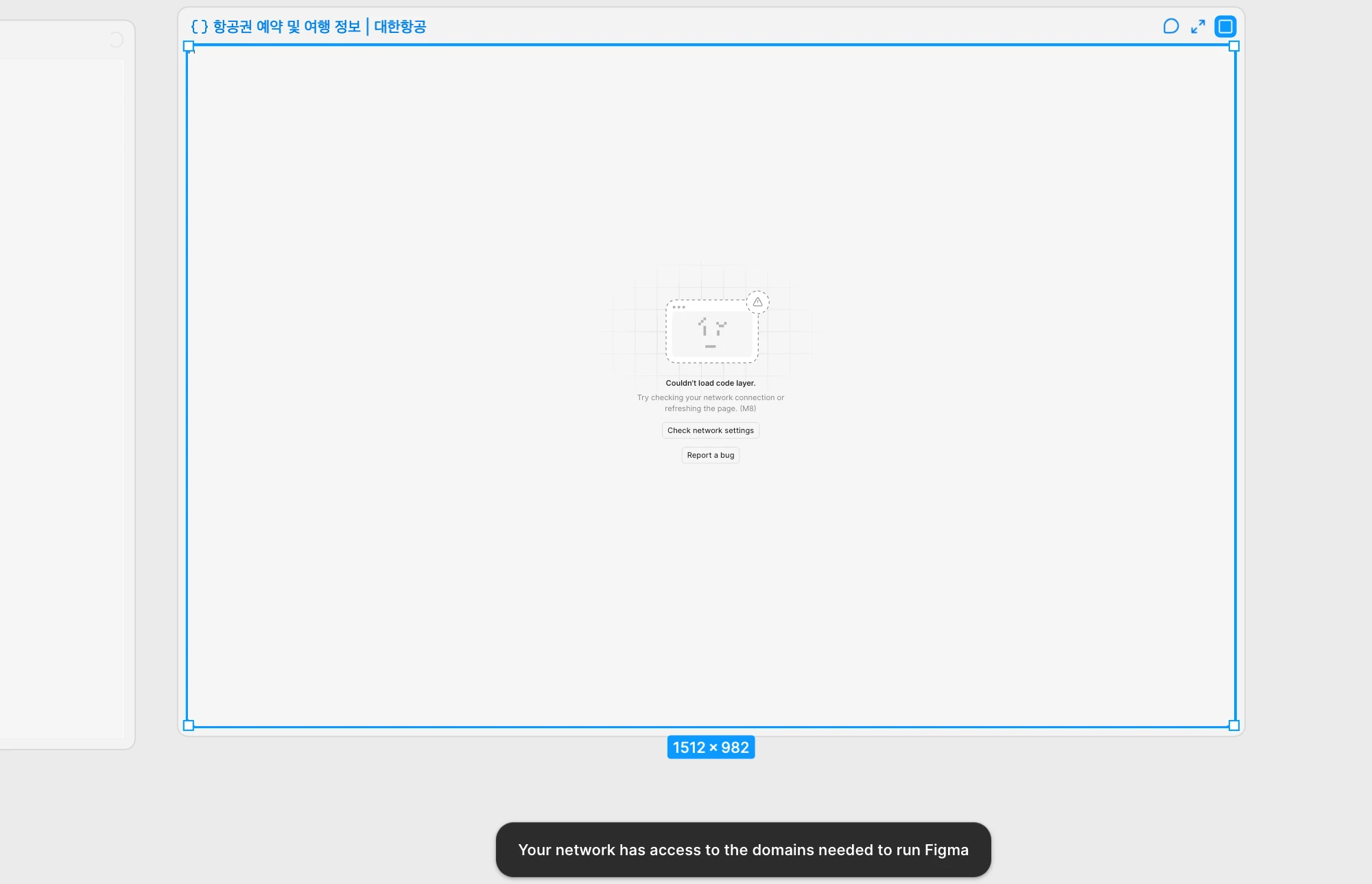
I am experiencing an issue where the code layer fails to load due to our corporate network and firewall restrictions. Whenever I attempt to access the code layer, I encounter the following error message:
"Make sure your network has access to the domains needed to run Figma"
We plan to submit a firewall exception request to our internal IT security department. Could you please provide the official and comprehensive list of required domains, IP ranges (if applicable), and ports/protocols that need to be allowlisted to resolve this issue and ensure the code layer loads properly?
Hi @Jisun Yoo , Celine from the Figma Community Support team here! Thanks for sharing the screenshot and explaining what your IT team needs here!
Please share our official Adjust your network settings guide with them. It lists the domains to allowlist and covers blocked WebSocket connections. Also, ask your IT department or systems administrator to unblock Port 443. This is the standard port for websites that are run over SSL (Secure Sockets Layer). More information on this here.
If the issue still persists (the code layer isn’t loading) after these steps mentioned above, please submit directly a bug report. To do that: Go to the Support Hub / Click Start a chat / Type “Report a bug”/ select Enter and follow the prompts.
In the form, please include the affected file link, this screenshot, and your browser or desktop app version. Grant Can View access to support-share@figma.com (You won’t be billed for this access), and include your IT team’s questions about IP ranges and ports , and steps you have done, so the support team can review everything together. Thanks!
Hi @Jisun Yoo , Celine from the Figma Community Support team here! Thanks for sharing the screenshot and explaining what your IT team needs here!
Please share our official Adjust your network settings guide with them. It lists the domains to allowlist and covers blocked WebSocket connections. Also, ask your IT department or systems administrator to unblock Port 443. This is the standard port for websites that are run over SSL (Secure Sockets Layer). More information on this here.
If the issue still persists (the code layer isn’t loading) after these steps mentioned above, please submit directly a bug report. To do that: Go to the Support Hub / Click Start a chat / Type “Report a bug”/ select Enter and follow the prompts.
In the form, please include the affected file link, this screenshot, and your browser or desktop app version. Grant Can View access to support-share@figma.com (You won’t be billed for this access), and include your IT team’s questions about IP ranges and ports , and steps you have done, so the support team can review everything together. Thanks!