

N.A.G.A
New Participant
February 8, 2024
Question

Nested animation stops when using variables

  • February 8, 2024
  • 23 replies
  • 1739 views

I am encountering a bug where the nested animation inside a component stops in the middle when variant state is changed using variables. Can anyone from Figma team help?

Steps to reproduce:

Step1: Lets say a component named X has 3 variants(named alpha, beta and gamma) out of which one variant(alpha) has an animation (animated using a nested component named Y).

Step 2: A local string variable(StringVar) is created and the value is set to one of the component X’s variant names eg:‘alpha’.

Step 3: Drag a child component of component X onto canvas and link the state to the local string variable created above.

Step 4: Create two buttons labeled betaBTN and gammaBTN with mouseenter and mouseleave interactions. So on mouseenter, the local variable StringVar is set to variant names (beta or gamma) based on the buttons(betaBTN or gammaBTN) the mouse is moved over. This works well so far. The issue is with the mouseleave trigger which is set to the animated variant (alpha) so when mouse is outside the button areas you will see some animation. But it is not working as expected. It is changing the variant, but the nested animation stops in the middle of the animation and doesn’t continue. There is no option to reset the state of the variant when using variables.
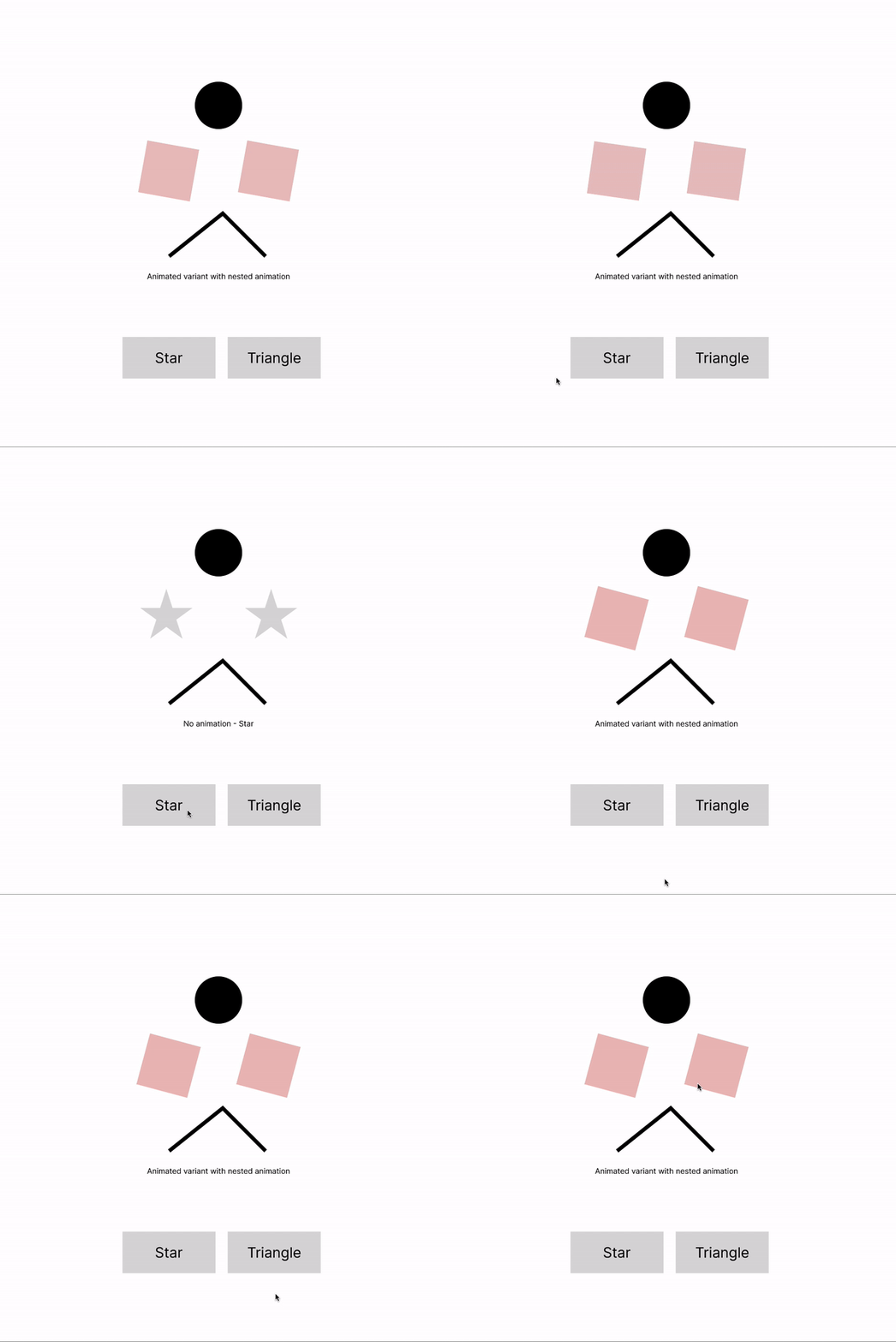
variable_state_change

I have attached the file if anyone wants to look at this. Thanks in advance.
variable state change.fig (48.7 KB)

This topic has been closed for replies.

23 replies

jameskachan
New Participant
April 26, 2025

I’m running into the same issue.

It seems that when you use either a String or Boolean variable to trigger a change in a component’s state — any nested animation (delay 1ml, change to next state) is frozen.

So essentially, you cant get any nested animations to play through when using variables to change state. It’s very frustrating because it really seems like that’s how it should work.


What’s strange is when the default state of the applied variable to the component has nested animations within, those will play through as expected.

If you use a simple, “click / change to”, that will play through nested animations. It seems there is no way to build things so you can trigger a button that adjusts a variable value to change the state of another object and have it play though the full nested animation range. It will always freeze without playing through.

jameskachan
New Participant
April 28, 2025

@y_toku and ​@Junko3 

How can we get this to someone at Figma to consider?
Right now there is no way to use variants to change the state of a component when the state that needs to be triggered has nested animations inside it (animation, micro animation etc).

This has real world usage, imagine if you had a badge or indicator of sorts that needs to become enabled or disabled based on some other input, there is currently no elegant way to direct switch the state with a variable so as to trigger the animation.

Ideally, it would be nice to have a check box to define if “nested animations should play” or not, I can imagine I suppose wanting to override a series of animations if desired… (as it currently does), however the must more common usecase here would be to play though nested animations when changing a components state with a string or boolean variable.

I have tried this with smart animate, and instant, as well as even using a conditional = it’s all broken and makes more advanced prototyping very problematic.

Joseph_Niet
New Participant
May 1, 2025

Just ran into this, trying to build a menu with an animated background that changes when hovering nav items.

There’s a string variable for ‘active nav item’ that gets set on hover by the nav items. There’s a background component who’s variant is mapped to the ‘active nav item’ variable. Each background component variant then has it’s own component animating between frames. All works fine on default but as soon as you hover the nested animations stop.