Escuela de Ventas Profitmakers
New Member
September 1, 2025
Solved

My team project has stopped working

  • September 1, 2025
  • 1 reply
  • 142 views

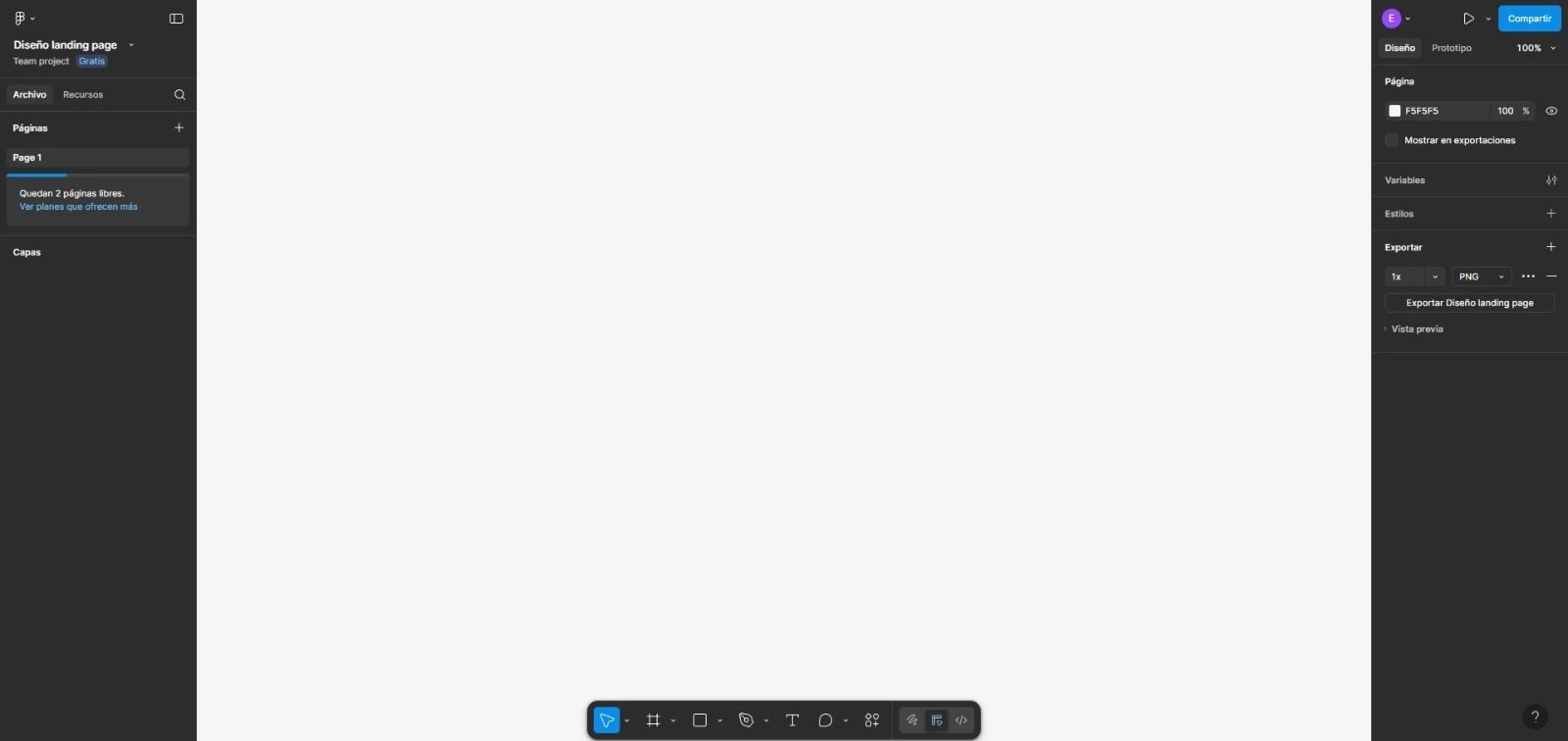
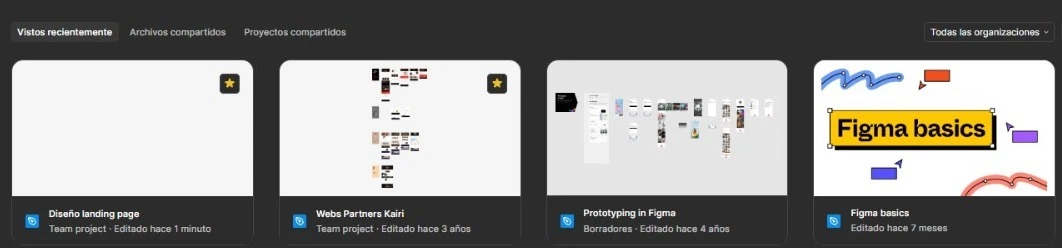
The folder with other files works fine, but when I open my design file, no created artboard or design appears. It doesn't appear as deleted in the trash or hidden. I wasn't sent an email to restore it in case it was deleted by my team. I need help urgently. 


This topic has been closed for replies.
Best answer by Junko3

Hi ​@Escuela de Ventas Profitmakers,


Based on the screenshots you shared, it looks like you’re able to open your Figma Design file, but the canvas appears empty — which isn’t what you expected to see. Is that correct?

To better understand the situation, could you please share a bit more information?

  • Did the designs disappear suddenly, even though no one on your team made changes to the file? If so, when was the last time you saw the designs in the file?
  • Are you seeing the issue in the desktop app, in the browser, or in both?

Also, could you try opening the version history of the file to check if a previous version contains your missing designs? If so, you can try restoring from there. Here’s a step-by-step guide: View a file's version history 

It looks like your team is currently on the Starter (free) plan, which means you’ll only have access to the past 30 days of version history.


Thanks!

1 reply

Junko3Answer
Figmate
September 2, 2025

Hi ​@Escuela de Ventas Profitmakers,


Based on the screenshots you shared, it looks like you’re able to open your Figma Design file, but the canvas appears empty — which isn’t what you expected to see. Is that correct?

To better understand the situation, could you please share a bit more information?

  • Did the designs disappear suddenly, even though no one on your team made changes to the file? If so, when was the last time you saw the designs in the file?
  • Are you seeing the issue in the desktop app, in the browser, or in both?

Also, could you try opening the version history of the file to check if a previous version contains your missing designs? If so, you can try restoring from there. Here’s a step-by-step guide: View a file's version history 

It looks like your team is currently on the Starter (free) plan, which means you’ll only have access to the past 30 days of version history.


Thanks!