Thanks for your post, @Stratima Agency - I’m sure this is confusing for you.
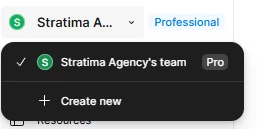
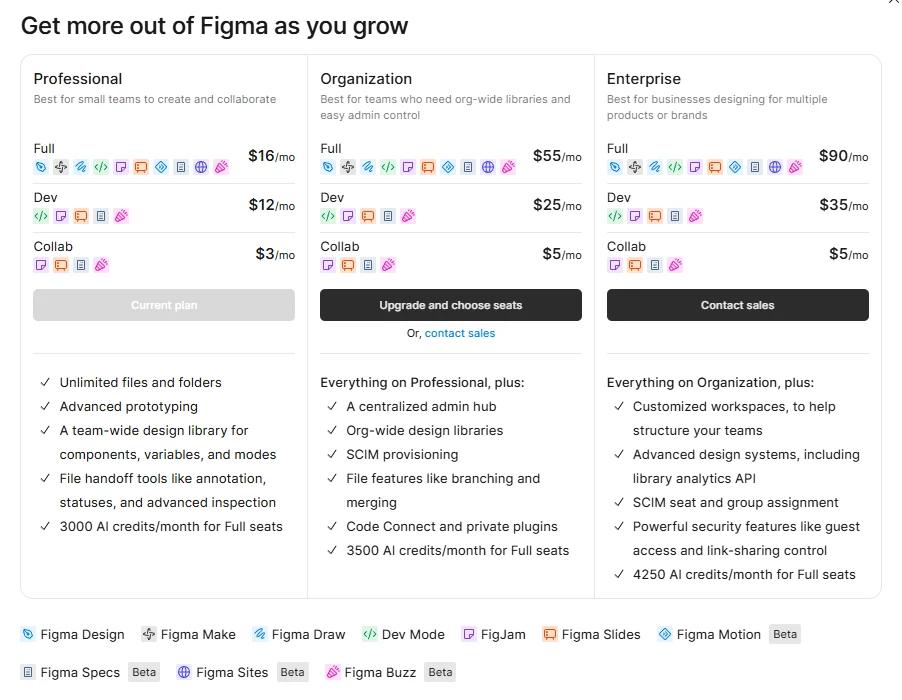
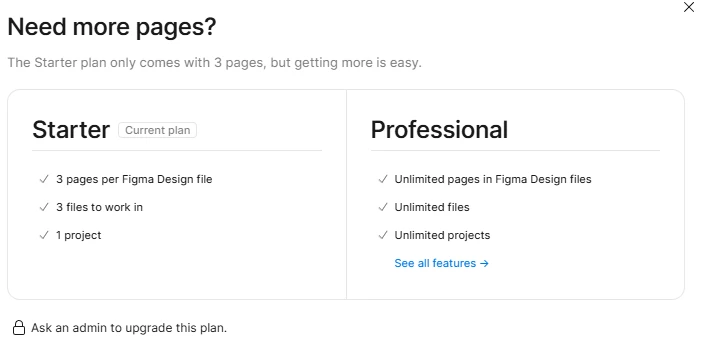
Is the file where you see the upgrade message within the same team that is upgraded to Pro? The most likely reason for this is the file is on a different team that isn’t upgraded. If you created the file yourself, you can move it to the paid team so it can take advantage of the upgrade:
- In the file browser, find the file you’d like to move.
- Right click the file thumbnail and select Move file…
- Search for a folder or choose from the default options.
- Click Move.
Let me know if you have any trouble.