Question

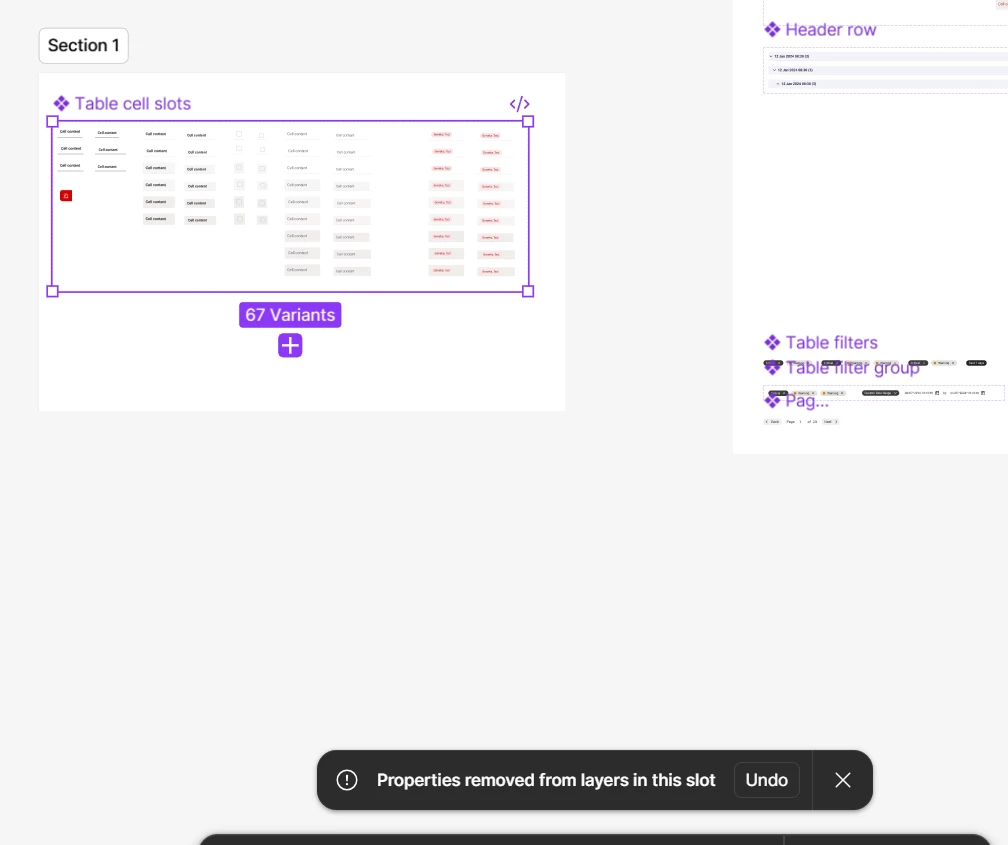
Moving component with slot into a new section removes properties from slot layers

  • July 22, 2026
  • 1 reply
  • 17 views

Sayalee Rakh

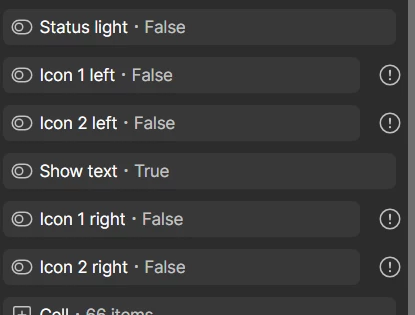
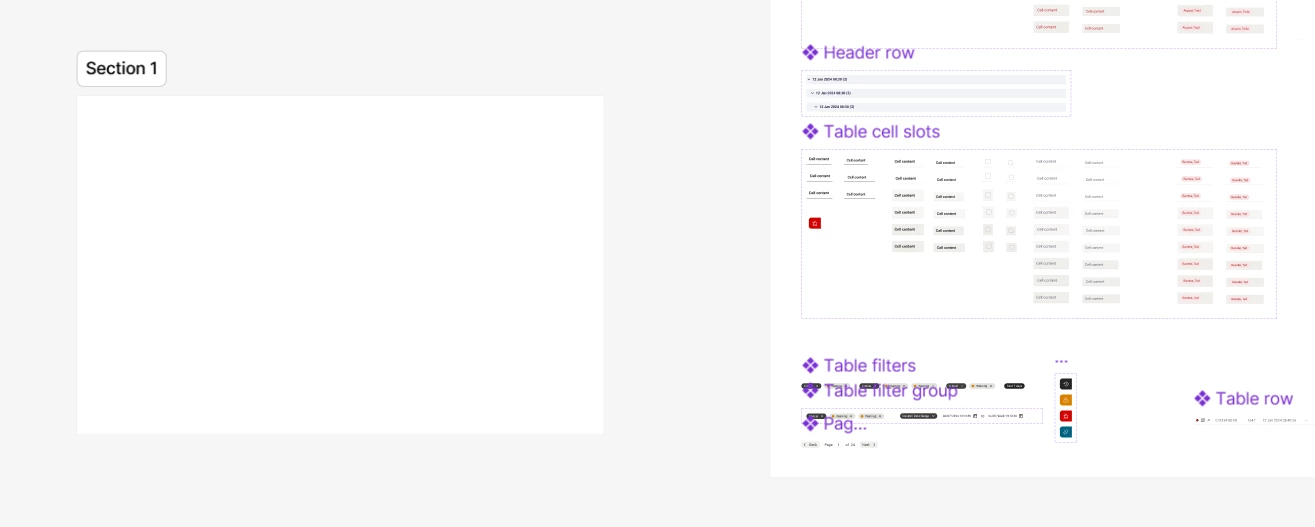
When rearranging components with slots i.e moving them from section to another removes properties from those slot layers. In the error toast, when I click “undo” it moves it back into it’s original section.

Is this the intended behaviour for slots - if so what purpose does it serve?
 

1 reply

djv
Figmate
  • Community Support
  • July 22, 2026

Hi ​@Sayalee Rakh, thanks for reaching out! 

I understand how this must be slowing down your workflow. This looks related to a change we rolled out back in April, where component properties bound to layers inside a slot are no longer supported. If content crosses that slot boundary, Figma automatically clears the property reference. That said, this is normally triggered by moving a layer into a slot, not by moving a whole component between sections, so I don't want to assume they're the same thing without digging in further. A couple of questions so we can confirm what's happening:

  • Are the affected properties defined directly on layers inside the slot (rather than on nested instances)?
  • Does this happen every time you move the component to a new section, or only with certain components?
  • Would you be able to share the file link (or a copy with Can View access), so we can try to reproduce it?

In the meantime, a temporary solution: properties on nested instances inside a slot are preserved, since only properties on regular layers directly in the slot get reset, restructuring that way should avoid the issue altogether.