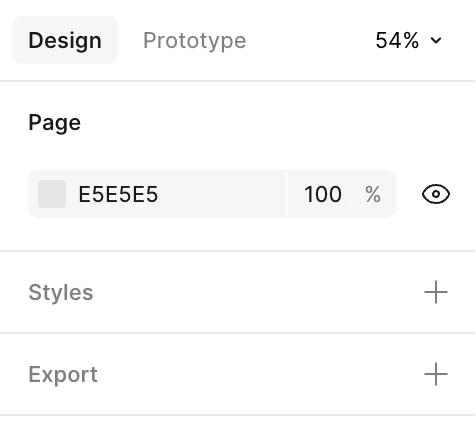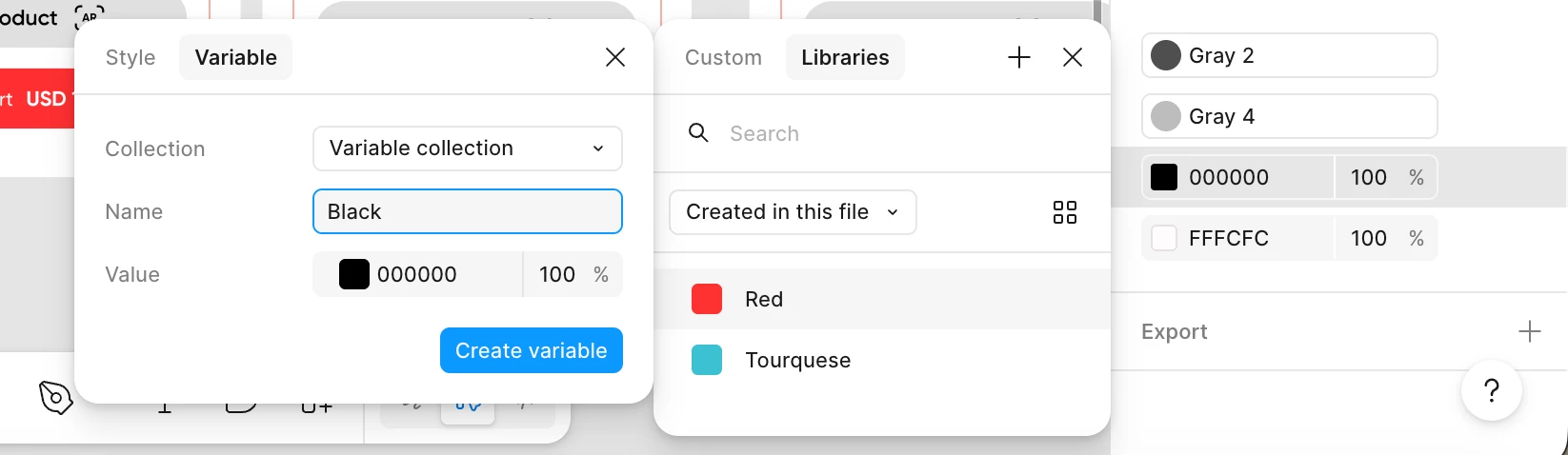
My account doesn’t show the Variables panel. I’m able to create variables, but I can’t access the Local Variables manager in any file.
It seems that my account has partial access to this feature. Could you please enable the full Variables panel for my account?
Thank you very much.

Best answer by djv
Thanks for the screenshot, @Mailo!
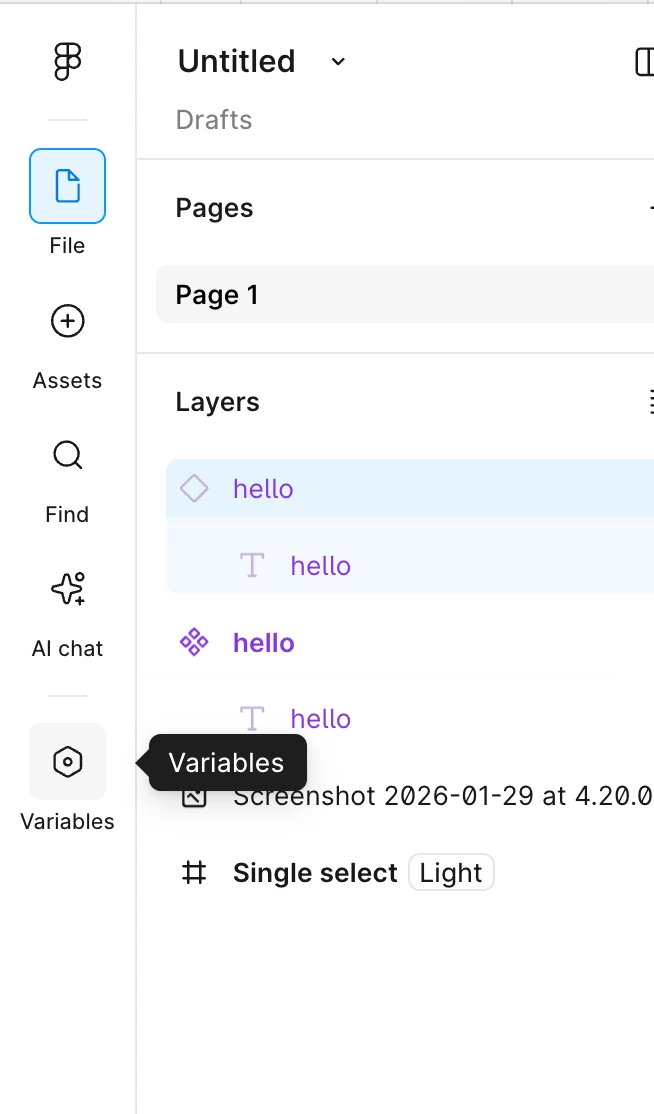
This is very helpful. You are on the newest version of Figma that includes the new navigation bar.
For you, the entry point to the variables modal has already moved.In the previous version, the variables modal is not discoverable if you have a layer selected. But with the new navigation, the entry point to the variables modal in now in this bar on the left-hand side, so you can access your variable collections anytime.
It’s hard to be sure from the screenshot your provided, but please note that the Local Variables panel is designed to appear in the right sidebar only when nothing on the canvas is selected. To access or manage variables, click on an empty area of the canvas or press Esc, then look for the "Local variables" section in the right panel.
If that doesn’t help, can you please provide a wider screenshot of your canvas including your Layers and Design panels?
Hi @djv , thanks for your response. I tried clicking on an empty area of the canvas and pressing Esc, but nothing happened. I’ve attached a screenshot of my canvas here.
This is very helpful. You are on the newest version of Figma that includes the new navigation bar.
For you, the entry point to the variables modal has already moved.In the previous version, the variables modal is not discoverable if you have a layer selected. But with the new navigation, the entry point to the variables modal in now in this bar on the left-hand side, so you can access your variable collections anytime.