Question

Miro importer converts frames into shapes instead of sections

  • August 17, 2026
  • 4 replies
  • 62 views

Jack_Taylor3

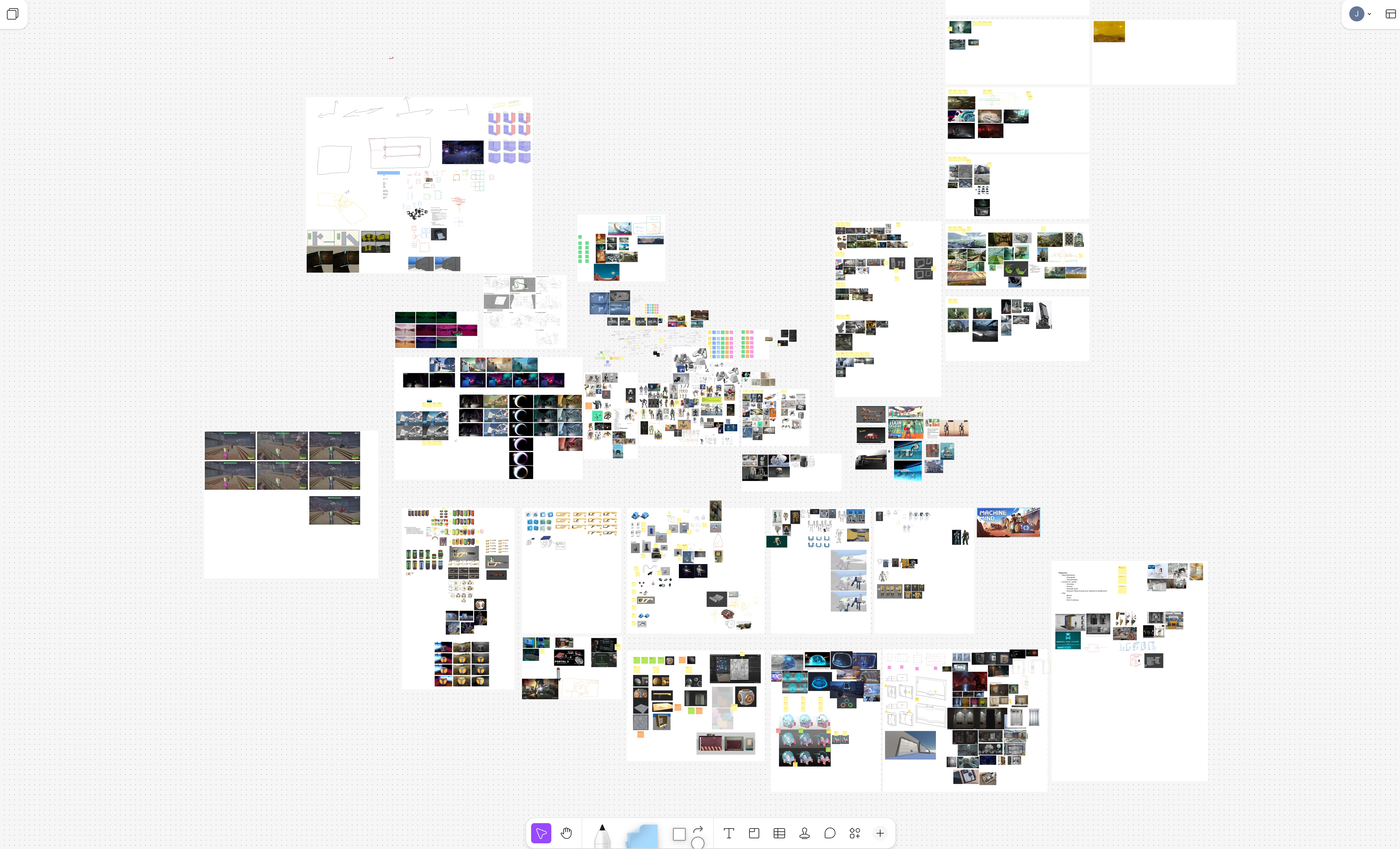
We are trialing Figma as a replacement for Miro and as a candidate for UI design. We noticed when importing our Miro boards that Miro “Frames” lose their names. This is because Figma’s importer converts them into plain “Shapes”, which cannot have names, rather than the probably more appropriate “Sections”, which can. This creates a lot of extra work as we need to remake all of these Sections and manually name them.


Here’s a comparison to illustrate that we’re losing a lot of valuable labeling:
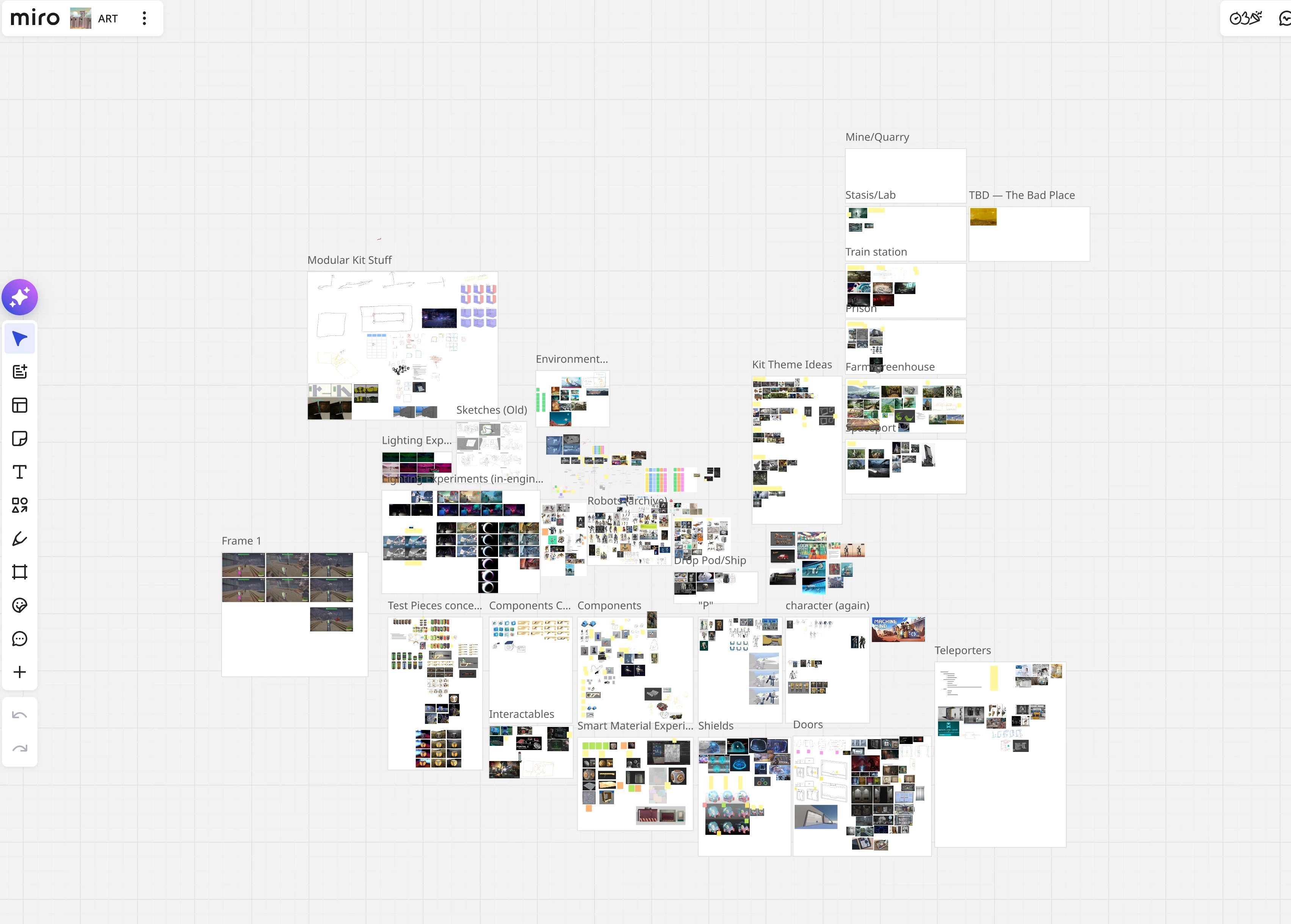
Miro: named frames
Figma: our frame names are gone!


4 replies

Jaycee Lewis
Figmate

Hey hey ​@Jack_Taylor3 🤩 Welcome to our community! Thanks for the write-up and the screenshots. Super helpful.

You're right that the importer maps Miro Frames to Shapes. That's documented in the Miro to Figma object mapping table

I think what's happening here is that the frame names are dropping out earlier than the import — at the export step. Miro doesn't include frame titles in PDF exports

When the file reaches FigJam, the labels aren't in it to map. I believe that's also why re-importing won't bring them back. 

Before going through the full work of re-exporting your whole board, here's a quick test to try:

  • Make a scratch Miro board with two frames, named "Alpha" and "Beta", with a sticky in each
  • In frame Alpha only, use the text tool to add a text object that reads "Alpha"
  • Export the board (Export this board > Save as image > Vector) and import it into FigJam
  • Compare: Alpha's label comes through as editable FigJam text, Beta's is gone

Once you've seen that, you can decide whether adding text labels to your real board is a good fit. It's some setup in Miro, but it your names arrive with the content. 

Please note: Use Save as image > Vector rather than Save as PDF. The plain PDF export may be compressed and cause odd text sizing after import.

Happy to help with any other questions. Have fun testing! — Jaycee


Jack_Taylor3
  • Author
  • New Member
  • August 19, 2026

That’s disappointing, I suppose we’ll have to manually convert to sections.

We’ve also noticed issues with text importing, with sticky notes, and with lists. Can anything be done about these?
 

Miro
FigJam, the newlines rendered by miro don’t appear
Miro
FigJam, they are all separate labels instead of one list, even the bullets are separate


Jack_Taylor3
  • Author
  • New Member
  • August 20, 2026

@Jaycee Lewis Pinging for visibility!


Jaycee Lewis
Figmate
  • Figmate
  • August 21, 2026

Hey ​@Jack_Taylor3 👋 Valid questions. Let me reach out to my resources and see if we can get clarity here. My gut says: some/all the structure and formatting in your last example is getting flattened before it’s exported by Miro, so it never reaches FigJam — nothing left to recognize or reproduce. Thanks for all your details and feedback so far. — Jaycee