

Question

(Merge branch to main) Resolve conflict error when click next

  • June 18, 2026
  • 1 reply
  • 4 views

Sandyyu

Hi there, 


I want to merge branch to main

  1. Click Review and merge changes
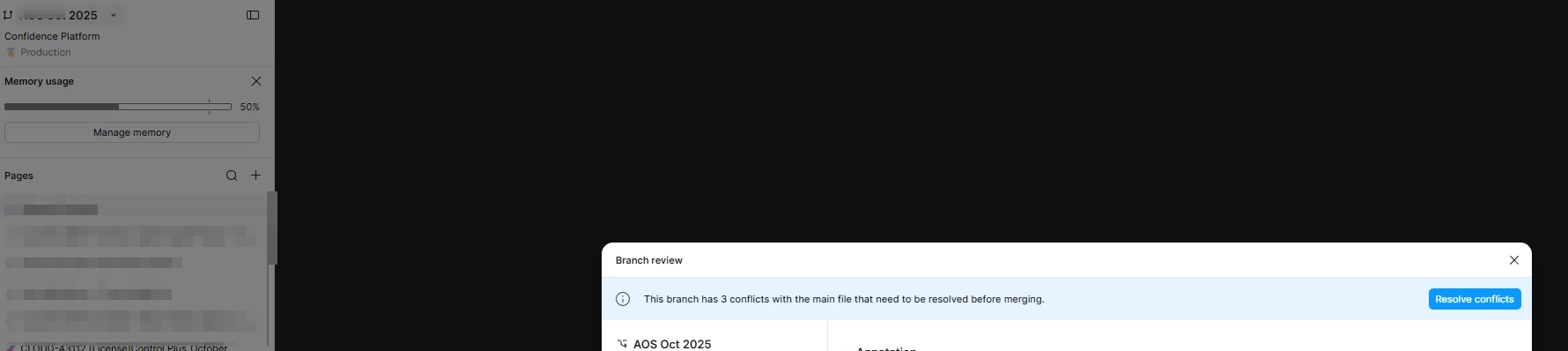
    In branch review modal, it says need resolve conflict before merging, so I click Resolve conflicts
     

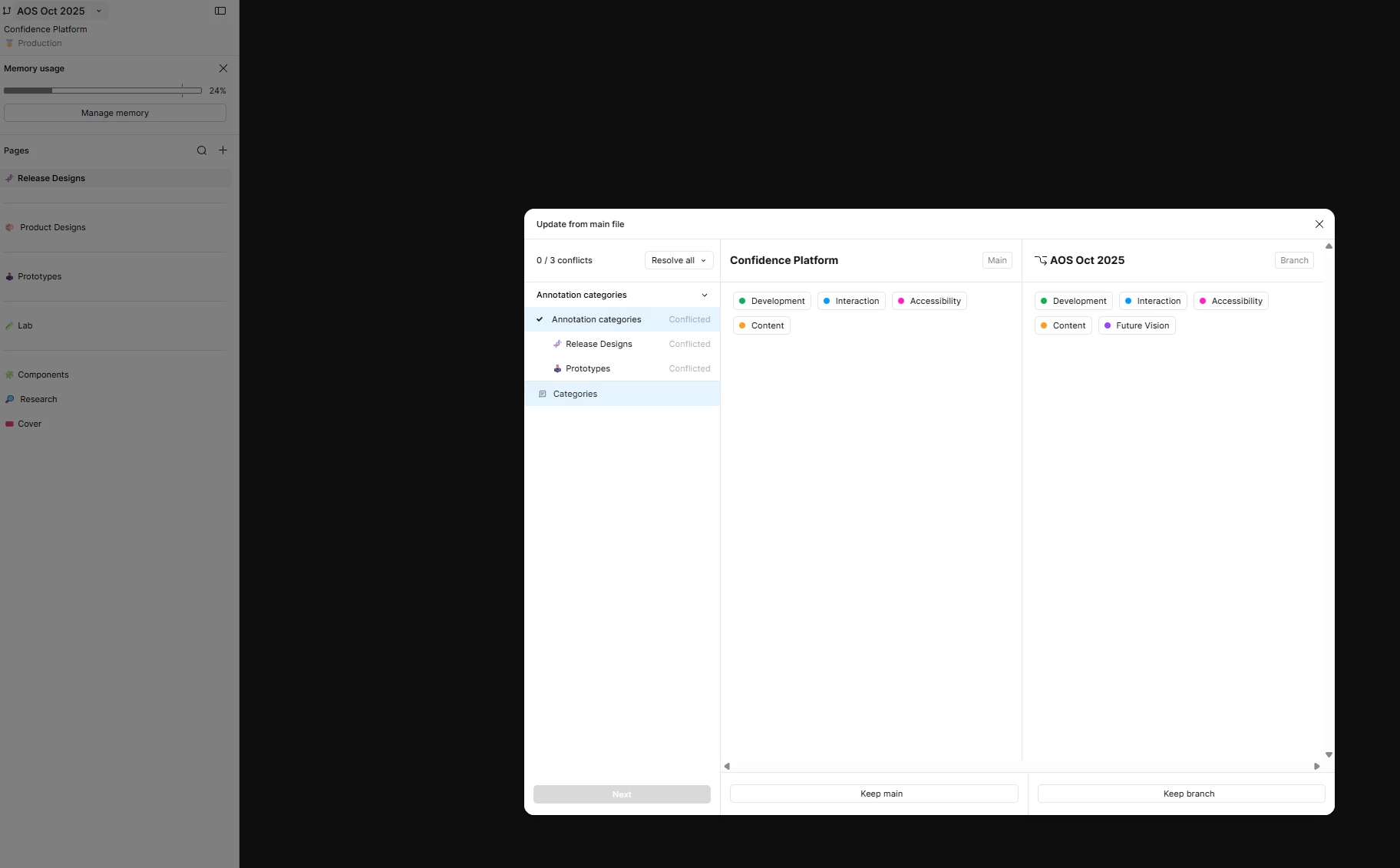
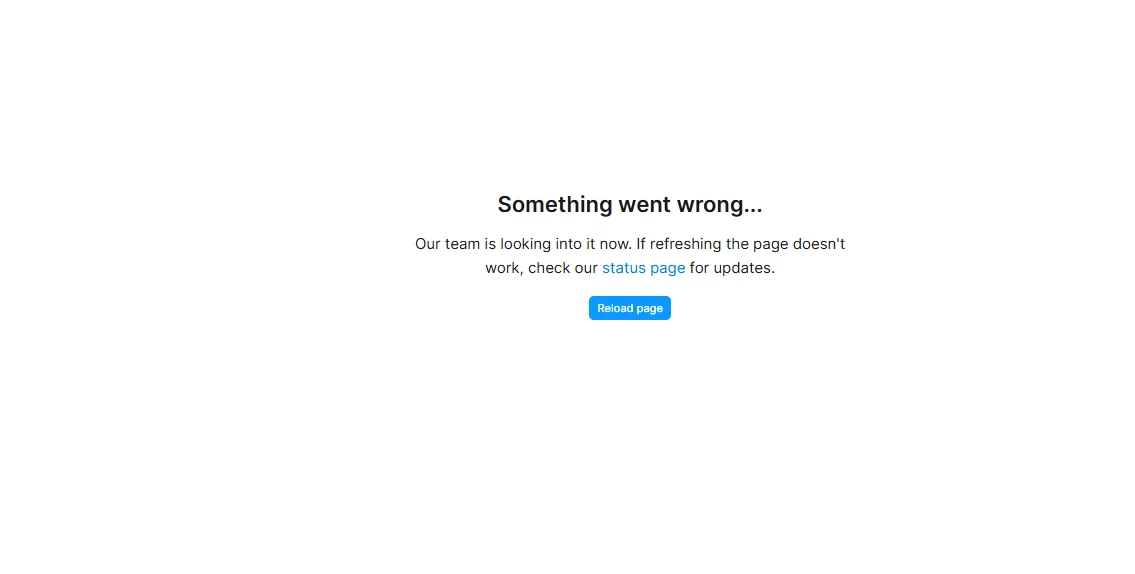
  2. In conflict details modal, I can see the compare results, but after I click Keep branch or Keep main, it ran into error


1 reply

Gayani_S
Figmate
  • Community Support
  • June 18, 2026

Hey ​@Sandyyu, thanks for reaching out and for sharing screenshots!

I can see you're hitting an error in the conflict resolution flow when you try to select "Keep main" or "Keep branch." I want to be upfront with you: we're aware of a known issue with how annotation categories are handled during branch conflicts, and what you're running into looks consistent with that.

Our team is actively working on improving annotation category support in branching and merging, but I don't have a fix or timeline to share just yet.

In the meantime, to help us investigate further, could you do the following:

  1. Open a support ticket via the Figma support hub
  2. Share your branch and main file with support-share@figma.com with "Can View" access, and include a note referencing this forum thread. That'll let us look more closely at your specific file and flag it to the right team.

You might also find this article on merging branches and resolving conflicts useful for general context on the flow.


Thank you, 

Gayani