

Question

Lost file

  • January 26, 2026
  • 3 replies
  • 14 views

ARVIN_sheng

Hello, Figma experts. I am currently facing a very serious problem.
My figma file disappeared out of thin air. And even though I didn't actively delete it and checked the trusted team files, drafts, and trash cans, I still couldn't find my files. This file is very important to me, it is my portfolio for 2024.
I am very certain that I did not proactively delete it, and there is no one else in my team, only me using it.
File Name: HMI 作品集
Can you help me find it through the internal system.
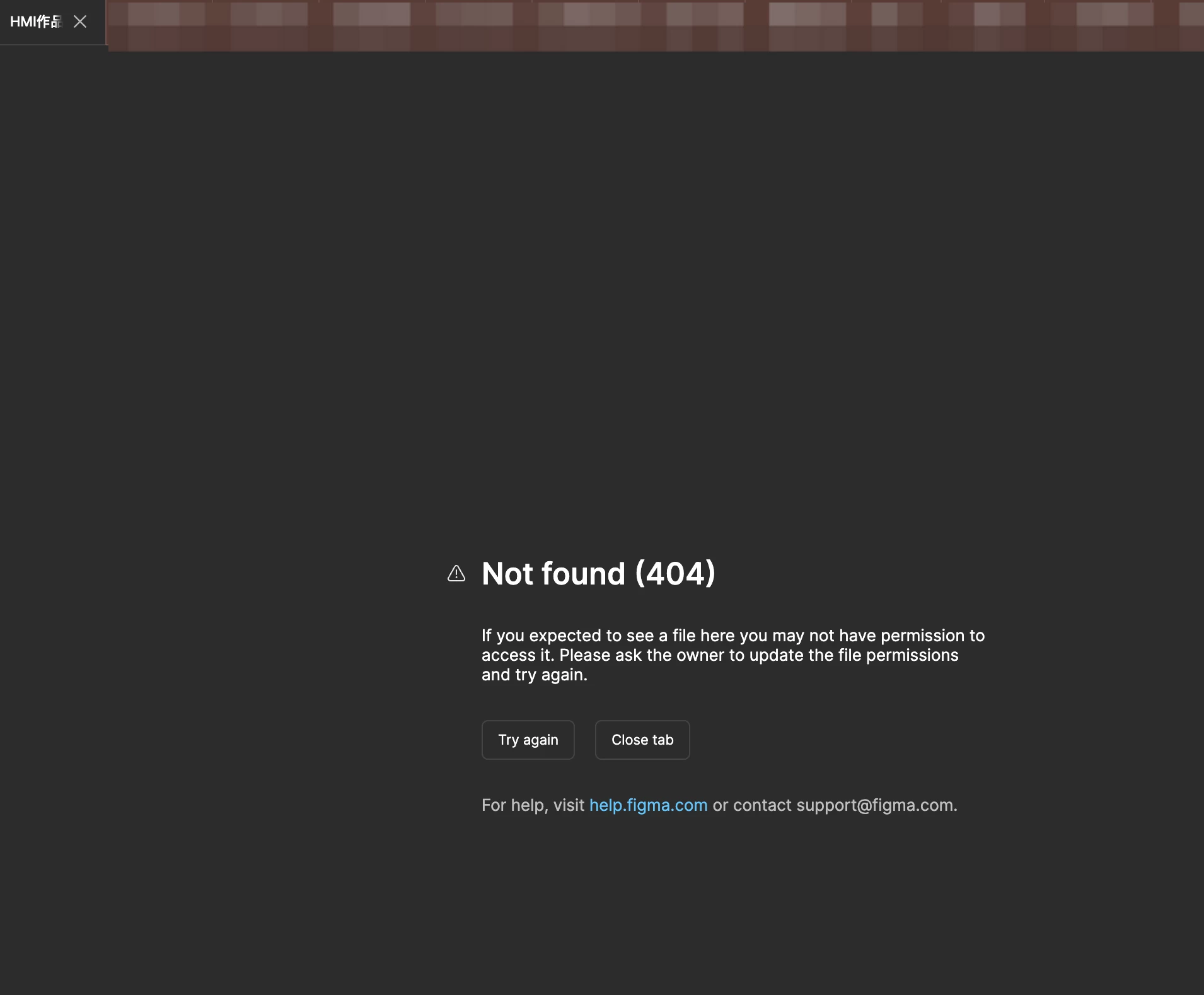
The following is the interface that popped up when I logged back in after accessing this file last time. Last time I was editing it (about 5-6 months ago), now it shows Not found (404)
I can also provide the URL of the file if needed
The Figma account is the one I asked the question about
 

3 replies

ARVIN_sheng
  • Author
  • New Member
  • January 26, 2026

您好,Figma 专家们。我目前遇到一个非常严重的问题。
我的 Figma 文件莫名其妙地消失了。虽然我没有主动删除它,并检查了受信任团队的文件、草箱和恢复站,但仍然找不到它。这个文件对我来说非常重要,它是我的 2024 年工作集。
我非常确定我没有主动删除它,而且我
文件名:HMI作品集
您能否帮我通过内部系统找到它?以下
是我上次访问该文件后重新登录时弹出的界面。我上次编辑它(大约5-6个月前)时,现在显示“未找到(404)”。
如果需要,我也可以提供文件的URL。
URL:https://www.figma.com/file/wLQFzlwlBW5pGdAtd5BejT?node-id=0-1&p=f&t=5dk1rMWlAOyn0bhQ-0&type=design&mode=design&fuid=852405091320861483


ARVIN_sheng
  • Author
  • New Member
  • January 26, 2026

我又发现了一些丢失的文件!

文件名称:2024作品集汇总PDF版本

URL:https://www.figma.com/file/XasSXLRLwKrqg6uHYSKzxI?t=GB7Qib0uYvEwAL6I-0&type=design&mode=design&fuid=852405091320861483


Gayani_S
Figmate
  • Community Support
  • January 27, 2026

Hey ​@ARVIN_sheng, thanks for reaching out and for providing the file link! 

When you're encountering a 404 error or unable to open files, this typically happens due to two main reasons:

  1. Access permissions: Your access to the file may have been removed
  2. File deletion: The file might have been deleted

To help resolve this, I recommend:

  1. Verify you're logged into the correct account
  2. Check the Deleted tab to see if the file is there
  3. If you find the file in the Deleted tab and have can edit access, you can restore it by:
    • Right-clicking on the file
    • Selecting Restore

I can see that you’re the file owner and the file has been deleted from the team “UX Education” on Sep 16, 2025. Please double check the deleted tab and restore it.