

Question
Lost Access to My Own Figma File (Project Creator)
Hello,
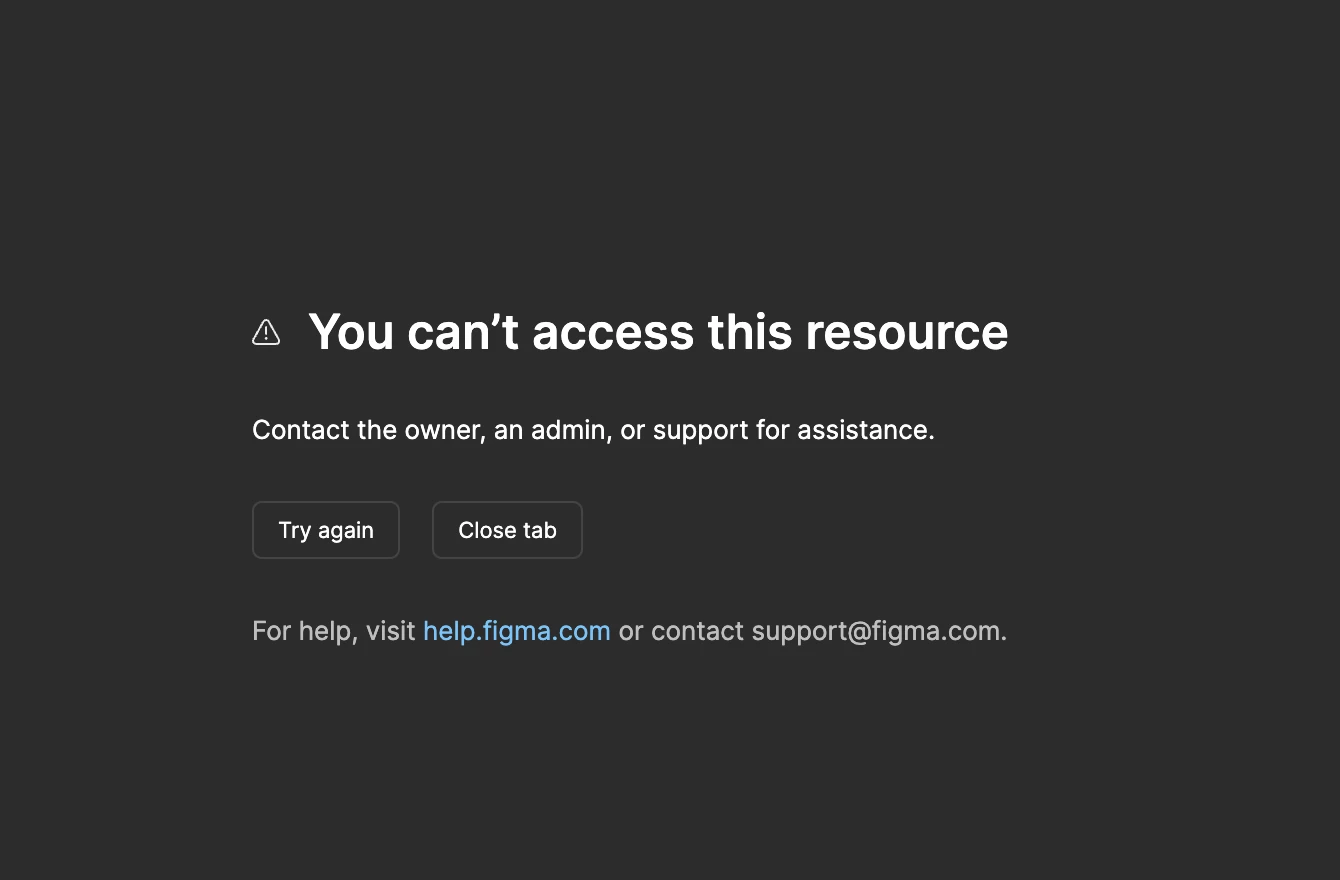
I encountered an issue while using Figma. I am unable to access a file that I originally created. The page currently shows the message “You can’t access this resource.”
This file was created by me, and I have always been the creator/owner of the project. Previously, I only invited a few collaborators to work on the file. However, I can no longer access the file, and I cannot find it in my project list.
I have also checked my Drafts, but the file is not there. I’m not sure what happened.
This project is very important to me and I’m quite concerned about losing access to it. I would really appreciate it if you could help check the status of the file and restore my access.