zj001
New Member
Nov 15, 2026 3:59 AM UTC
Question

Lost access to my account – cannot complete 2FA after resetting my old iPhone

Hello Figma Support,

I am writing to request help to reset the two-factor authentication for my Figma account.

Account information:

  • Registered email: [redacted by forum moderator to remove PII]
  • Account nickname: Zhuo

What happened: I used Microsoft Authenticator for 2FA. My old iPhone with the authenticator has been fully reset, and I no longer have access to the original 2FA seed or recovery codes. I moved to a new iPhone, and every verification code I generate is invalid, so I cannot log in. I am a free Figma user.

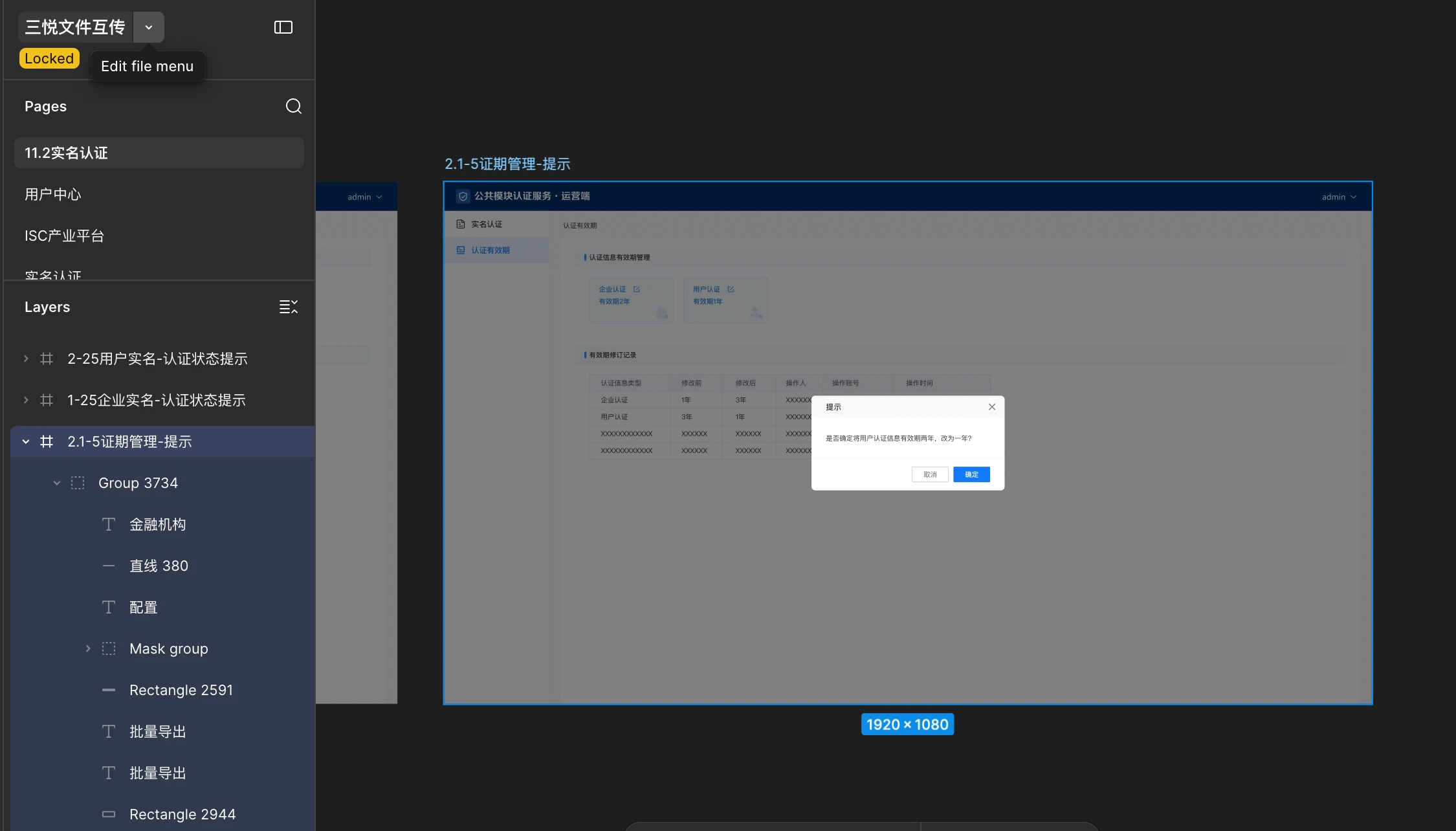
To prove ownership of this account, I provide the list of my private projects and a community plugin I released on this account.

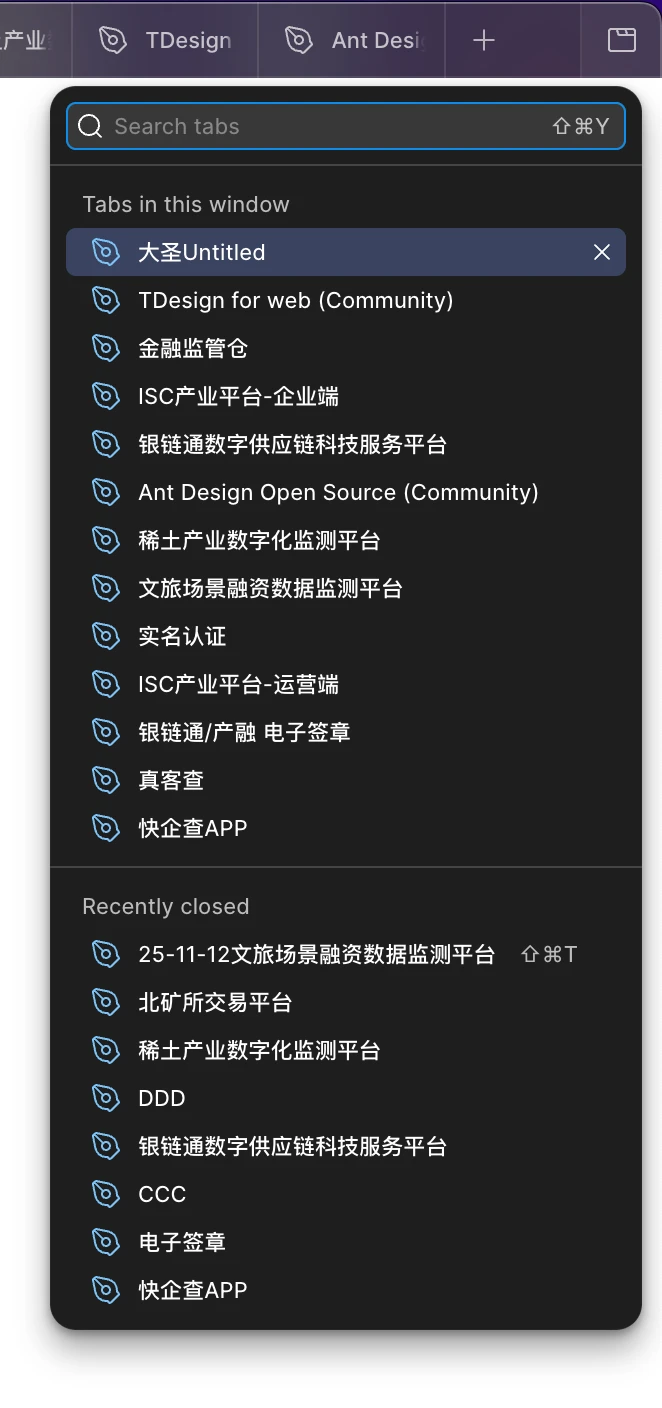
My projects:

  • 大圣 Untitled (Dasheng Untitled)
  • TDesign for web (Community)
  • 金融监管仓 (Financial Supervision Warehouse)
  • ISC 产业平台 - 企业端 (ISC Industry Platform - Enterprise Side)
  • 银链通数字供应链科技服务平台 (Yinliantong Digital Supply Chain Tech Service Platform)
  • Ant Design Open Source (Community)
  • 稀土产业数字化监测平台 (Rare Earth Industry Digital Monitoring Platform)
  • 文旅场景融资数据监测平台 (Cultural Tourism Financing Data Monitoring Platform)
  • 实名认证 (Real-name Authentication)
  • ISC 产业平台 - 运营端 (ISC Industry Platform - Operation Side)
  • 银链通 / 产融 电子签章 (Yinliantong / Industry-Finance Electronic Seal)
  • 真客查 (Zhenke Check)
  • 快企查 APP (Kuaiqicha APP)
  • 25-11-12 文旅场景融资数据监测平台 (25-11-12 Cultural Tourism Financing Data Monitoring Platform)
  • 北矿所交易平台 (China Beijing Mineral Exchange Trading Platform)
  • DDD
  • CCC
  • 电子签章 (Electronic Seal)
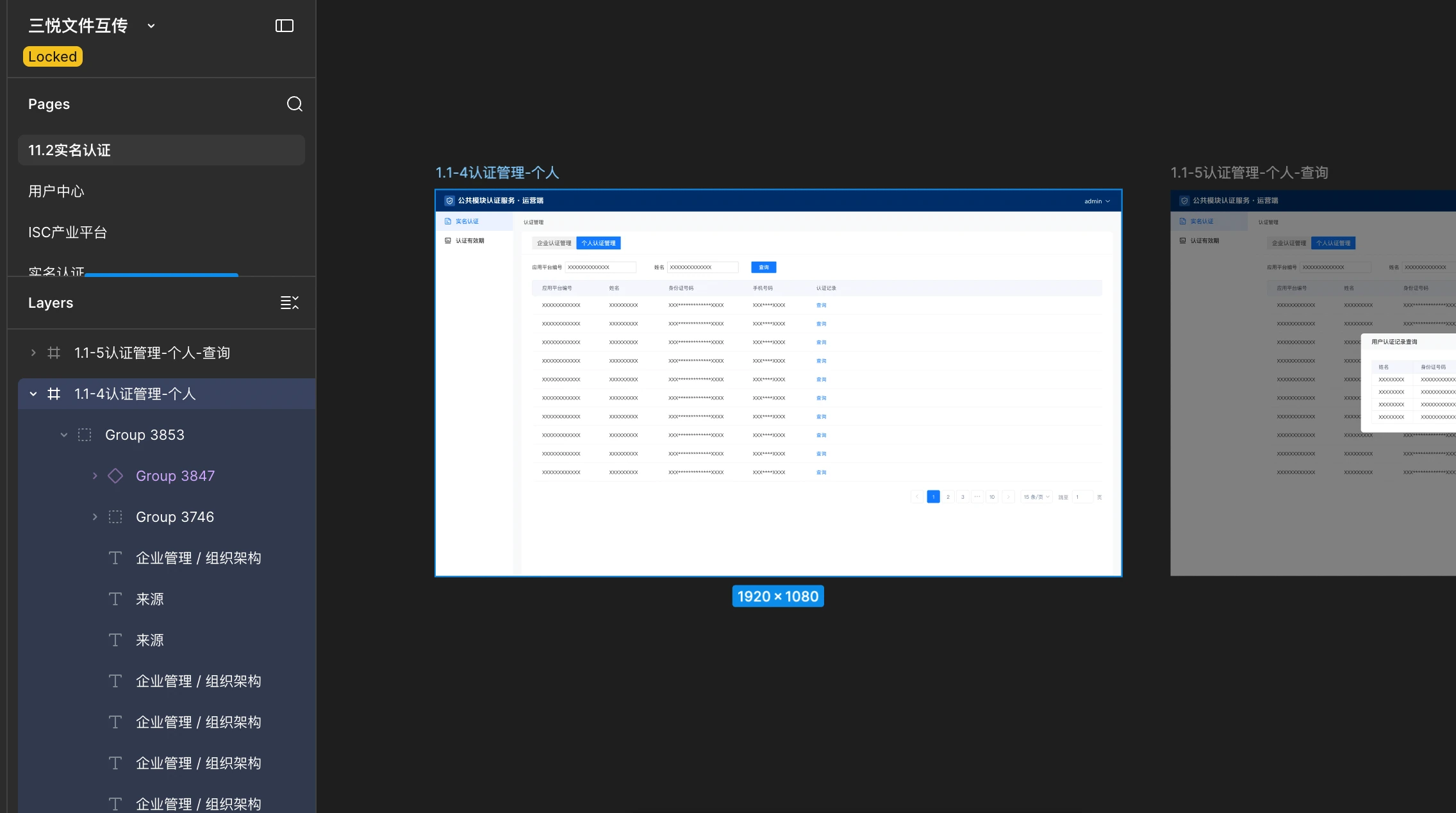
  • 三悦文件互传(Sanyue File Transfer)

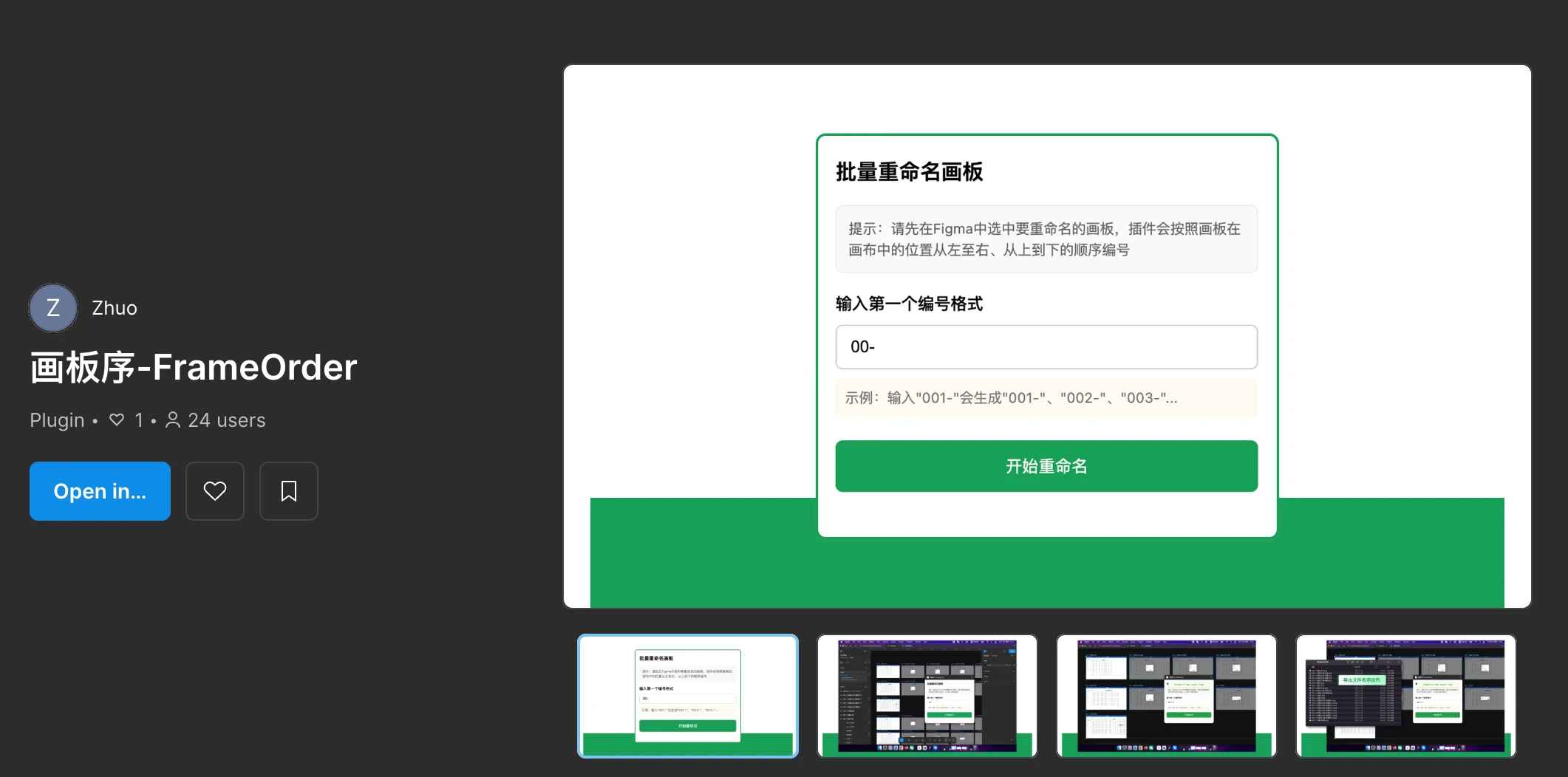
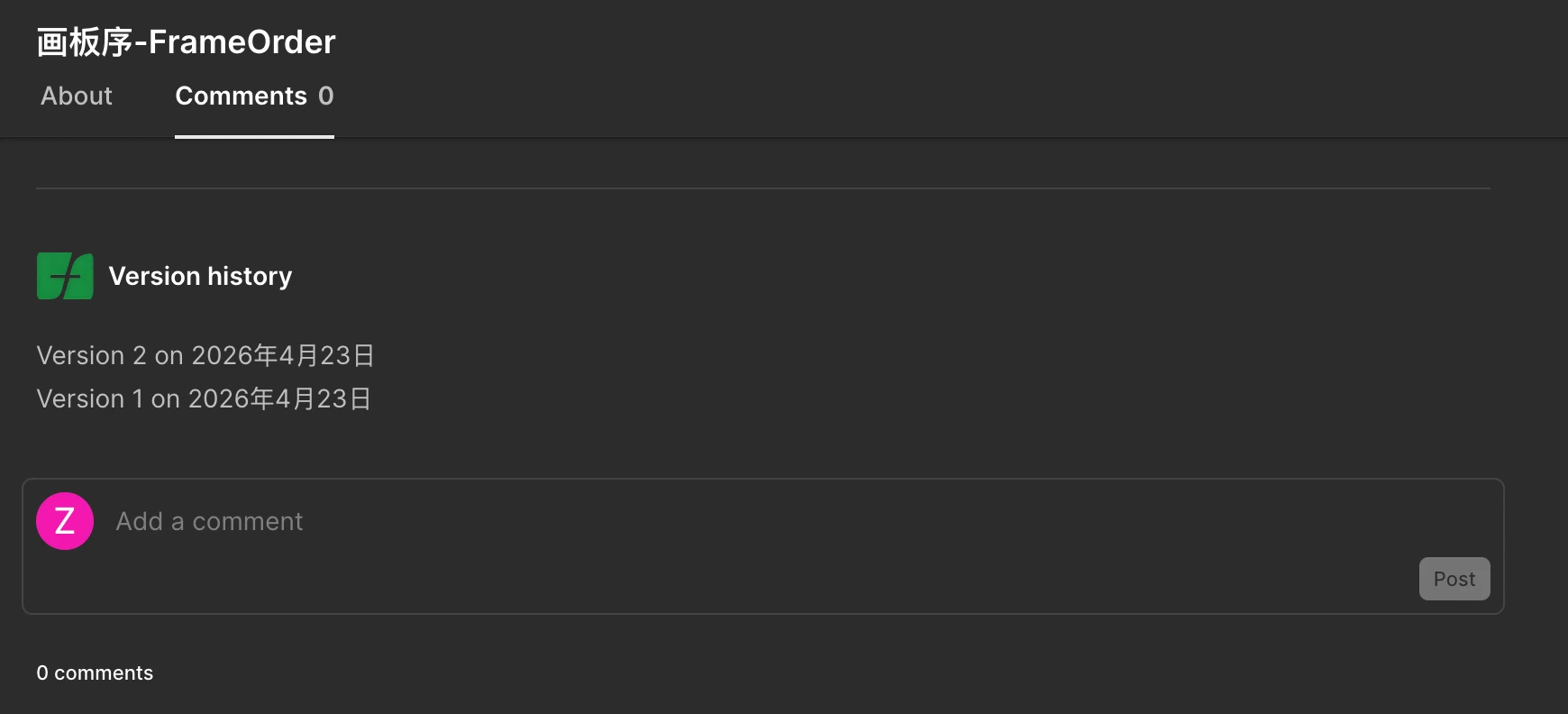
Strong additional proof: I published a Figma Community plugin on this account about seven months ago: 画板序 - FrameOrder (Hua Ban Xu - FrameOrder)

I have attached screenshots of my project list as further evidence. Please help reset my two-factor authentication so I can regain access.

Thank you very much.

 

7 replies

Donkt
Figmate
Figmate
Nov 15, 2026 7:36 AM UTC

Hi ​@zj001, thanks for posting.


I’m sorry you’re having trouble with this! Let’s see if we can get you back into your account. Can you please try the the following?


Check all browsers and apps used to see if you’re still logged into Figma:

  • If you’re still logged in, you can remove 2FA settings from your Figma account settings. Please scroll down to the “Remove two-factor authentication” section in our article: Enable two-factor authentication (2FA)

If you can log in with Google:

  • You can sign in with Google to bypass the 2FA process. Please go to https://www.figma.com/login and select the “Continue with Google” option.


If neither of these work, let me know and we’ll take a look at what steps we can take next.

zj001
zj001Author
New Member
Nov 15, 2026 10:06 AM UTC

Hi, thank you for your reply.

Unfortunately, neither of these two methods works for me:
1. I have checked all browsers, desktop apps and mobile apps. There is no device that remains logged into this Figma account anywhere. My old iPhone was fully reset, all local sessions were cleared.
2. When I choose “Continue with Google” to log in, it still requires a 2FA verification code. It cannot bypass two-factor authentication.

I have no backup recovery codes, and the Microsoft Authenticator seed was lost after the old iPhone reset.

Account info:
Registered email: [redacted by forum moderator to remove PII]
Nickname: Zhuo
Approximate account registration date: early 2022

Proof of ownership:
I have listed many of my private design projects under this account in the original post, and I also published a Figma Community plugin here around seven months ago:
画板序-FrameOrder (Hua Ban Xu - FrameOrder)
Plugin link: https://www.figma.com/community/plugin/1629044242338735256/frameorder

Screenshot of my project list is attached.

Could you please escalate this case and manually disable the two‑factor authentication for my account? I will safely save the new recovery codes once I regain access.

Thank you so much for your help.


Donkt
Figmate
Figmate
Nov 15, 2026 11:37 AM UTC

Hi again ​@zj001 


I’m going to create a ticket for you to put you in touch with our support team so they can help you with this. Before I do that, can you please confirm that you still have access to the email address associated with the Figma account you’re trying to recover?