

黄曦尹
New Member
October 20, 2026
Solved

Locked out of account, lost TOTP 2FA, no recovery codes, verified education account

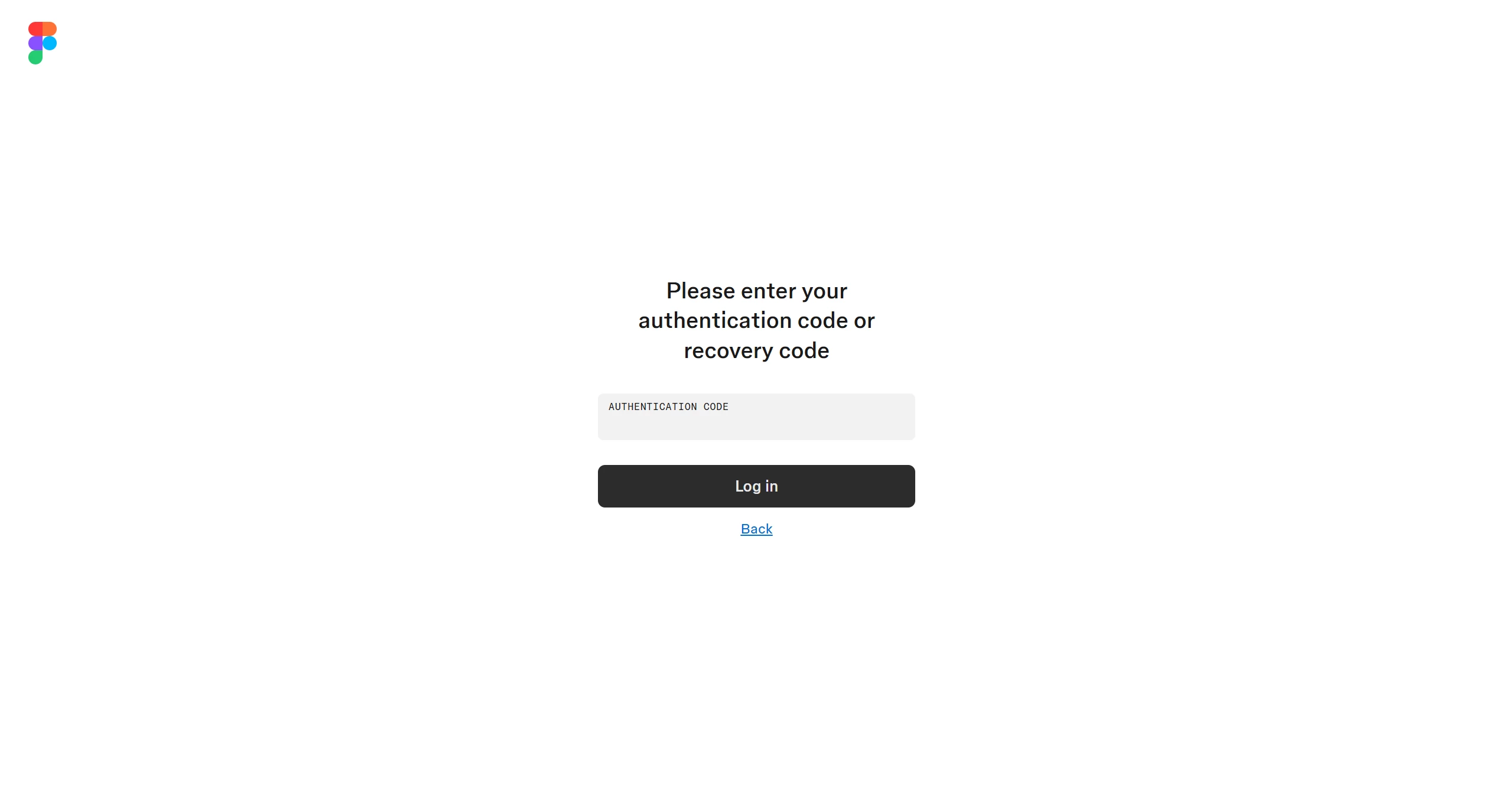
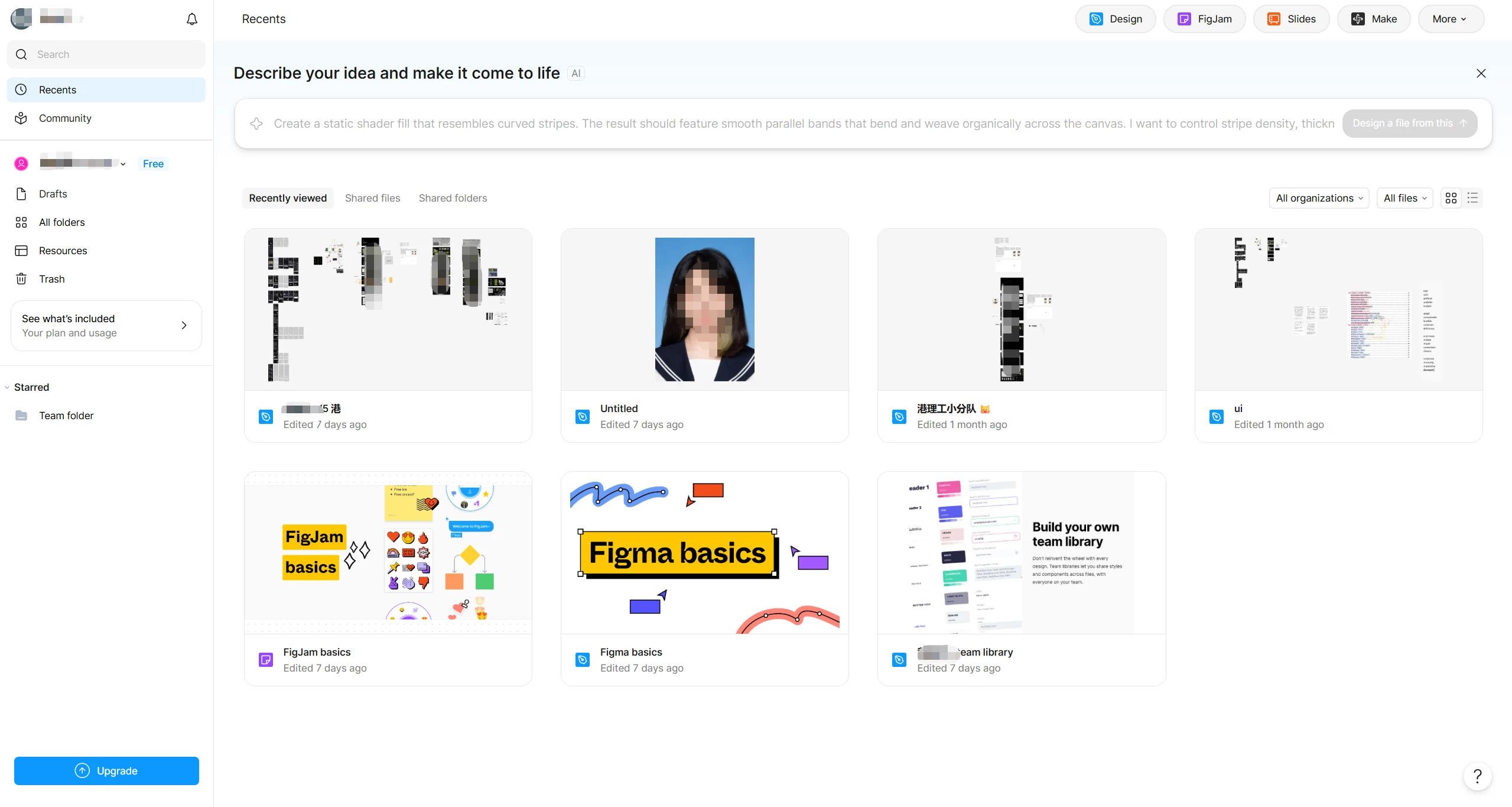
Hi Figma support team, I cannot log into my Figma account because I lost my authenticator app and I did not save recovery codes. I’m stuck on the page asking for authentication code or recovery code. Registered email of the locked account: [redacted by moderator to remove personal information]. This account has passed Figma education verification. I don’t remember the exact creation date of this account. Proof of ownership attached: 1. Screenshot of my 2FA lock screen 2. Screenshot of my Figma home page with my project files (I blurred sensitive design content in the screenshot to protect my work. The file names and Figma UI are kept visible for verification.) 3. Screenshot showing my Figma education verified status Could a Figma staff help manually remove the two-factor authentication for this account? I will save the new recovery codes carefully once I get back in. Thank you very much.
[screenshot redacted by moderator to remove personal information]

 

Tom Reem
Tom ReemSolution
Figmate
October 20, 2026

Hi ​@黄曦尹 — welcome to Figma Forum, and sorry to hear about the trouble with accessing your account.

I removed some details from your post that contained personal information, to protect your privacy and your account’s security.

Let’s get you in touch with a team member who can take a deeper look into your account settings. Customer Support will need to assist with access requests like this one directly. I’ve opened case on your behalf: 2209745, passed along the information you provided in this thread internally, and emailed you with what the team will need to verify the account.

Once you’re back in, this article covers setting up two-factor authentication again and saving your recovery codes: Enable two-factor authentication (2FA).

Appreciate your patience as we follow up on this. 🙏🏻

4 replies

Tom Reem
Figmate
Tom ReemSolution
Figmate
October 20, 2026

Hi ​@黄曦尹 — welcome to Figma Forum, and sorry to hear about the trouble with accessing your account.

I removed some details from your post that contained personal information, to protect your privacy and your account’s security.

Let’s get you in touch with a team member who can take a deeper look into your account settings. Customer Support will need to assist with access requests like this one directly. I’ve opened case on your behalf: 2209745, passed along the information you provided in this thread internally, and emailed you with what the team will need to verify the account.

Once you’re back in, this article covers setting up two-factor authentication again and saving your recovery codes: Enable two-factor authentication (2FA).

Appreciate your patience as we follow up on this. 🙏🏻

黄曦尹
黄曦尹Author
New Member
October 21, 2026

Hi Tom, thank you so much for helping me open the case 2209745. I have checked my inbox, spam and all mail folders, but I haven’t received the verification email yet. Could you help check and resend it please? Thank you!

Celine_
Figmate
Community Support
October 21, 2026

Hey ​@黄曦尹 , stepping in for ​@Tom Reem ! We have sent you an email to your email address: hxxxx3@gxxxl.xxm. It seems that it’s been sent on our side, could you please double check your inbox and spam folder? Thank you!