

Its 2026. Figma UI still overlays top nav bar on prototype
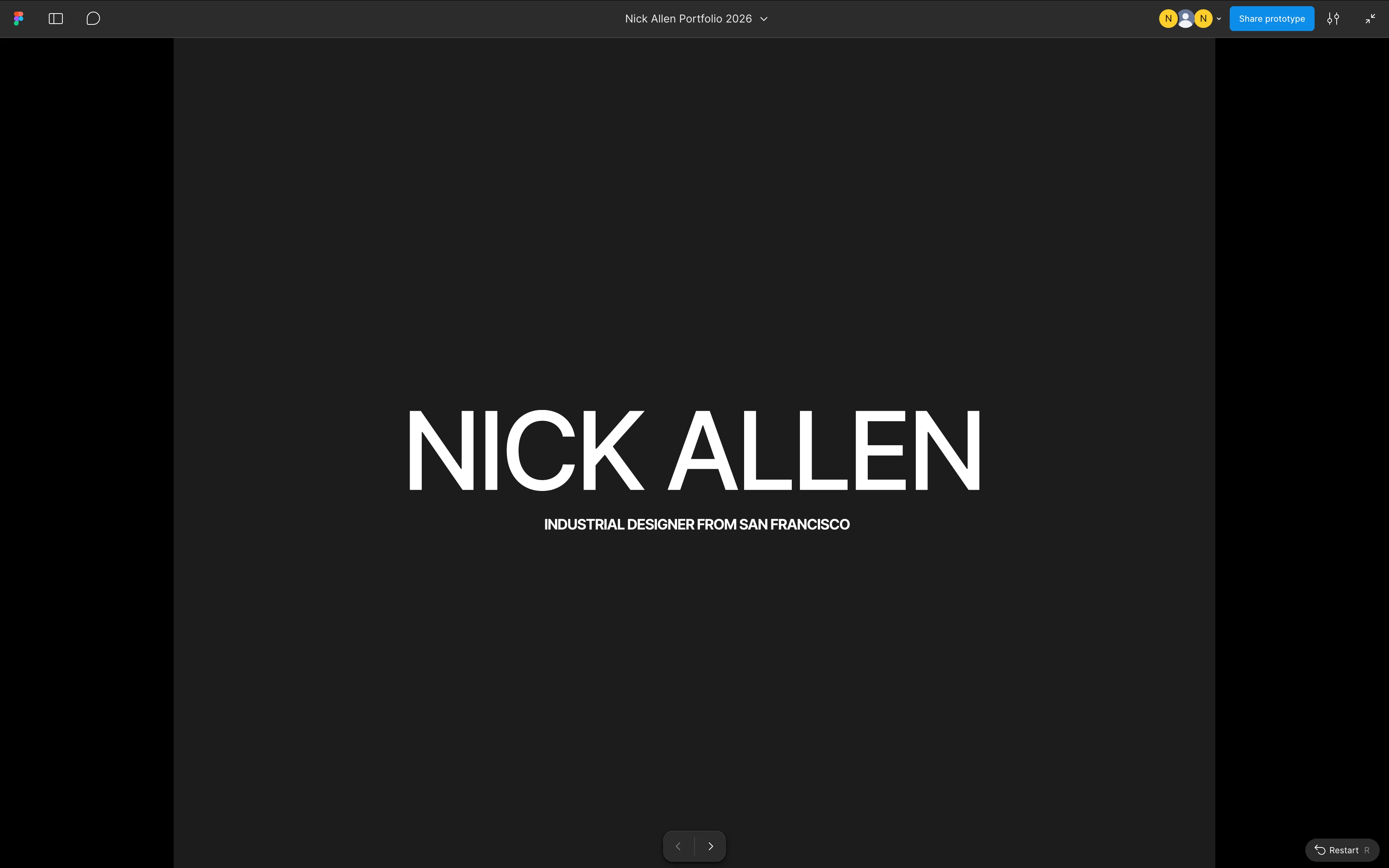
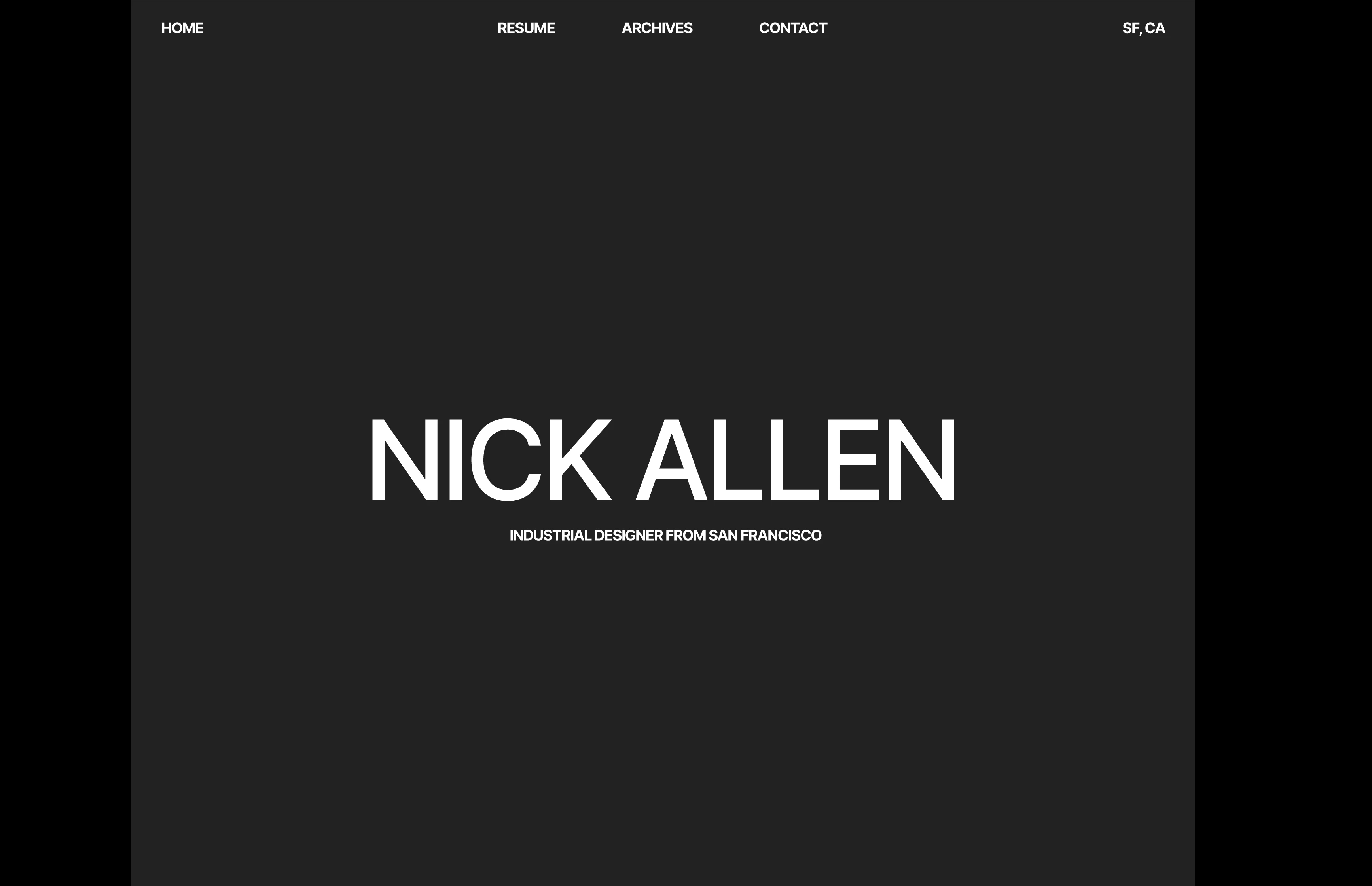
Its 2026 and the Figma UI still overlays on top of prototypes, obscuring the top nav bar needed to navigate the prototype. I can hide the UI - but then without knowing how to turn it back on, a client will not know how to expand the UI to full screen, or how to leave comments. But if I leave the UI on, the client will be frustrated not being able to navigate the site because the UI overlays the navigation bar.
I have seen dozens of complaints for this exact problem on this forum for the last 4 years. Why hasn’t this been fixed? It feels so unprofessional to have to explain to a client how to navigate the software to properly view prototype. Just make the nav bar ABOVE the content of the prototype. There is no value in overlaying it.
Please for the love of god fix this.