

Question

Issue with Google sheet sync

  • February 6, 2026
  • 3 replies
  • 52 views

Fayas

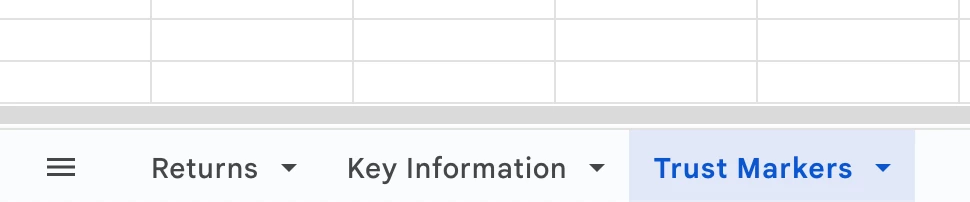
I’ve issue in syncing data from Google Sheet where the data is present in second or third tab. When I hit sync, the layer automatically hides itself and the data is not getting updated.

But this is not the case for the first tab. 

Is this the known issue? should I keep 3 separate files to sync the data in Figma?
 

3 replies

GrevaGen
  • New Participant
  • February 6, 2026

Hey! I ran into this recently too. Have you double-checked that the Google Sheet sharing settings are set to 'Anyone with the link can view'? Sometimes if it’s restricted to just your organization, the plugin has a hard time fetching the data even if you're logged in.


bionic.violist

I just spent several hours trying to convince figma and a google sheet to talk to each other with Google Sheets Sync with no luck.  To answer the obvious:

  • yes - my google sheet is set to “anyone with link can view”
  • yes - all my layers start with a #
  • yes - all my layers are named precisely what the column is name, I did copy/paste

Fayas
  • Author
  • New Member
  • February 16, 2026

For now, I’ve kept all the details in one sheet and synced with Figma.