

Solved

issue in Figma Prototype mode.

  • July 29, 2026
  • 1 reply
  • 26 views

Sachin8

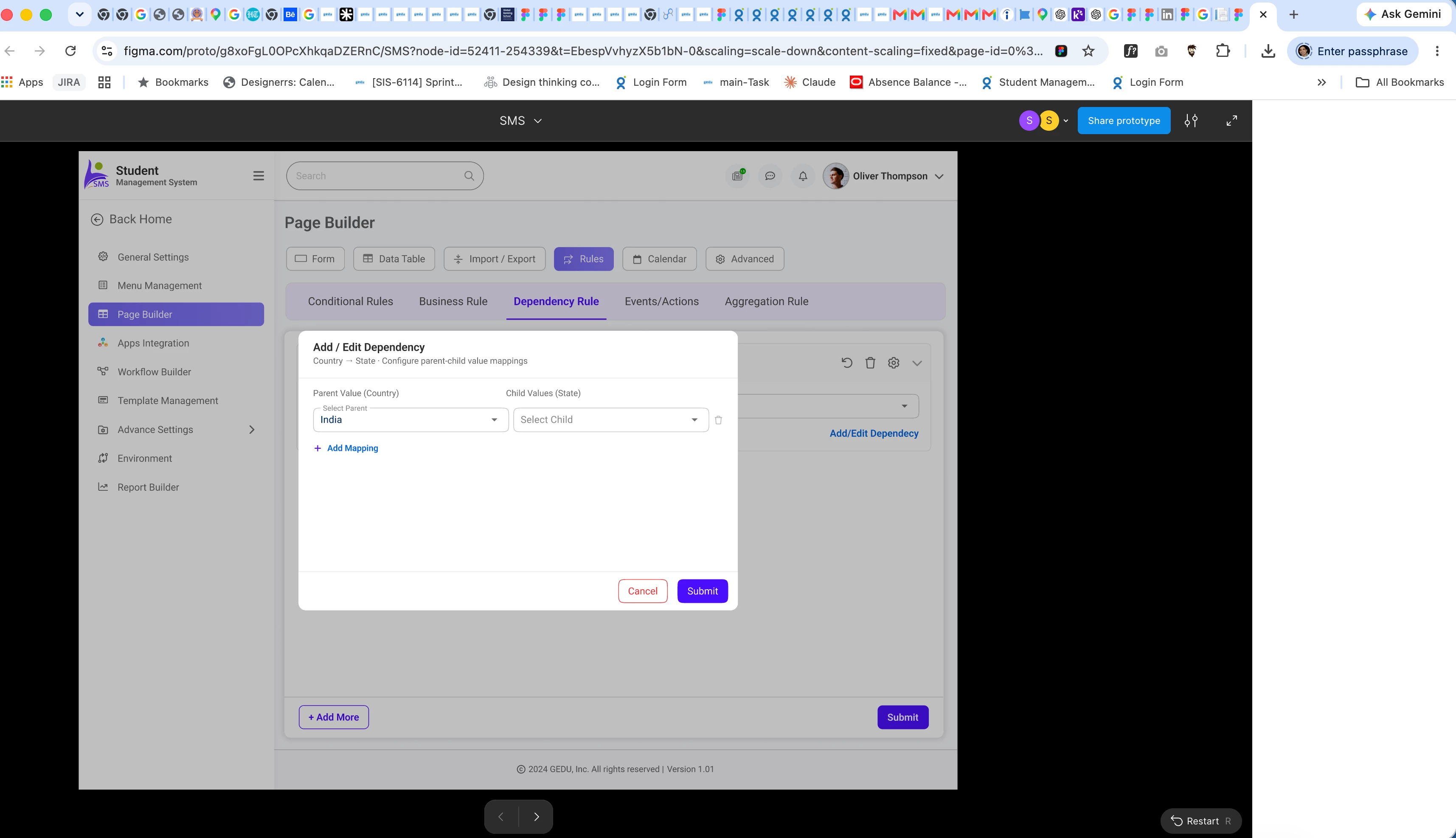
I'm experiencing an issue in Figma Prototype mode. When I click on a prototype interaction, then select the pop-up and click on the linked connection, the entire canvas unexpectedly shifts to the left. This makes it difficult to inspect or edit the prototype links, as the viewport keeps moving instead of staying in place.

and this issue coming in my account .. and someone working along with me .. 

it not having issue so it the account issue i am facing
 

Best answer by Celine_

Hey there! Celine from the Community Support team at Figma here. Thanks for reporting this, and sorry you're running into the issue.

I can see that you've already submitted a bug report, thanks for doing that! I've also gone ahead and escalated it internally, and I can confirm that your case has now been escalated to our technical quality team. For reference, your support case is 2038827.

At this point, there's no further action needed from you. However, if you haven't already, it would be helpful to reply to your support case with the URL of the affected file and grant ‘Can View’ access to support-share@figma.com. This will help our team reproduce the issue and investigate it more efficiently.

The team will reach out if they need any additional information as they continue their investigation. Thanks again for flagging this, and we appreciate your patience while the team looks into it!

1 reply

Celine_
Figmate
  • Community Support
  • Answer
  • July 29, 2026

Hey there! Celine from the Community Support team at Figma here. Thanks for reporting this, and sorry you're running into the issue.

I can see that you've already submitted a bug report, thanks for doing that! I've also gone ahead and escalated it internally, and I can confirm that your case has now been escalated to our technical quality team. For reference, your support case is 2038827.

At this point, there's no further action needed from you. However, if you haven't already, it would be helpful to reply to your support case with the URL of the affected file and grant ‘Can View’ access to support-share@figma.com. This will help our team reproduce the issue and investigate it more efficiently.

The team will reach out if they need any additional information as they continue their investigation. Thanks again for flagging this, and we appreciate your patience while the team looks into it!
