

Question

Invalid file dates not updating

  • June 16, 2026
  • 1 reply
  • 5 views

jadevaa

Hello,

I have searched for people who have had a similar problem, but with no success. The last updated project dates are showing incorrectly, dating back to months before, even though the files inside were updated days or weeks ago. See attached picture. What could be the problem? They are in the correct order, the dates are showing incorrectly though (with the top being the most recent updated one). 

Thank you. 
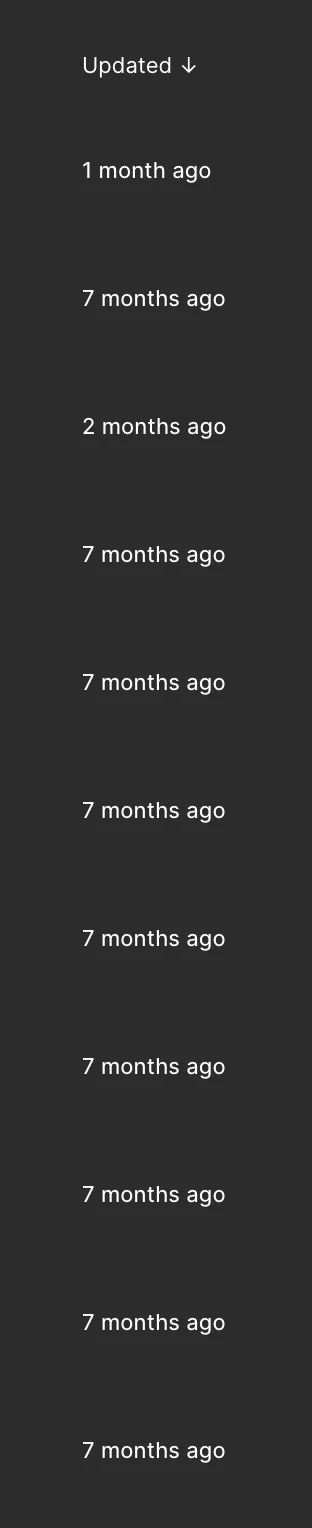
 

1 reply

Celyn_L
Figmate
  • Figmate
  • June 17, 2026

Hi ​@jadevaa, Celyn from Figma Community Support here.

Thanks for reaching out and for sharing the screenshot. Appreciate that you took the time to look for similar reports before posting here.

I understand that the projects in your file browser appear to be showing incorrect "Last updated" dates, even though the files within those projects have been updated more recently. From what you've described, the projects seem to be sorted correctly, but the displayed timestamps don't appear to reflect the actual file activity.

I've gone ahead and created a support ticket for you so the team can take a closer look into this. Your case number is #1966853.

It would also be really helpful if you could reply directly to the ticket with links to one or two affected projects/files where you're seeing this behavior. That will give the team additional context as they investigate.

Someone from the team will be reaching out shortly, thanks for your patience in the meantime 🙏