

Solved

Intermittent Screen Loading & Unresponsive Issue When Logged Into Figma

  • January 29, 2026
  • 2 replies
  • 100 views

Prachi Trivedi

Hello Figma Support Team,


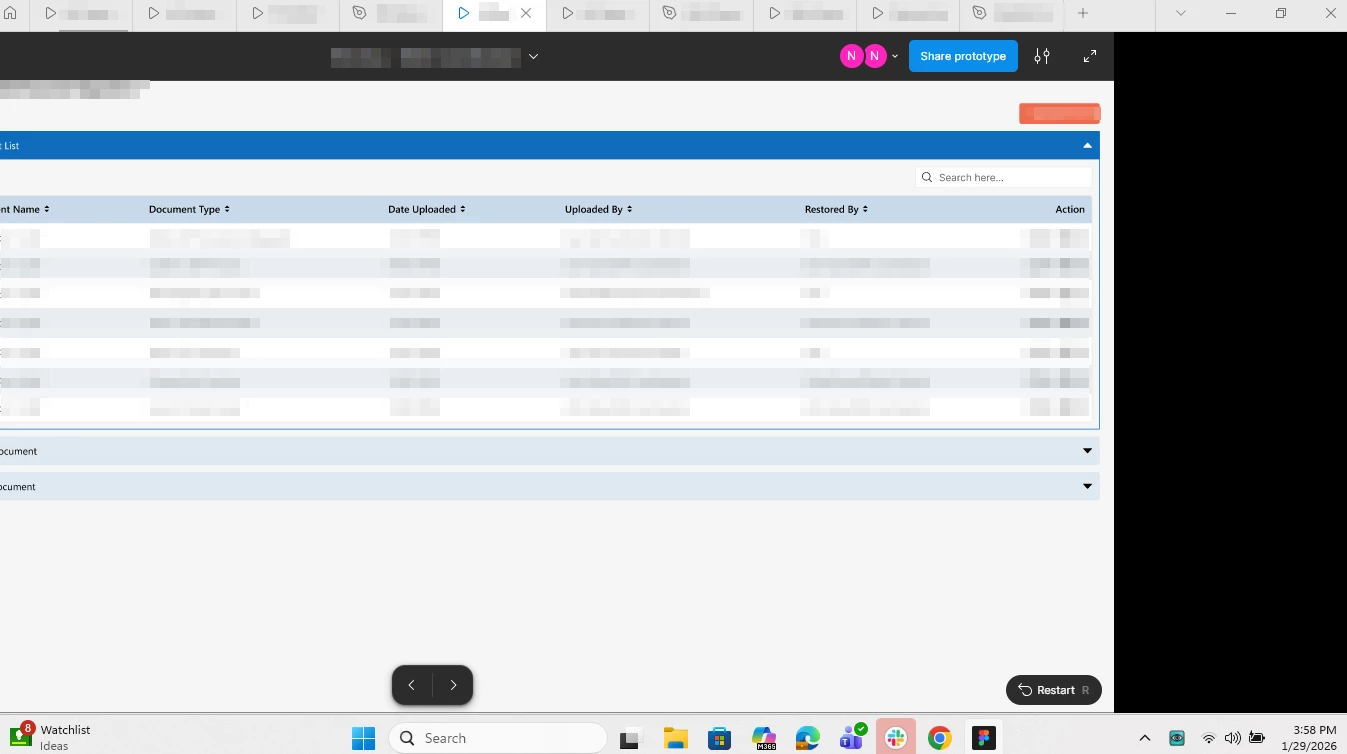
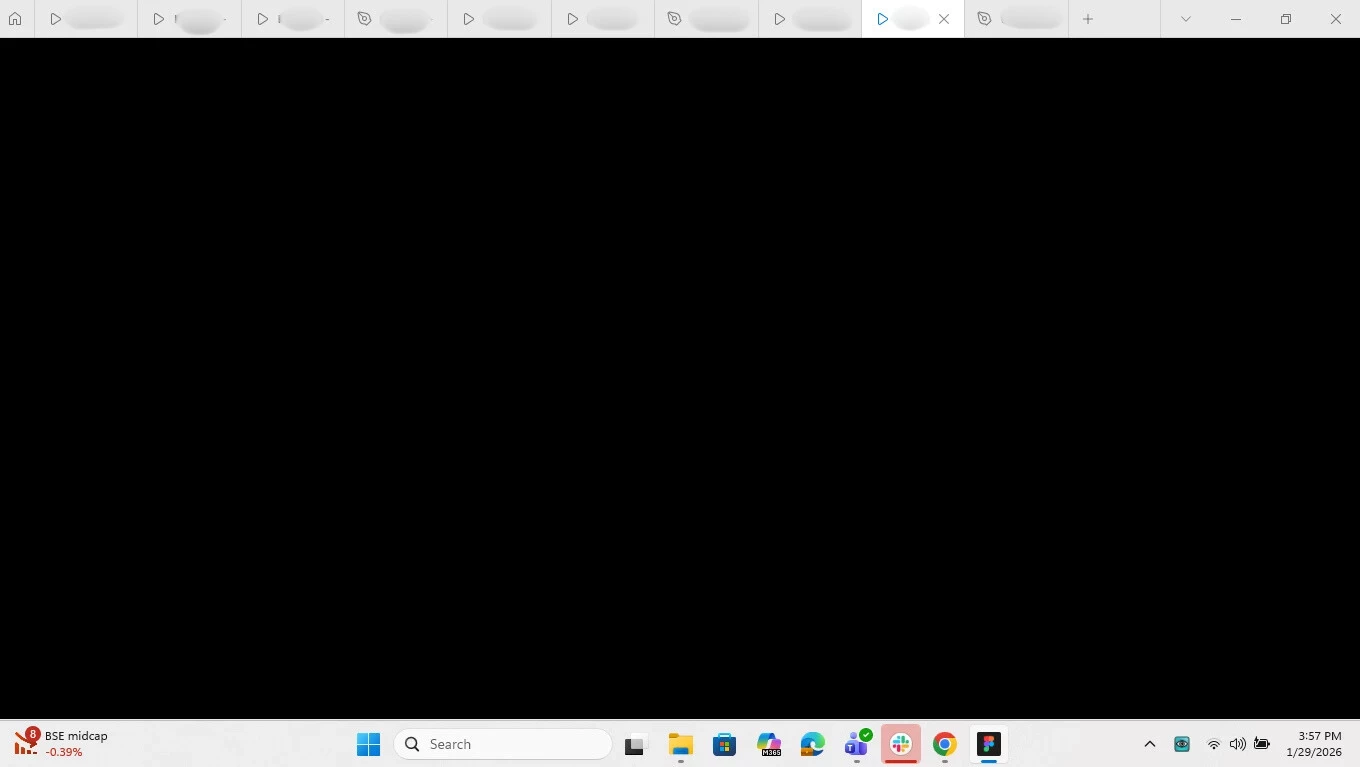
We have observed since today morning an intermittent issue in Figma where certain screens do not load properly when we are logged into the our account. When this happens, the page becomes unresponsive, and we are unable to click or interact with any elements on the screen. Note that this behavior is not observed that when we are NOT logged into the account.


This issue occurs randomly and disrupts our workflow. Currently, the only workaround we have found is to reload the page or close and reopen the file.


I have attached a screenshot for reference to show how the issue appears. Could you please help us identify the cause and suggest a permanent or alternative solution? Let us know if any additional details are required from our side.
 

Best answer by Celine_

Hey everyone, Celine from Figma here! Thanks for sharing the details and screenshots.

To help move this forward, I’ve gone ahead and created support tickets for you so our technical quality team can investigate more closely:

  • @Prachi Trivedi : your case number is 1715211, sent to prxxxxdi@nxxxb.xxz. The team is currently waiting for your reply in the case to gather a bit more information and try some next steps.

  • @Nayan_Radadiya  your case number is 1715242, sent to nxxxxx1@gxxxl.xxm. Please add any additional details or screenshots directly in your case if you can.

Please reply directly in your case, it will allow the team to dig in and continue the investigation. Thank you, and hope this gets resolved quickly!

Update
 ​@Prachi Trivedi : For visibility here, I can see in the backend that your issue has been resolved. Glad to see that sorted!
@Nayan_Radadiya : Our Technical Quality team is still waiting for your reply to continue the investigation. Please check your inbox when you get a chance.

I’ll go ahead and close the thread here as the requests have been addressed. If you have any further questions, feel free to reply directly to your support case, it will reopen automatically. Thanks!

This topic has been closed for replies.

2 replies

Nayan_Radadiya

I'm also facing similar issue


Celine_
Figmate
  • Community Support
  • Answer
  • January 29, 2026

Hey everyone, Celine from Figma here! Thanks for sharing the details and screenshots.

To help move this forward, I’ve gone ahead and created support tickets for you so our technical quality team can investigate more closely:

  • @Prachi Trivedi : your case number is 1715211, sent to prxxxxdi@nxxxb.xxz. The team is currently waiting for your reply in the case to gather a bit more information and try some next steps.

  • @Nayan_Radadiya  your case number is 1715242, sent to nxxxxx1@gxxxl.xxm. Please add any additional details or screenshots directly in your case if you can.

Please reply directly in your case, it will allow the team to dig in and continue the investigation. Thank you, and hope this gets resolved quickly!

Update
 ​@Prachi Trivedi : For visibility here, I can see in the backend that your issue has been resolved. Glad to see that sorted!
@Nayan_Radadiya : Our Technical Quality team is still waiting for your reply to continue the investigation. Please check your inbox when you get a chance.

I’ll go ahead and close the thread here as the requests have been addressed. If you have any further questions, feel free to reply directly to your support case, it will reopen automatically. Thanks!
