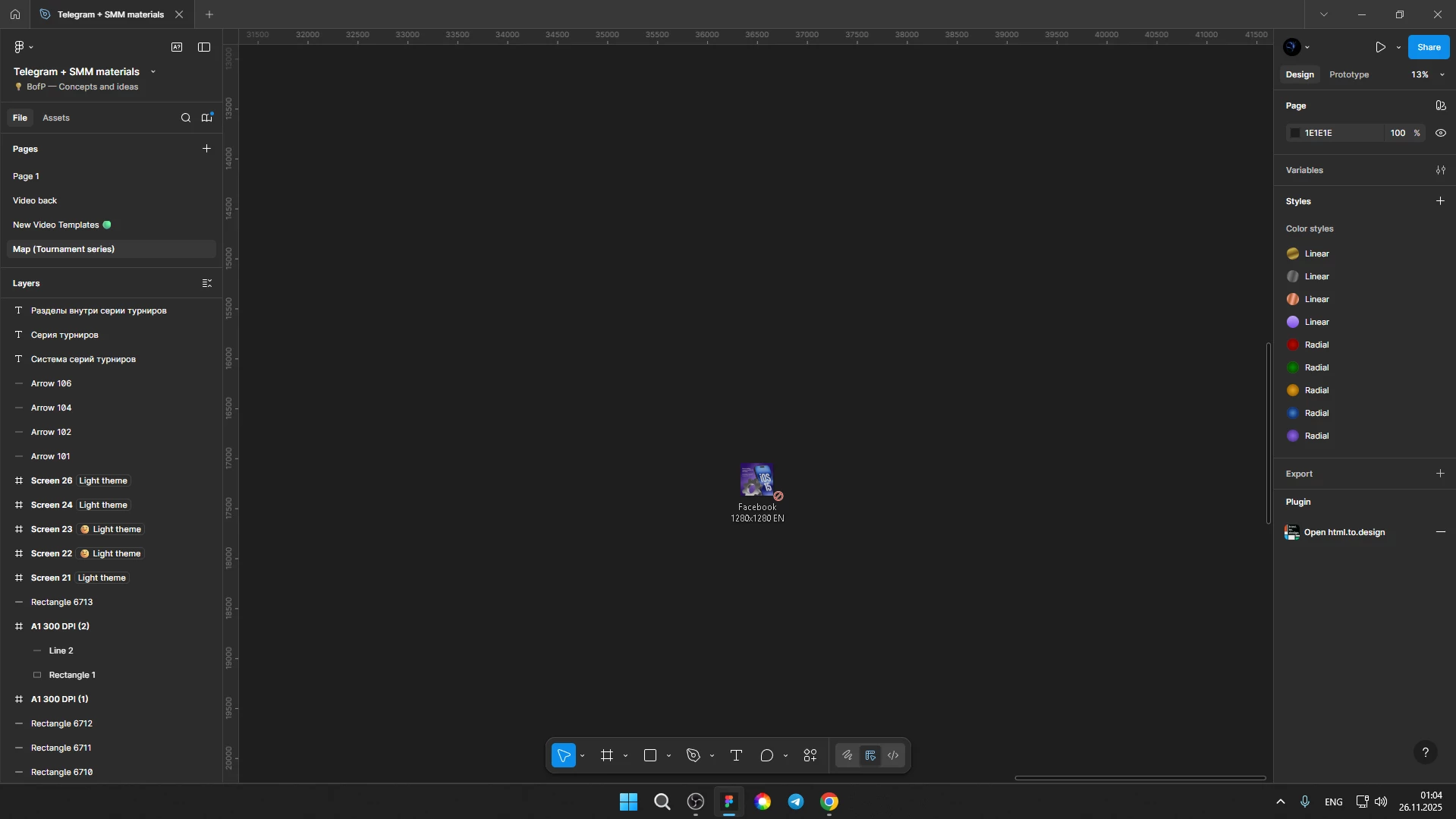
Images of any format cannot be dragged into the Figma
Subject: Unable to drag and drop files into Figma Desktop when the window is maximized
Description:
I’ve recently encountered a strange issue with the Figma Desktop app on Windows.
I can no longer drag and drop files (images, assets, etc.) into Figma when the application window is maximized.
Here’s what happens:
-
If Figma is maximized (full screen) → I cannot drag and drop any files into the canvas.
It feels like the application loses focus or becomes “inactive” during the drag action. -
If I minimize or restore the window (not full screen) → drag and drop works normally.
-
Drag and drop works perfectly in the web version of Figma.
It looks like Windows does not consider the Figma window active during drag operation when it’s maximized.
What I’ve already tried
-
Reset app settings
-
Reinstalled Figma Desktop
-
Restarted the computer
-
Tried drag and drop from different folders
-
Checked keyboard/mouse behavior
-
Tested with different files
-
Confirmed it works only when the window is not maximized
-
Web version works without any issues
None of these steps fixed the issue.
Environment
-
OS: Windows (latest updates installed)
-
Figma: Desktop version (latest version)
-
Issue started: Recently, without any major system changes
-
Input devices: Standard keyboard and mouse
-
Possible suspicion:
-
Windows window-focus issue
-
Drag & drop blocked when app window is maximized
-
System does not treat the window as active during drag operation
-
Question
Has anyone experienced this issue before?
Is this a known bug in the latest Figma Desktop version or a Windows-related drag & drop problem?
Any ideas on how to fix it?