

Question

Image looking oversaturated when imported into Figma

  • February 11, 2026
  • 1 reply
  • 25 views

Etiene Crauss

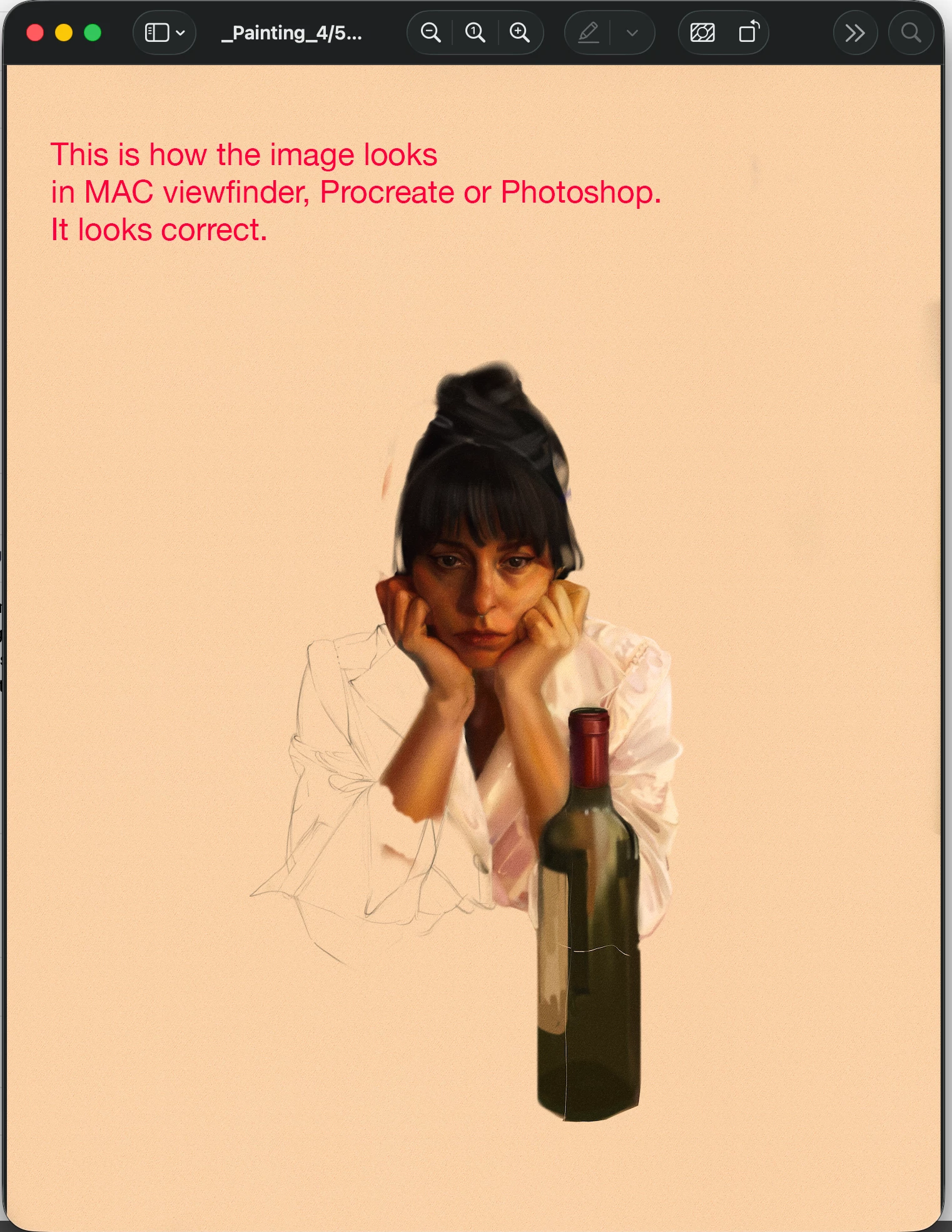
First of all, I have my Figma project set to Display P3 color space. When I try to import an image with a Display P3 tag, the image looks normal on Mac viewfinder or in Photoshop, it reads the tag correctly (first image), but when I import into a Figma project with the Display P3 color space active in the project, it feels like Figma is doing the color management again instead of reading the correct color profile attached to the image, so it oversaturates it. I’m going crazy over this. Can someone help?

 

1 reply

Etiene Crauss
  • Author
  • New Member
  • February 11, 2026

I have found a possible fix that isn’t optimal but it works (apparently), which is to first remove the color tag from the image and then import into Figma. So my suspicion that Figma automatically attributes the P3 color profile in anything that is imported into Figma with the Display P3 color space activated is probably correct. Don’t know if that’s how Figma does it’s color management but shouldn’t Figma be reading the metadata of the image to correctly display it’s color instead of attributing another color tag to it the image?