biancanecor
New Member
Oct 9, 2026 8:49 AM UTC
Solved

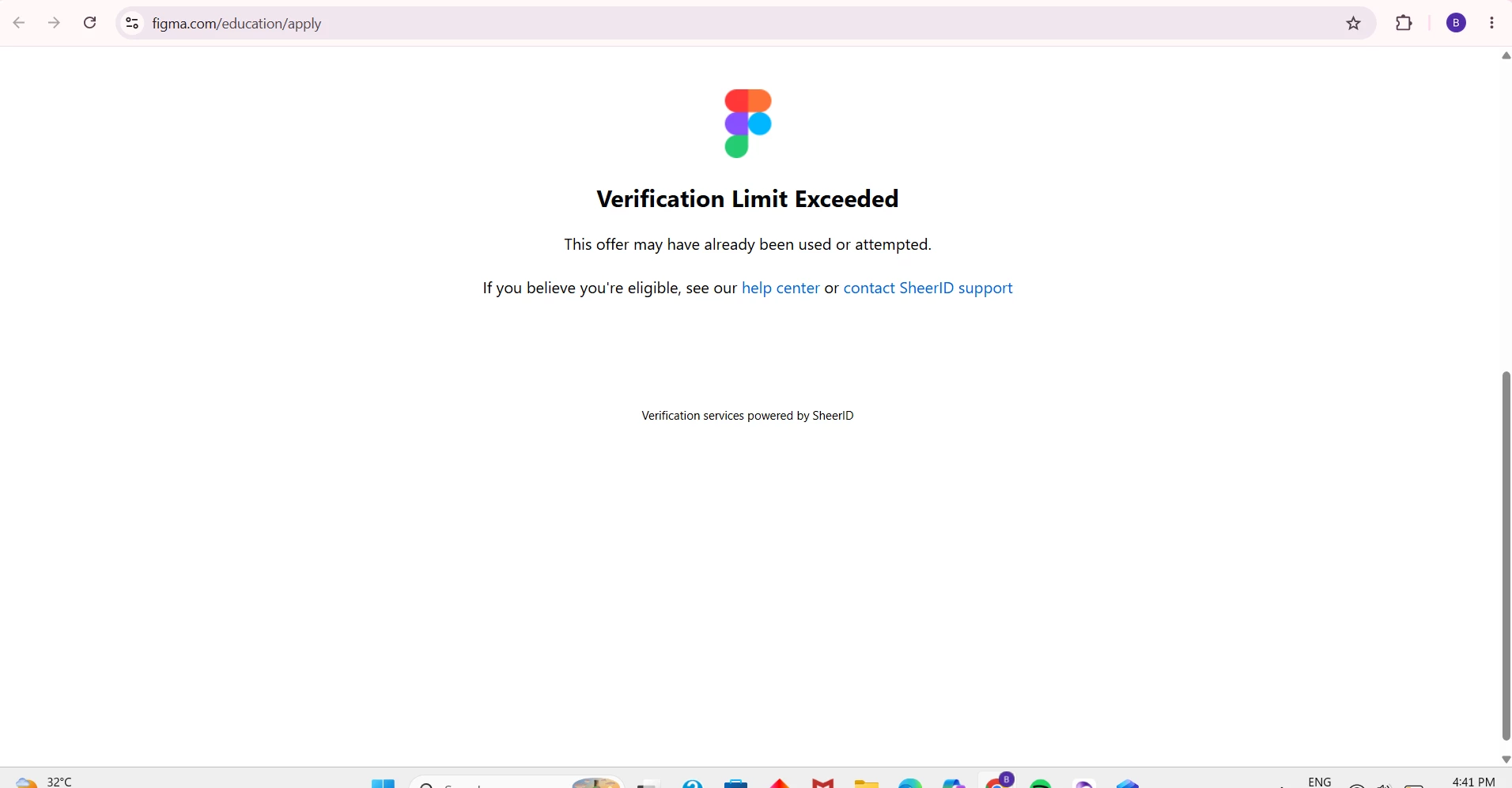
I'm still blocked with the same error: Verification Limit Exceeded This offer may have already been used or attempted.


Gayani_S
Gayani_SSolution
Community Support
Oct 9, 2026 1:04 PM UTC

Hey ​@biancanecor, thanks for reaching out! 

That error comes from SheerID, the partner that verifies higher education applications for Figma for Education. It usually means the verification attempt limit has been reached, and the SheerID support team can reset it for you.

Here’s what I’d try:

  1. Email figmasupport@sheerid.com and ask them to reset your verification limit. Include the exact error message you’re seeing.
  2. Work with SheerID directly rather than resubmitting the form multiple times.
  3. Before you retry, make sure you’re logged in to Figma with your school-issued email and that you’re not on a VPN.

You’ll find this in the verification troubleshooting questions in Figma for Education.


Hope this helps! 

1 reply

Gayani_S
Figmate
Gayani_SSolution
Community Support
Oct 9, 2026 1:04 PM UTC

Hey ​@biancanecor, thanks for reaching out! 

That error comes from SheerID, the partner that verifies higher education applications for Figma for Education. It usually means the verification attempt limit has been reached, and the SheerID support team can reset it for you.

Here’s what I’d try:

  1. Email figmasupport@sheerid.com and ask them to reset your verification limit. Include the exact error message you’re seeing.
  2. Work with SheerID directly rather than resubmitting the form multiple times.
  3. Before you retry, make sure you’re logged in to Figma with your school-issued email and that you’re not on a VPN.

You’ll find this in the verification troubleshooting questions in Figma for Education.


Hope this helps!