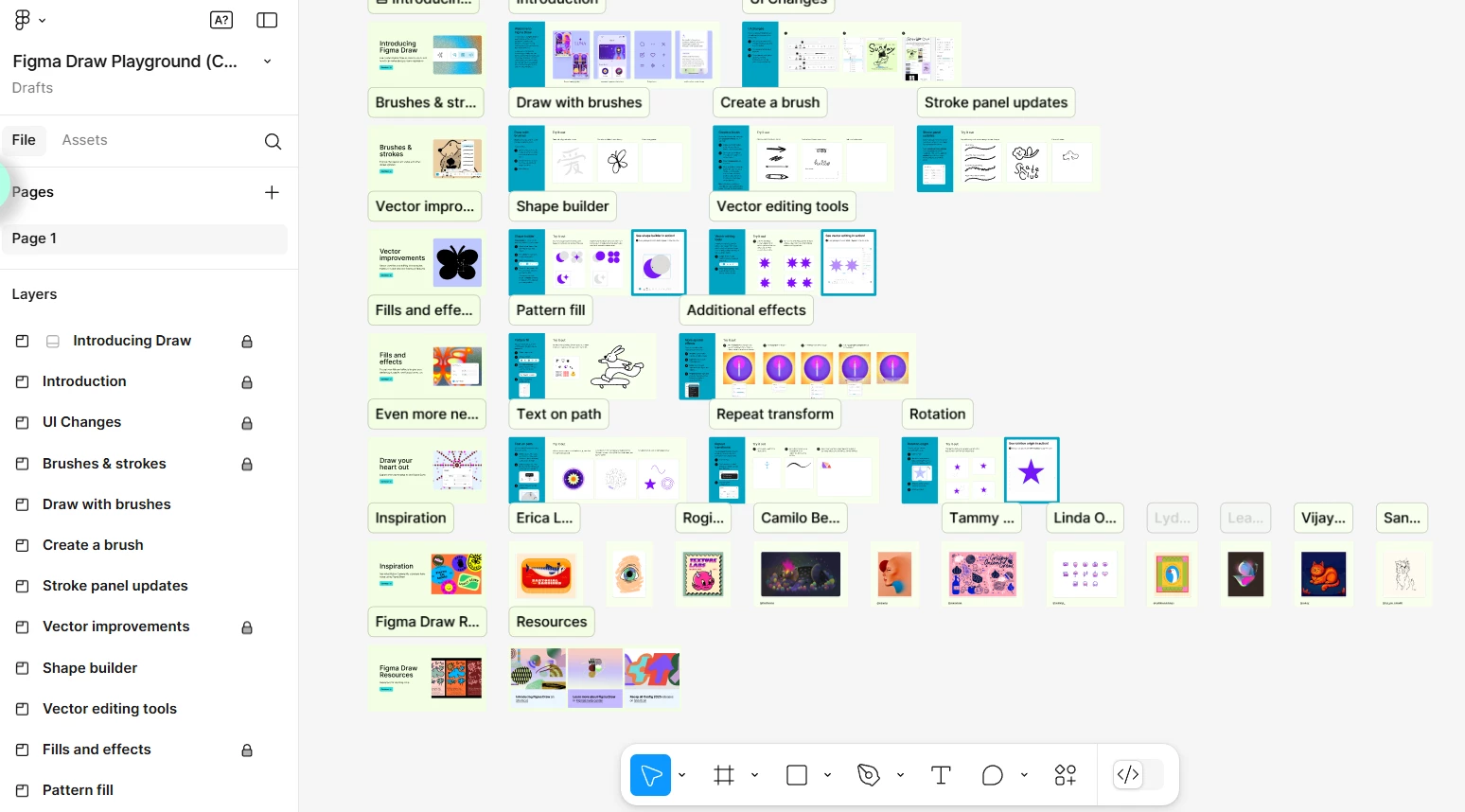
Hey @sibelly , sorry to hear you are having issue to see the toolbar if Figma Draw. If these temporary solutions share above doesn’t help, please reach out directly to our support team for further investigation: Submit a bug report
Our team can have a deeper look with your account. Thank you
I'm experiencing a recurring issue in Figma that has happened multiple times within the past week. Unexpectedly, the prototype option disappears, and the mode switches to Draw, preventing me from using the blue connectors and accessing the interaction resources I normally use.
I've already tried several solutions without success:
Clearing my browser cache.
Using different browsers.
Switching the file between draft and team project.
Once, I even deleted the entire project and created a new one by copying and pasting the content.
The issue happens randomly. Less than an hour ago, everything was working fine, but now the file is stuck in Draw mode without any significant changes on my part. The only different action I took was selecting "Present" to review the project's progress.
I would like to find a definitive solution so I don’t have to create a new folder every time this happens. Is there any setting or recommendation I can apply to prevent this issue?
now the file is stuck in Draw mode without any significant changes on my part. The only different action I took was selecting "Present" to review the project's progress.
I would like to find a definitive solution so I don’t have to create a new folder every time this happens. Is there any setting or recommendation I can apply to prevent this issue?
Hi. Why do you need to create a new folder? Why not just switch back to Design mode?
I can't switch it to Design mode because it won't let me. Ever since it changed to "Draw" mode, I haven't been able to enter Design mode.!--endfragment>!--startfragment>