MMoon
New Member
October 29, 2025
Question

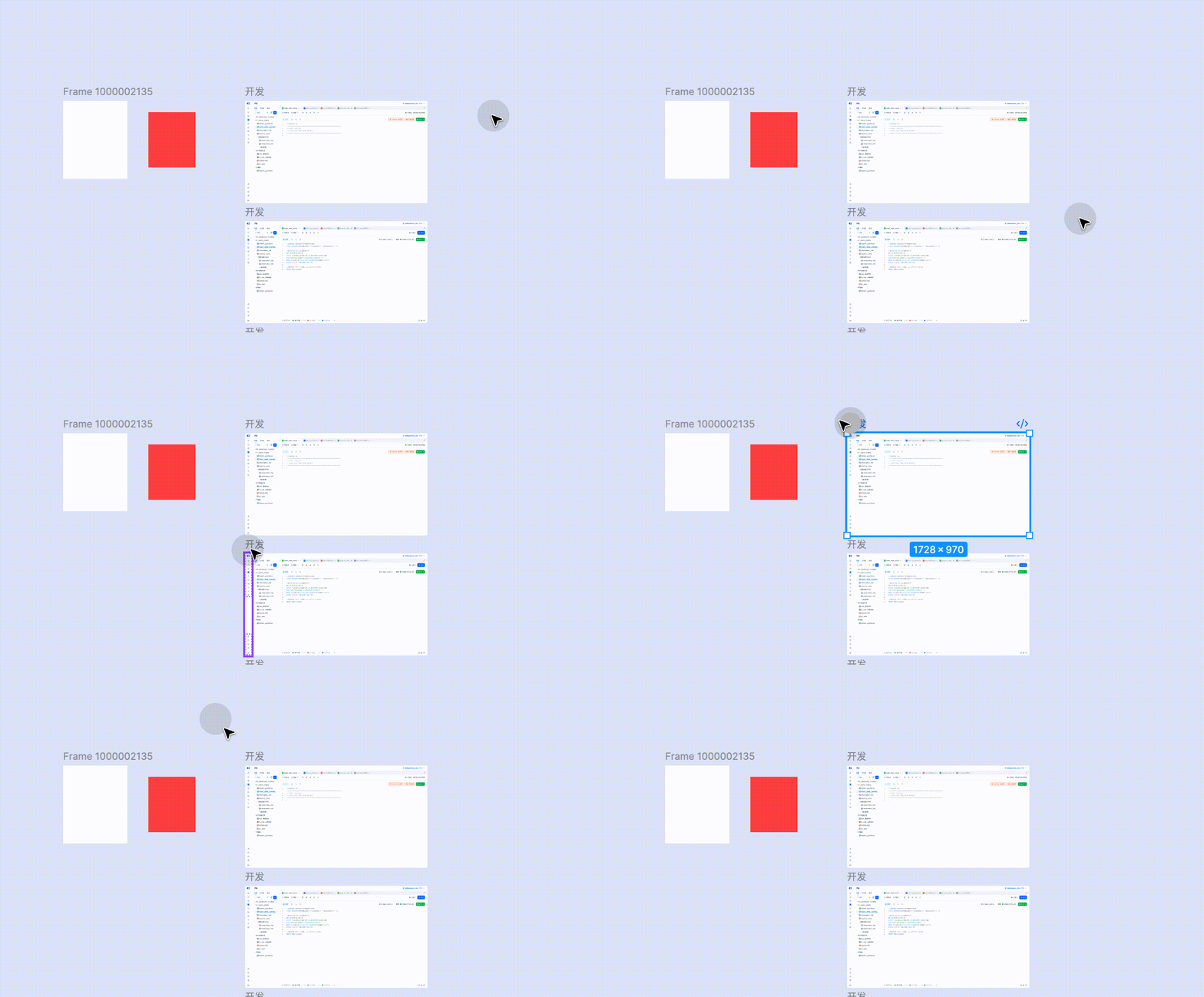
I can't select my frame

  • October 29, 2025
  • 3 replies
  • 149 views


    This topic has been closed for replies.

    3 replies

    Gayani_S
    Figmate
    Community Support
    October 30, 2025

    Hey ​@MMoon, thanks for sharing the screen recording! 

    I tested this on my end, and it seems that when a frame is locked, it can’t be selected. I’ve included my own screen recording as a reference via Loom. Could you please check if your frame might be locked as well?
     

    If that’s not the case, could you share a bit more detail so we can better understand what’s happening?

    • Is this happening in the browser, the desktop app, or both?

    • Does this occur in one specific file or across multiple files?


    Thank you for your help! 

    MMoon
    MMoonAuthor
    New Member
    October 31, 2025

    Thanks for your reply.


    The problem exists both in the browser and  app,it also exists in any file.


    I found the answer to the problem:


    Maybe something was wrong in the icon , like this 


    Firstly, I can select the icon by click it , but I can't select it by box selection。


    Secondly,if  I put  the icon in a frame,the whole  frame can’t be selected by box selection .


    Finally,I fixed the icon , removed the extra line .


    The problem has been solved.


    The above content is hoped to be helpful for you to solve the problem. Thank you.

    Gayani_S
    Figmate
    Community Support
    November 5, 2025

    Hey ​@MMoon! That’s such an interesting case, thank you for taking the time to dig into it and share what you discovered. I’m really glad to hear you were able to find a fix!

    Sharing this kind of detail is really helpful for others in the community who might face the same problem. 


    Appreciate you taking the time to share your findings with the community!