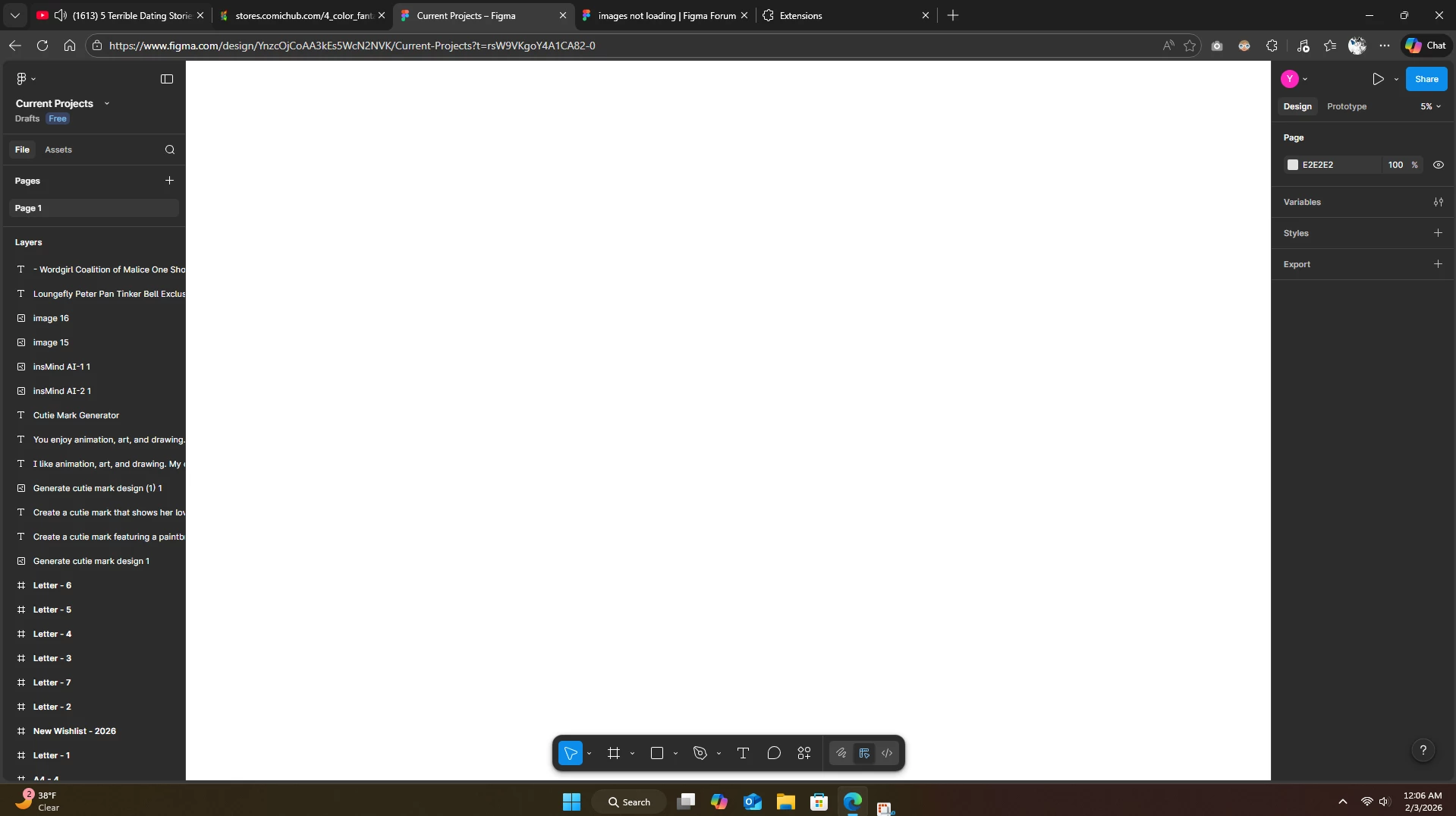
Hey @Yese 30 , thanks for reaching out to the Figma Forum! I’ve moved your post into a separate topic since it’s related to a different issue. Thank you for your understanding.
This behavior can sometimes be related to a browser or network configuration on your side. A couple of things to try:
Test a different network, such as a mobile hotspot, to see if the file loads there.
If you’re on a work or school network, it’s worth checking with your IT team to make sure Port 443 is unblocked and that the required Figma domains are allow-listed.
Disable browser extensions temporarily, especially ad blockers or privacy tools, and try opening Figma in an incognito/private window to rule out caching or extension conflicts.
If you’re still running into the issue after trying these steps, the next best move would be to reach out to our support team so they can investigate your setup more closely. To do that: Go to the Support Hub / Click Start a chat / Type “Report a bug” / Include a direct URL to the file. If it only affects one file, please share in your case your impacted file with support-share@figma.com and grant "Can View" access. This allows us to reproduce the issue and investigate with Engineering. Thank you!