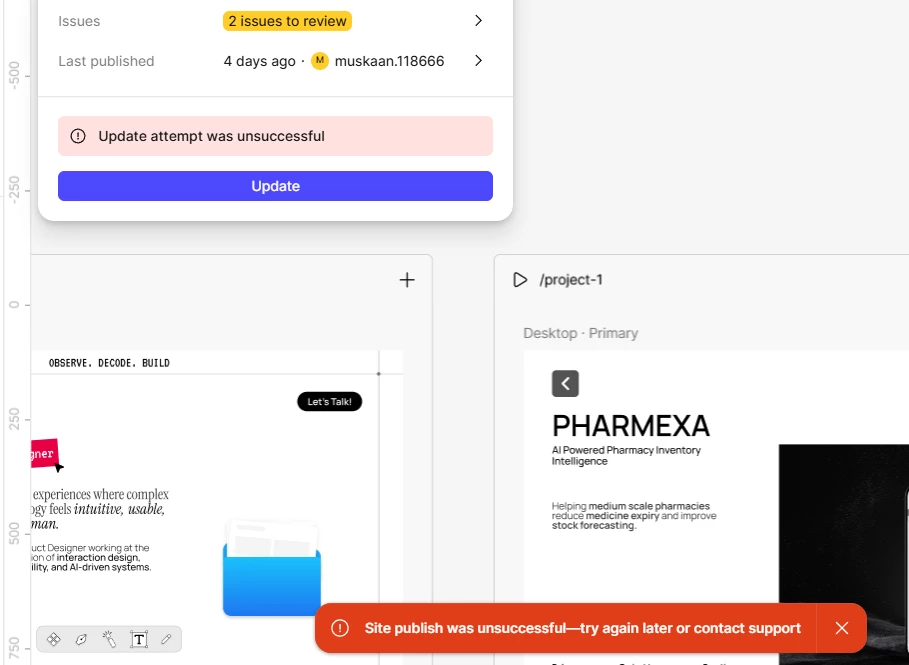
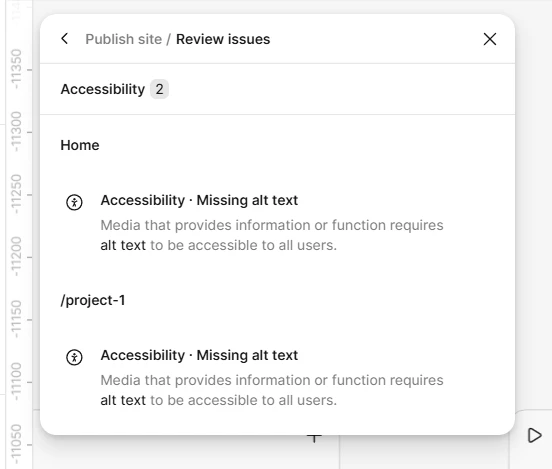
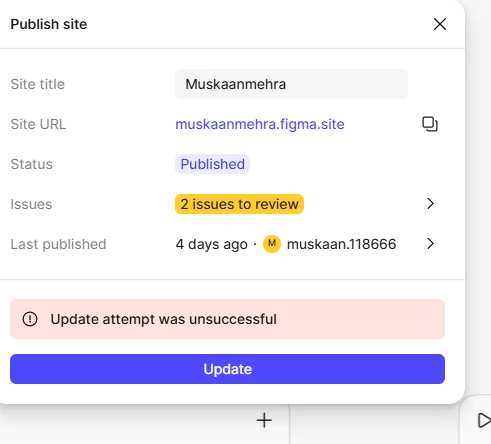
I understand you're running into that "Update attempt was unsuccessful" error when trying to update your published site.
I see you’ve already opened a support ticket for this(#1795448). I’ve gone ahead and added a note with the screenshot you shared here and escalated it to ensure it gets the right visibility and priority.
To help our specialists investigate this more effectively, could you please reply to your support ticket with the following?
The URL of the Figma file where you’re seeing the issue and grant view access to support-share@figma.com (this won't affect your billing).
This will help the specialist handling your ticket understand the issue you’re facing and investigate it more effectively.
In the meantime, you might have already tried this, but please wait a few minutes and try again as suggested in our guide here: Publish, update, or unpublish a site
Hi @Pablo_Alejandro_Gomez, thanks for chiming in here!
I understand how frustrating it must be to hit this wall after your first successful publish. "Update attempt was unsuccessful" is a generic message that can point to a few different things, so a couple of quick questions to help us narrow it down:
Have you added anything new since your first publish? Extra pages, video fills, or code components?
Does the error happen every time or only sometimes?
While you're waiting, two things worth trying:
Check for large video fills. Videos over 10MB are a common culprit, including hidden ones. Removing or compressing them has resolved this for a number of people.
Try publishing in an incognito window with extensions disabled to rule out a browser-side issue.
If neither help, the fastest path is a support ticket, as directed in the red toast notification of your screenshot. It’s often best that our technical quality team look at your file directly. You can reach out to support here. Please include your site file URL and grant view access to support-share@figma.com (this won't affect your billing). Feel free to drop the ticket number in this thread, and I'll make sure it's linked up. Our Publish, update, or unpublish a site guide also has more information in the meantime.