Glitch of the Figma community
Hello Figma Support team,
I’m experiencing a serious issue with a Community file and I don’t understand how this is supposed to work.
I had a file published in Figma Community with existing stats (likes, views, copies).
At some point, multiple files with the same name, cover, and content appeared in my Drafts.
I did not intentionally duplicate the file — they looked identical and had no indication which one was the Community source.
While cleaning up Drafts, I deleted one of the files that appeared to be a duplicate.
After that, the Community file disappeared from Figma Community.
Now I have two remaining files:
- both look identical to the original
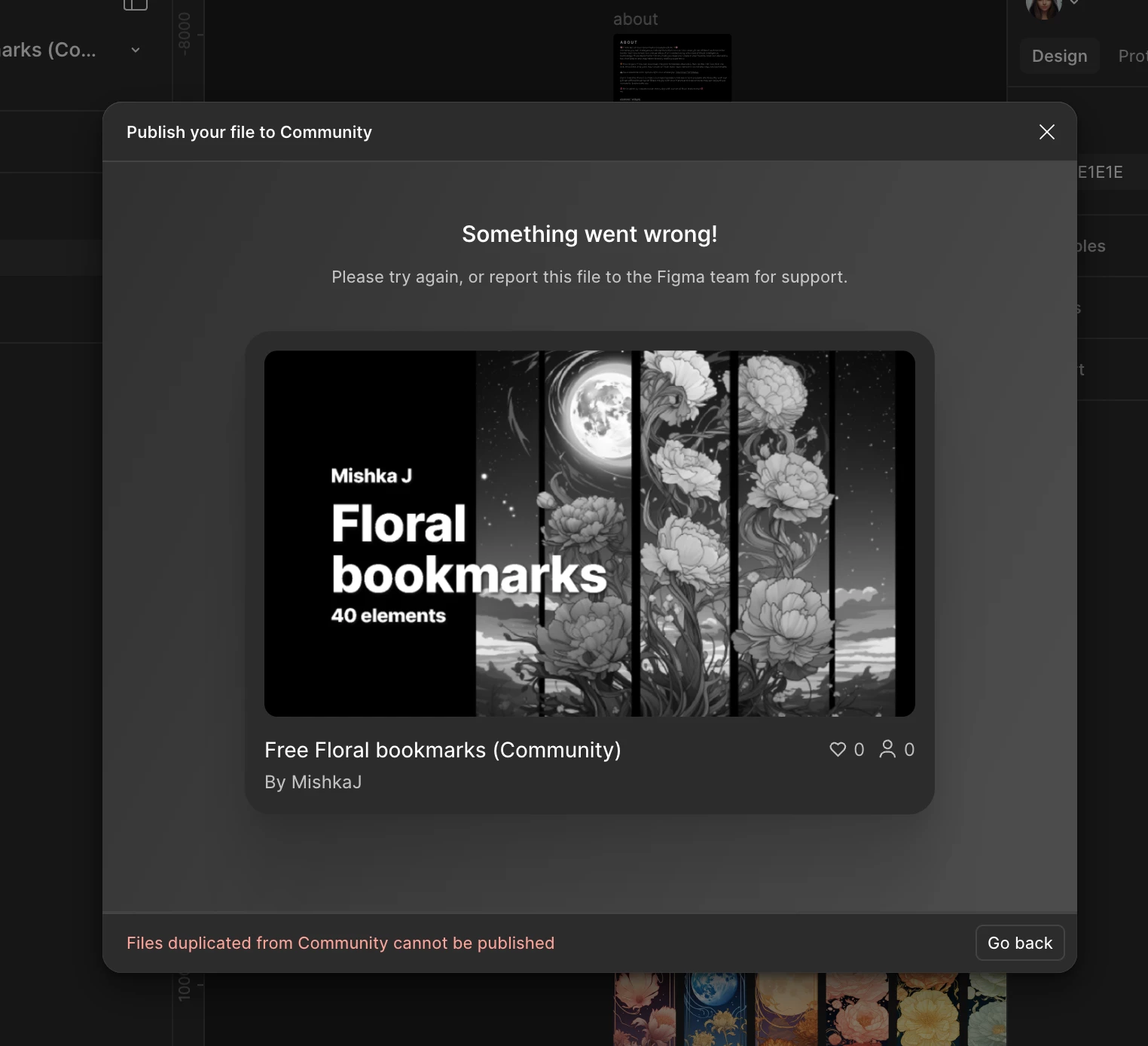
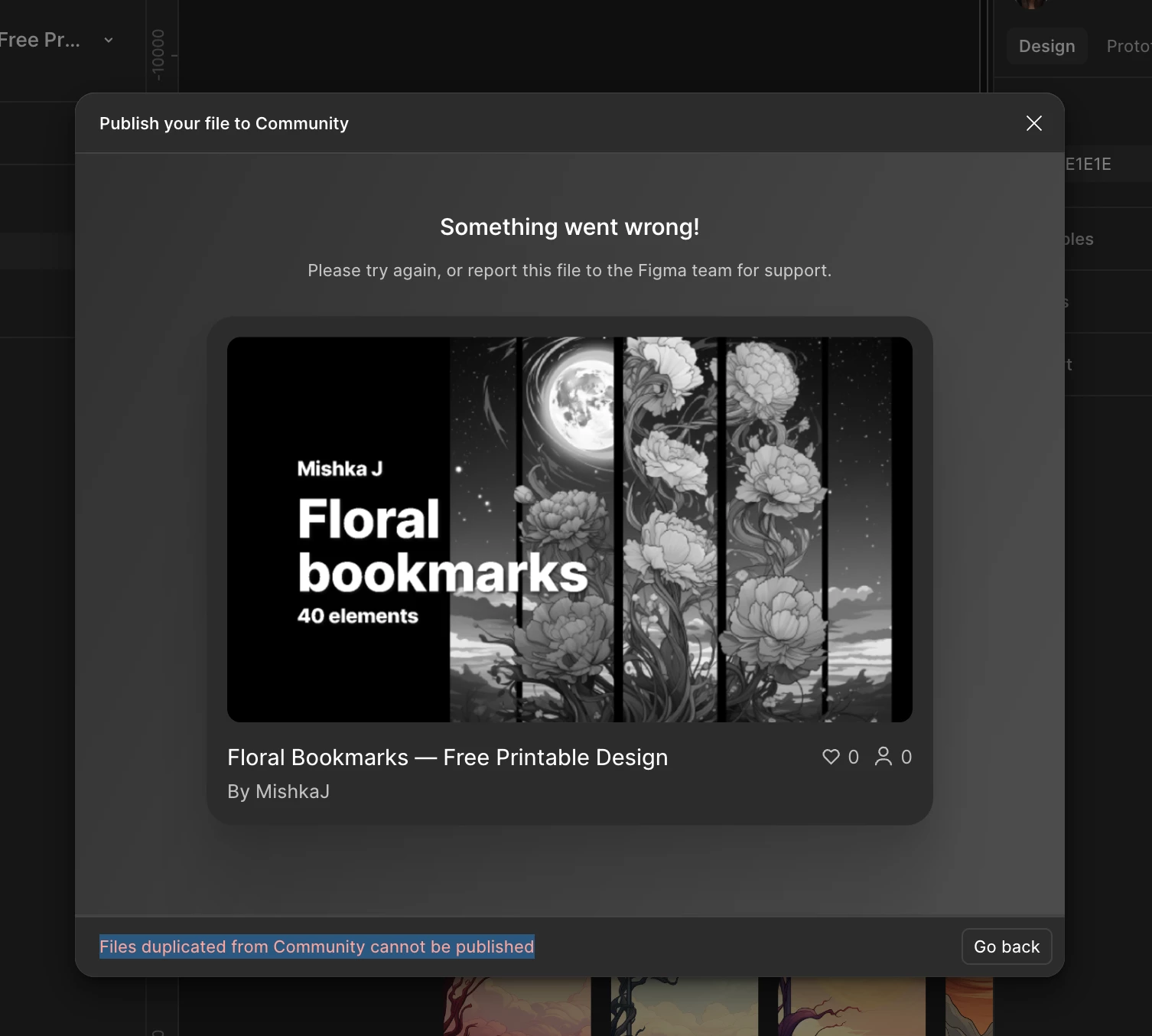
- both show the message: “Files duplicated from Community cannot be published”
- neither can be published or updated in Community
I cannot find any file that Figma considers the original Community source.
Both remaining files are blocked, and the Community post is gone.
My questions:
1. How can multiple identical files exist without any indication which one is the Community source?
2. Why does deleting one file remove the Community post entirely, instead of warning that it is the published source?
3. Is it expected behavior that ALL remaining files are permanently marked as “duplicated from Community” once the original is deleted?
4. Is there any way to restore the original Community file or its connection, or is the content permanently lost?
This behavior is extremely confusing and risky for creators.
At no point did the interface indicate which file was safe to delete.
I would really appreciate clarification of what happened and whether any recovery is possible.
So I lost 5 files that I shared with the community. They didn't disappear immediately, but a day later, so it wasn't obvious to me. When I deleted a copy of the first file, the layout remained in the community. And only today I discovered that there is nothing.