
Question
Garbled Text in Figma Make prompt panel
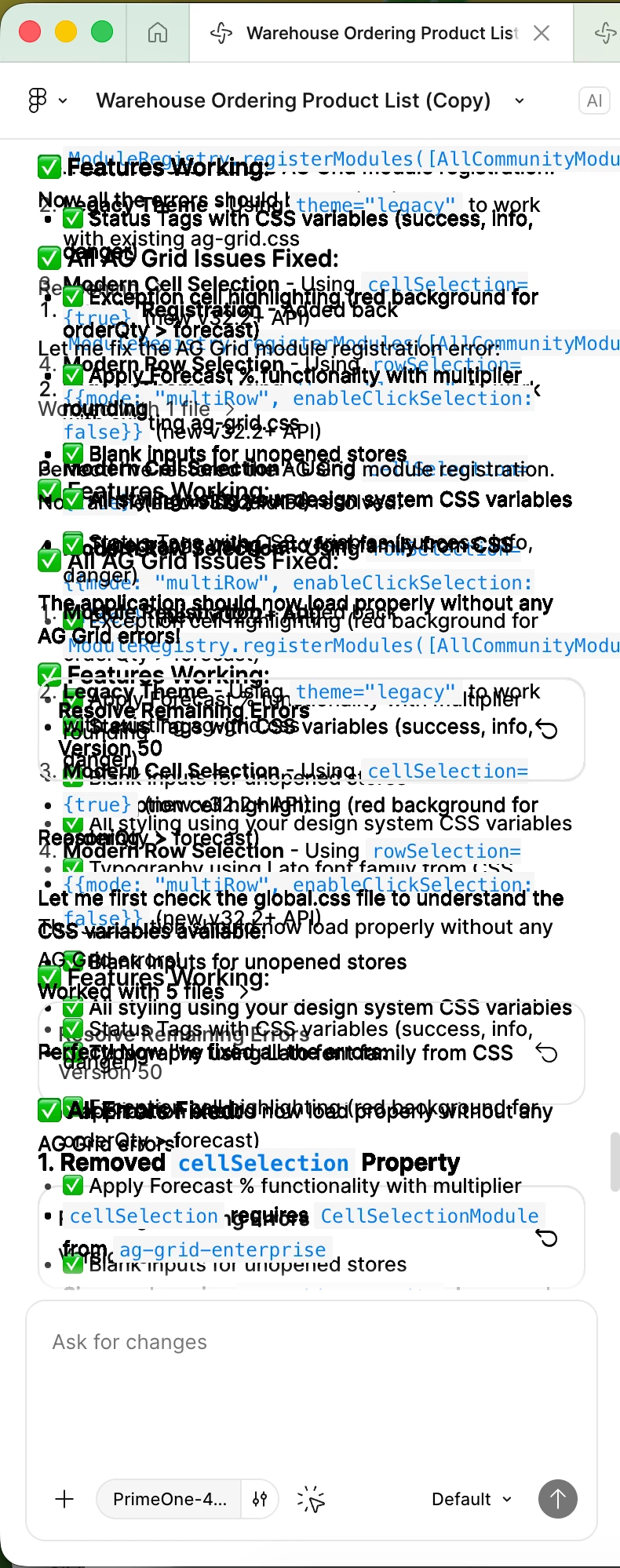
One of my Figma Make files has overlapping text in the prompting panel (Desktop App / macOS) that I can’t read. Even a copy of the file has the same garbled text.

One of my Figma Make files has overlapping text in the prompting panel (Desktop App / macOS) that I can’t read. Even a copy of the file has the same garbled text.
Enter your E-mail address. We'll send you an e-mail with instructions to reset your password.