

Frequent “Something Went Wrong – Reason: crashed” Error in Figma
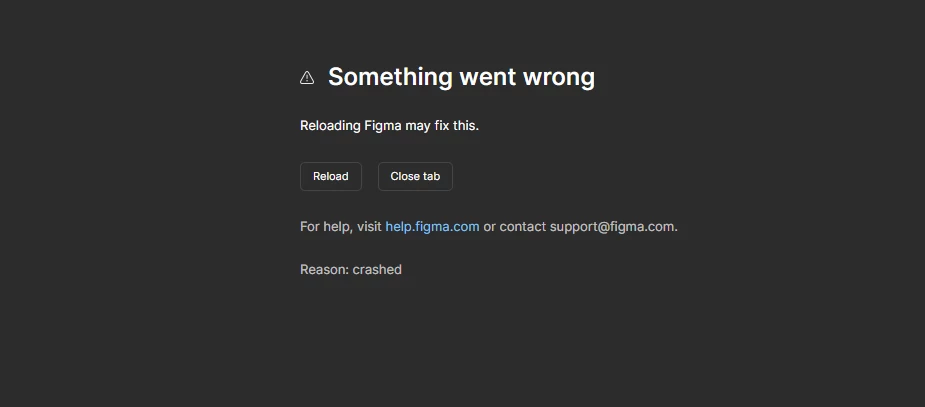
Issue While working in the Figma web app, the file often crashes and displays the message: “Something went wrong — Reason: crashed.”
When It Happens:
Opening large files
Switching pages
Editing components or Auto Layout
After Figma has been open for a long time
Expected: File loads and works normally without interruption.
Actual: Figma freezes and shows the crash screen, requiring a reload.
Troubleshooting Tried Reload browser tab:
Clear cache
Disable extensions
Use Incognito mode
Try different browsers
Restart computer
The issue still occurs.
Request: Please investigate the cause and advise on additional steps or diagnostics to resolve the frequent crashes.