

Answer

[FIXED] Within Figma Slides my desktop prototype is getting vertically cropped in presentation mode. How do I fix this?
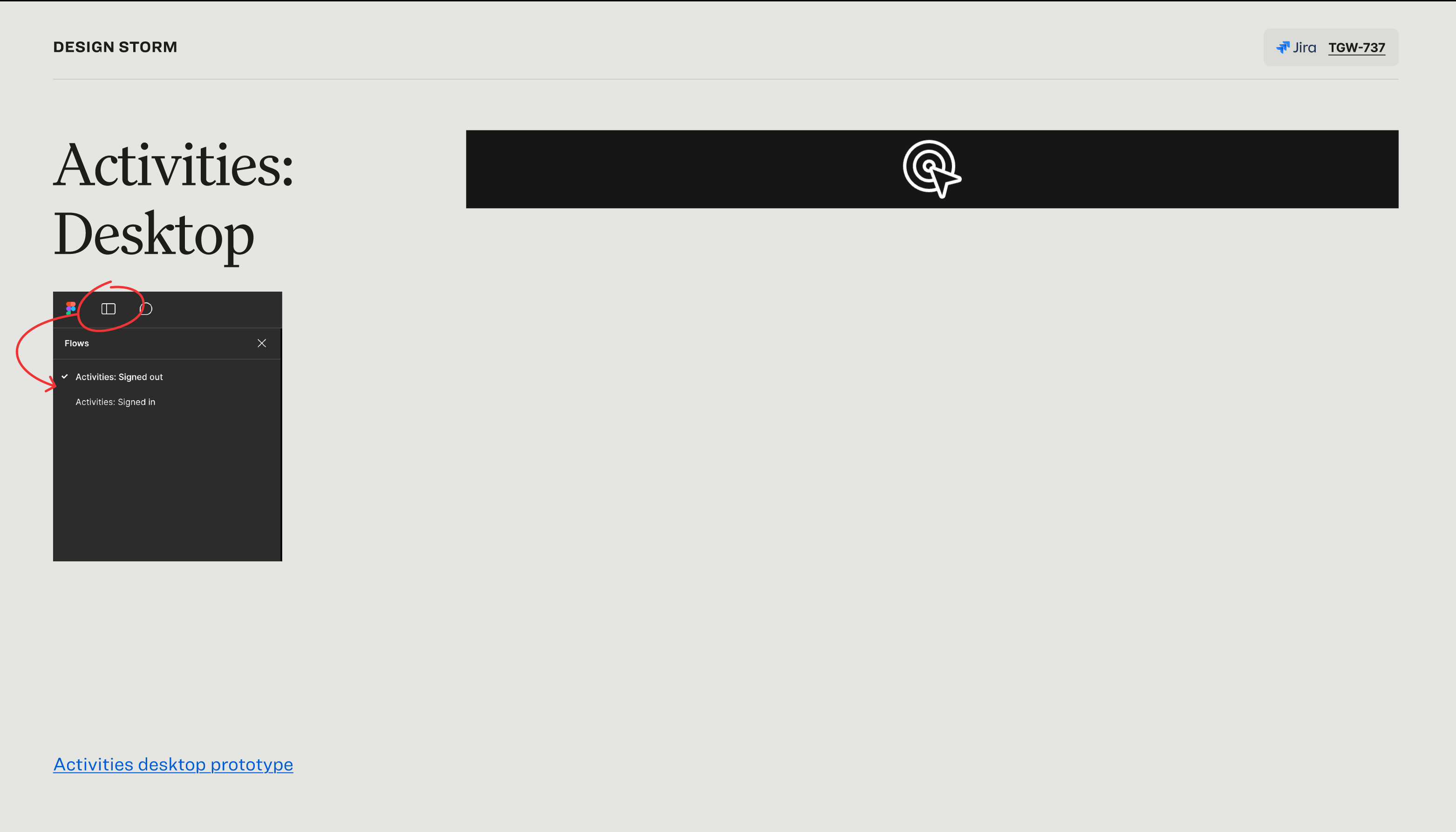
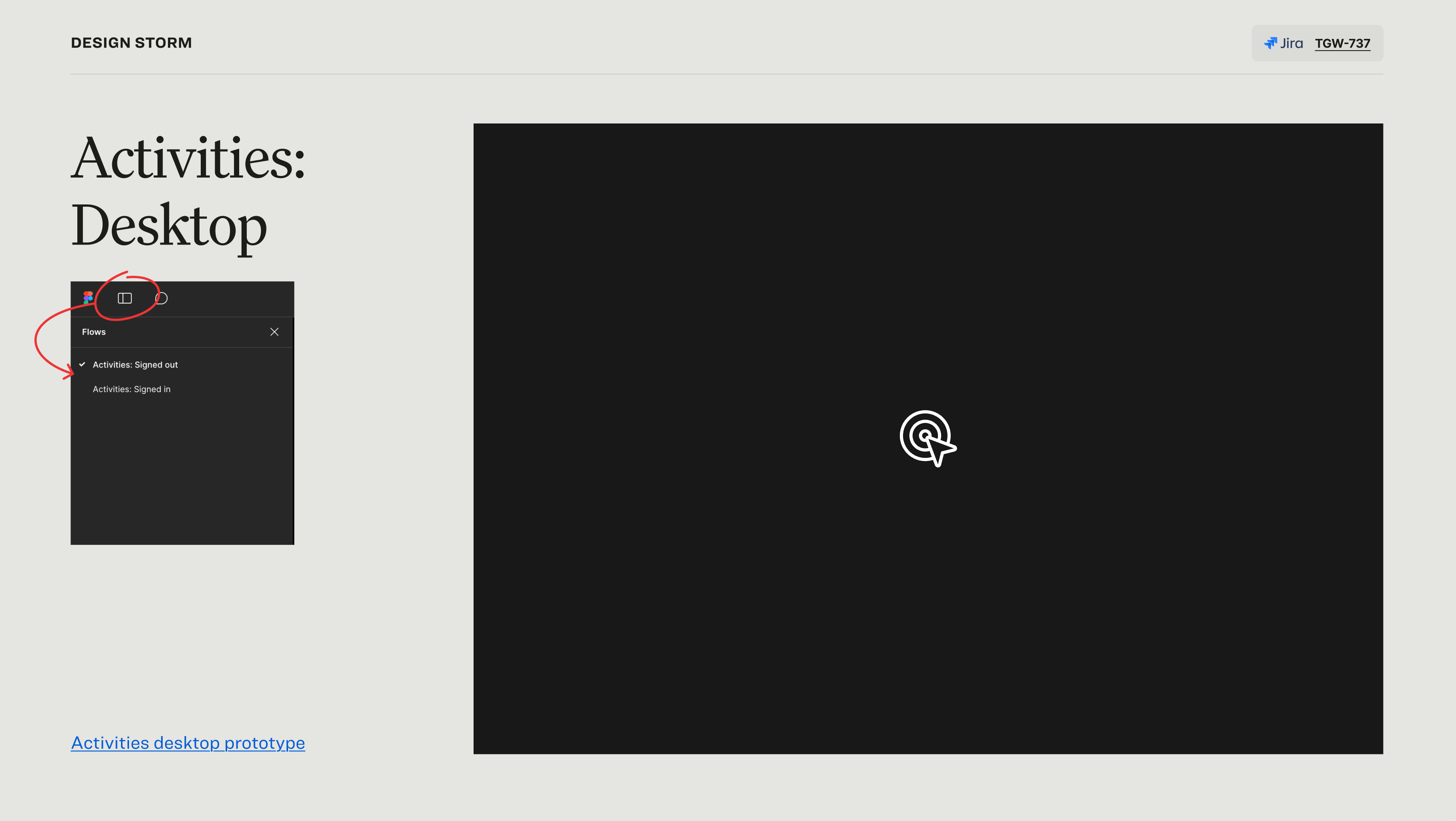
  • January 29, 2025
  • 1 reply
  • 161 views

Kirby Evans
Presentation view
Slide editor view

For some reason when I go into presentation mode the prototype that I’ve added via the “Live interaction” button is shortening the view port of the prototype. I’ve tried restarting Figma and checking my prototype display settings, but neither seem to fix the issue.

 

Best answer by Celine_

Hey Kirby, thanks for flagging this issue!
 
The engineers have released a fix and embedded prototypes should now load with the expected viewport size if you refresh Figma Slides.
 
Please let us know if you still experiencing any issues after reloading. Thank you!

This topic has been closed for replies.

1 reply

Celine_
Figmate
  • Community Support
  • Answer
  • January 30, 2025

Hey Kirby, thanks for flagging this issue!
 
The engineers have released a fix and embedded prototypes should now load with the expected viewport size if you refresh Figma Slides.
 
Please let us know if you still experiencing any issues after reloading. Thank you!