Fix for the Variables panel behavior when pressing Esc while a secondary window is open.

  • November 26, 2025
  • 2 replies
  • 40 views

Alexandre_Shyjada1

The behavior when pressing “Esc” in the Variables panel is not working as expected. By default, whenever two or more windows are open, the last child window should be the first one to close when pressing Esc.

In the Variables panel, the behavior is reversed, and the parent window closes instead of the child window.

My suggestion is that, when a sub-window is open inside the Variables panel, pressing Esc multiple times should close each window in the correct hierarchical order.
 

Reported behavior:
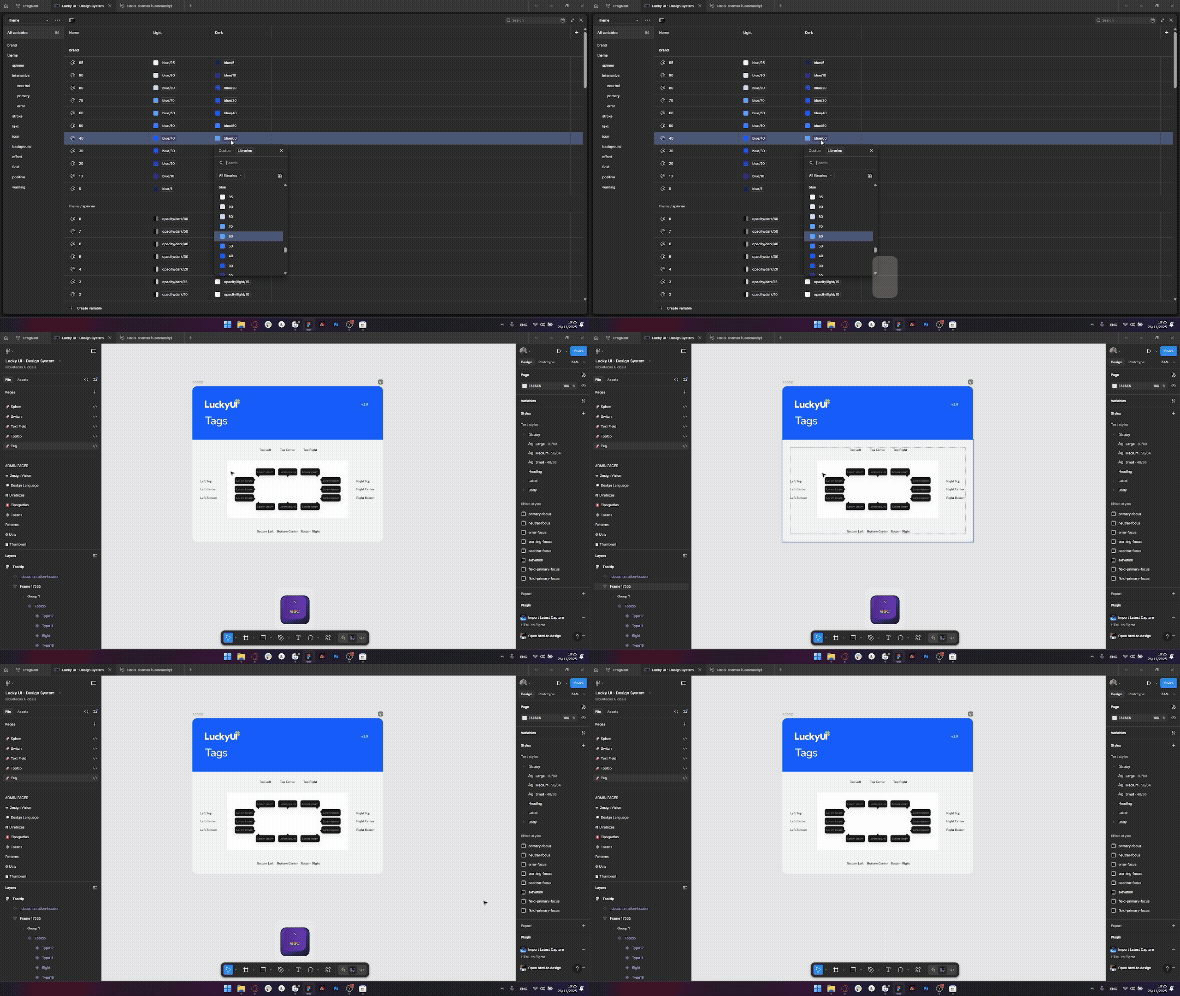
Esc key behavior in the “Variables” panel

Expected behavior:

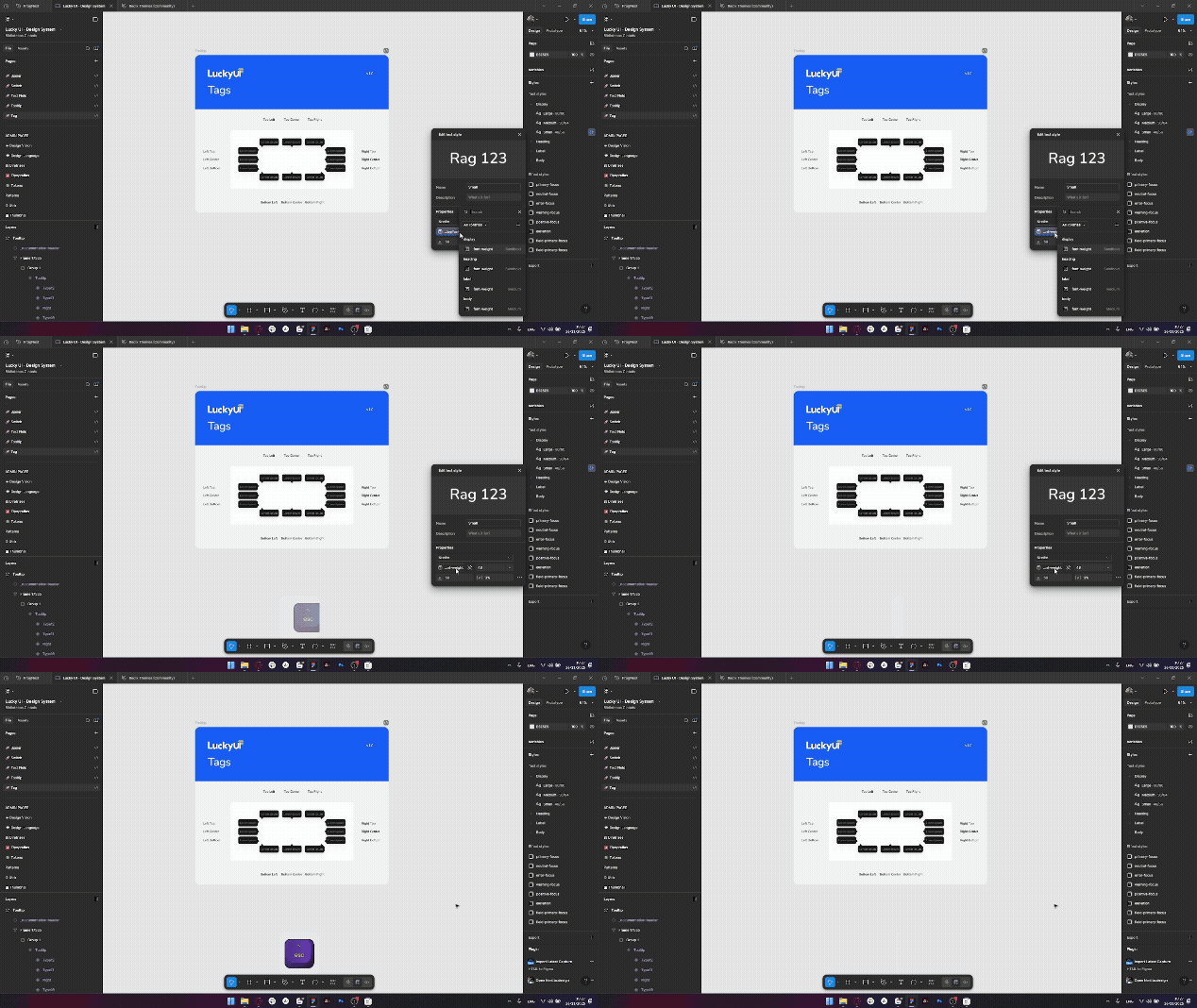
Esc key behavior in the “Styles” area


2 replies

Wenzel
  • New Participant
  • April 18, 2026

I agree, I accidentally close the variables window constantly while editing color variables. Its quite jarring how this one window behaves very differently from all the others. Additionally the “Toggle variables” menu item doesn’t even come with a keyboard shortcut assigned by default.

I’m used to pressing ESC to navigate backwards the path I came by closing one window at a time, however pressing ESC while editing a variable completely ends the entire workflow instead.


Wenzel
  • New Participant
  • April 18, 2026

Seems adding a custom keyboard shortcut to Toggle Variables is also impossible. 😞 Figma appears not to respect shortcuts set up in System Settings and I can’t find a non-native way to add one inside Figma.