Solved

Fima make is crashed

  • December 24, 2025
  • 3 replies
  • 48 views

Mohammed Abdou

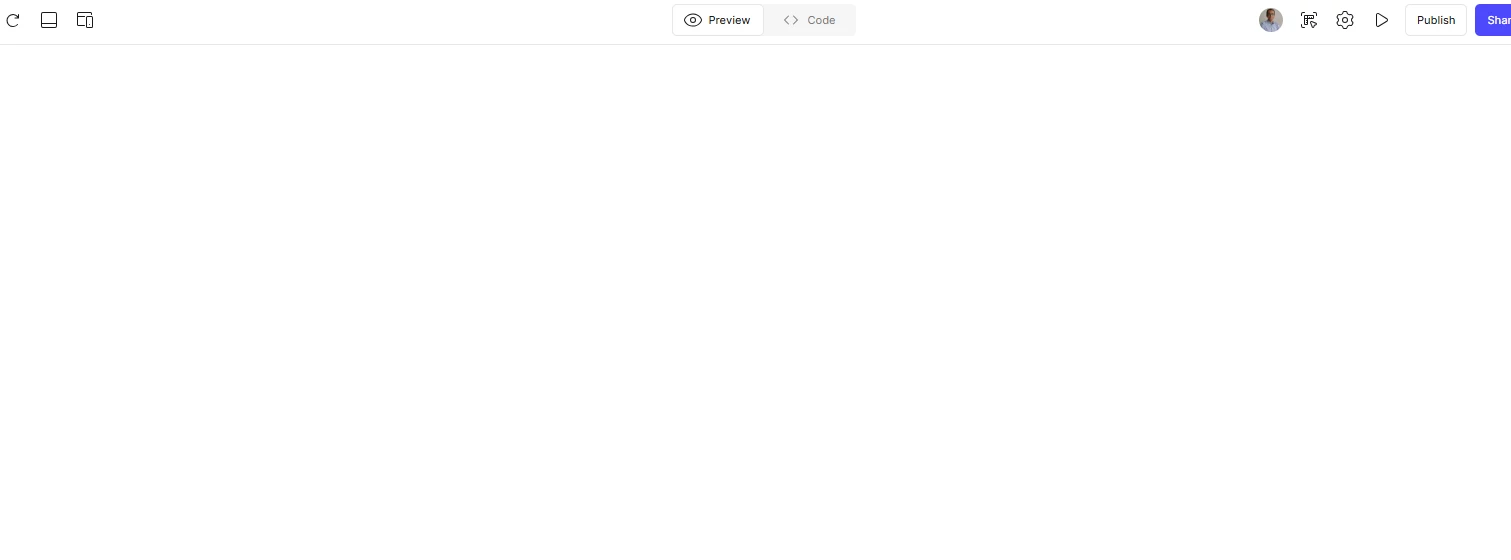
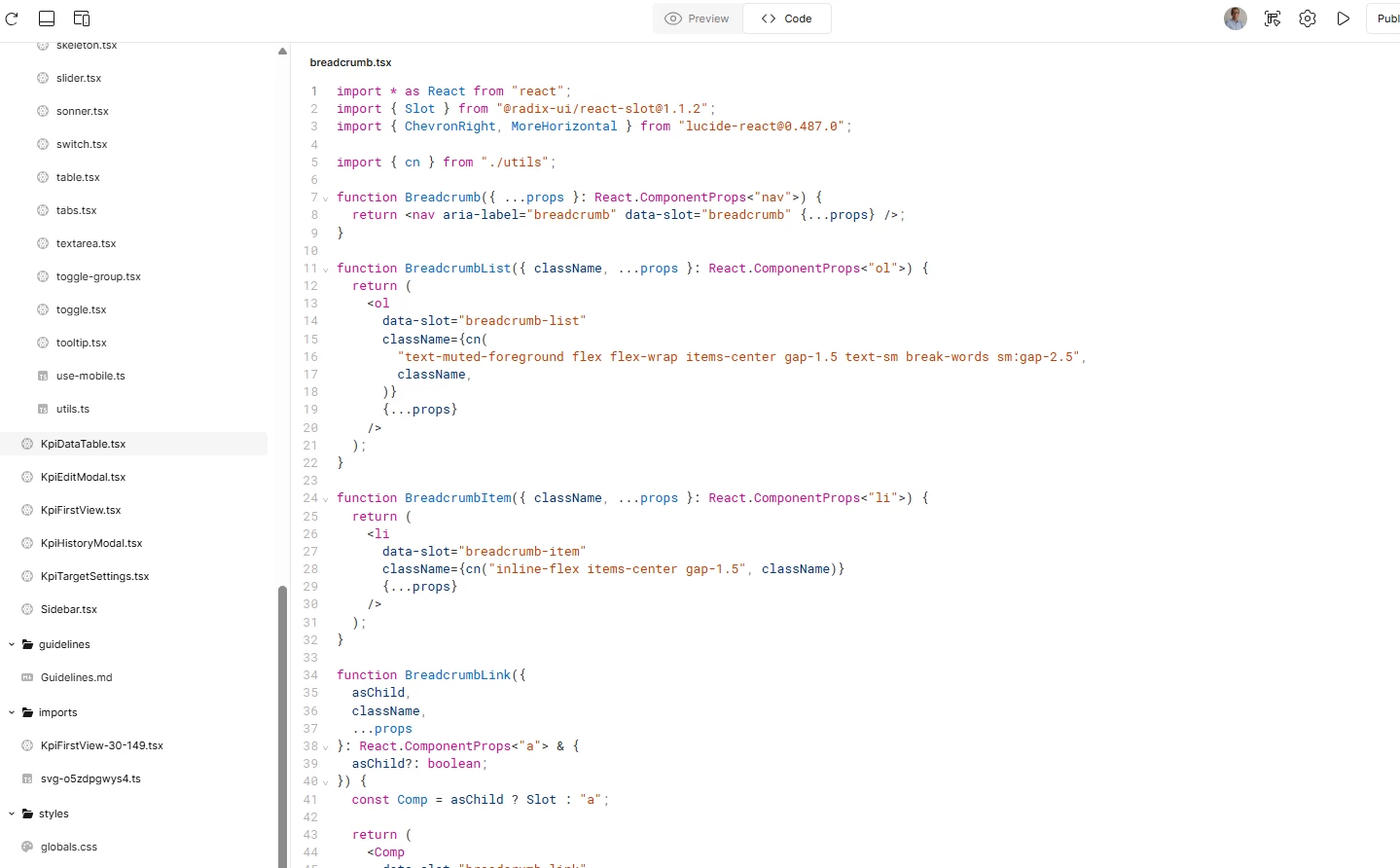
my project that I kept working on for 3 weeks now is not viewed and kept me on loading endless loop for ever  , I can see the code but the preview is not there, and what makes me really sad , that I can see my works anymore
 

and when it is end loading it showed nothing at all , I have pro subscription , when it is sops and I try to copy the design that what happened


Best answer by Celine_

Hi there, thank you for explaining what’s happening, and sorry to hear you’re experiencing this. I can imagine how upsetting it must feel, especially after spending weeks working on this project!

To help narrow this down, could you let me know:

  • Is this happening only with this specific project, or with other files as well?

  • Are you seeing the same behavior in both the browser and the desktop app, or just one of them?

As a first step, if you haven’t already, I’d recommend duplicating the file and opening the copy to see if the preview loads there. In some cases, this can help recover access to the preview while keeping your work intact.

If the issue persists and the preview continues to stay stuck in a loading loop, the next step will be for our team to take a closer look at the file itself. I’ll send you a DM with next steps so you can share the details securely and we can investigate further.


3 replies

Celine_
Figmate
  • Community Support
  • Answer
  • December 24, 2025

Hi there, thank you for explaining what’s happening, and sorry to hear you’re experiencing this. I can imagine how upsetting it must feel, especially after spending weeks working on this project!

To help narrow this down, could you let me know:

  • Is this happening only with this specific project, or with other files as well?

  • Are you seeing the same behavior in both the browser and the desktop app, or just one of them?

As a first step, if you haven’t already, I’d recommend duplicating the file and opening the copy to see if the preview loads there. In some cases, this can help recover access to the preview while keeping your work intact.

If the issue persists and the preview continues to stay stuck in a loading loop, the next step will be for our team to take a closer look at the file itself. I’ll send you a DM with next steps so you can share the details securely and we can investigate further.


Mohammed Abdou
  • Author
  • New Member
  • December 24, 2025

thanks for your response
unfortunately it’s not working at all :

  •  copying the file or duplicated it it is not working .
  • other projects and design in figma make not working as well.
  • using the desktop app and browser = same outcome
  • I have tried now to open my other figma account it has the same issue as well. I put sample prompt output keep thinking without any results.


Celine_
Figmate
  • Community Support
  • December 24, 2025

Thanks for sharing the details, and sorry to hear this still isn’t working. I’ve sent you a DM with the next steps so you can share the information securely and our support team can investigate further. Please check your inbox when you have a moment. Thank you!