

file wont sync from desktop app on mac
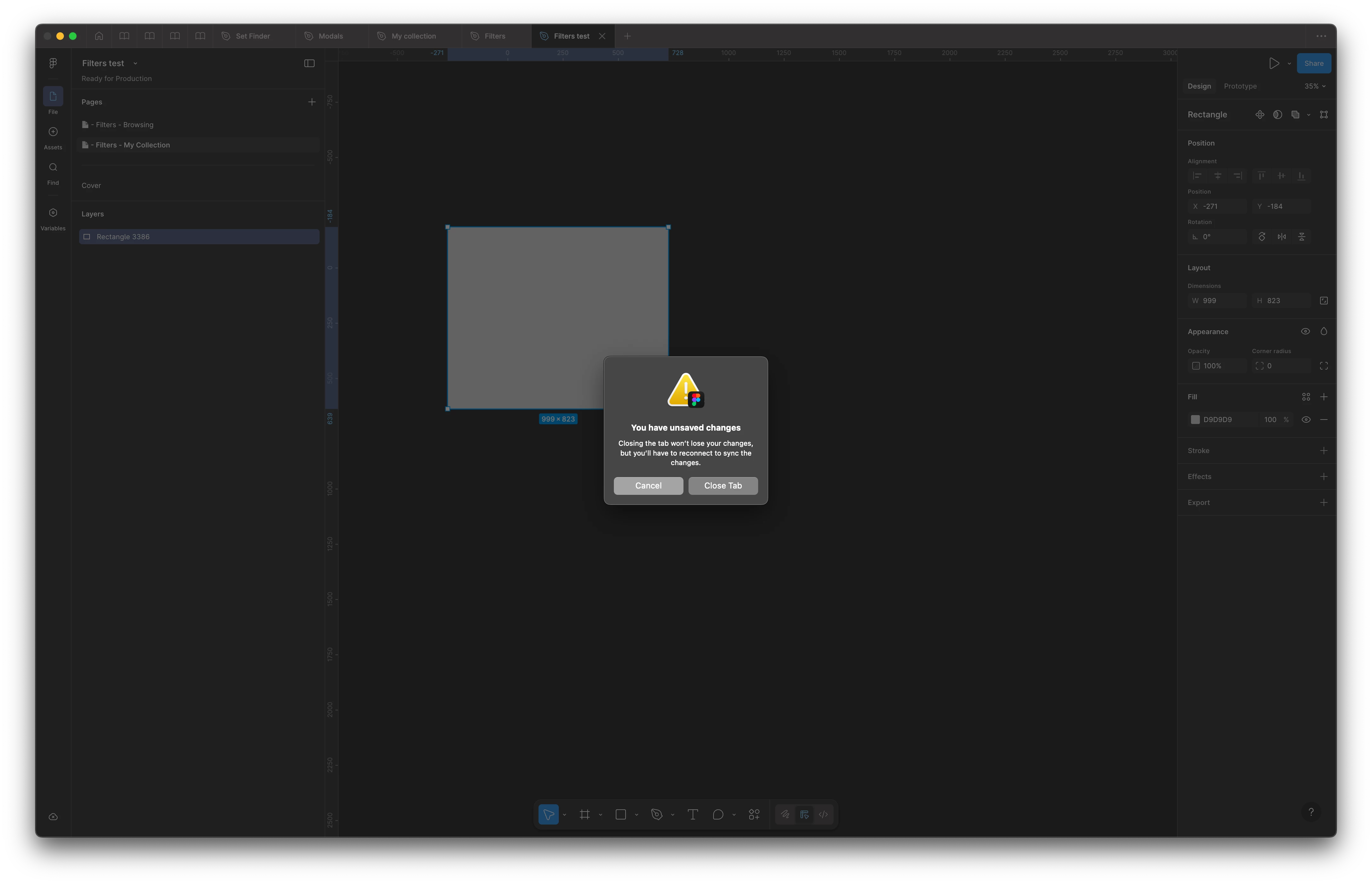
I have a specific file open in my desktop app that wont sync!
I did a little bit of digging and found out that if i open the last synched version of the file in the browser via figma.com, it will sync what ever changes i make there down to my local version just fine, but it wont sync back up.
So, if i draw a rectangle in the online version, it syncs down to my local file, but if i delete that rectangle in the app, i wont sync back up!
I did some further investigation by creating a new file and copying elements over from the file that wont sync, one by one, and have identified that once certain designs and elements get copied over, the sync issue starts again!
Once those elements have been copied over, the file is corrupt. and the sync issue is permanent. If i delete the elements, the file continues not to sync.
Any idea why this is, and how to fix it?