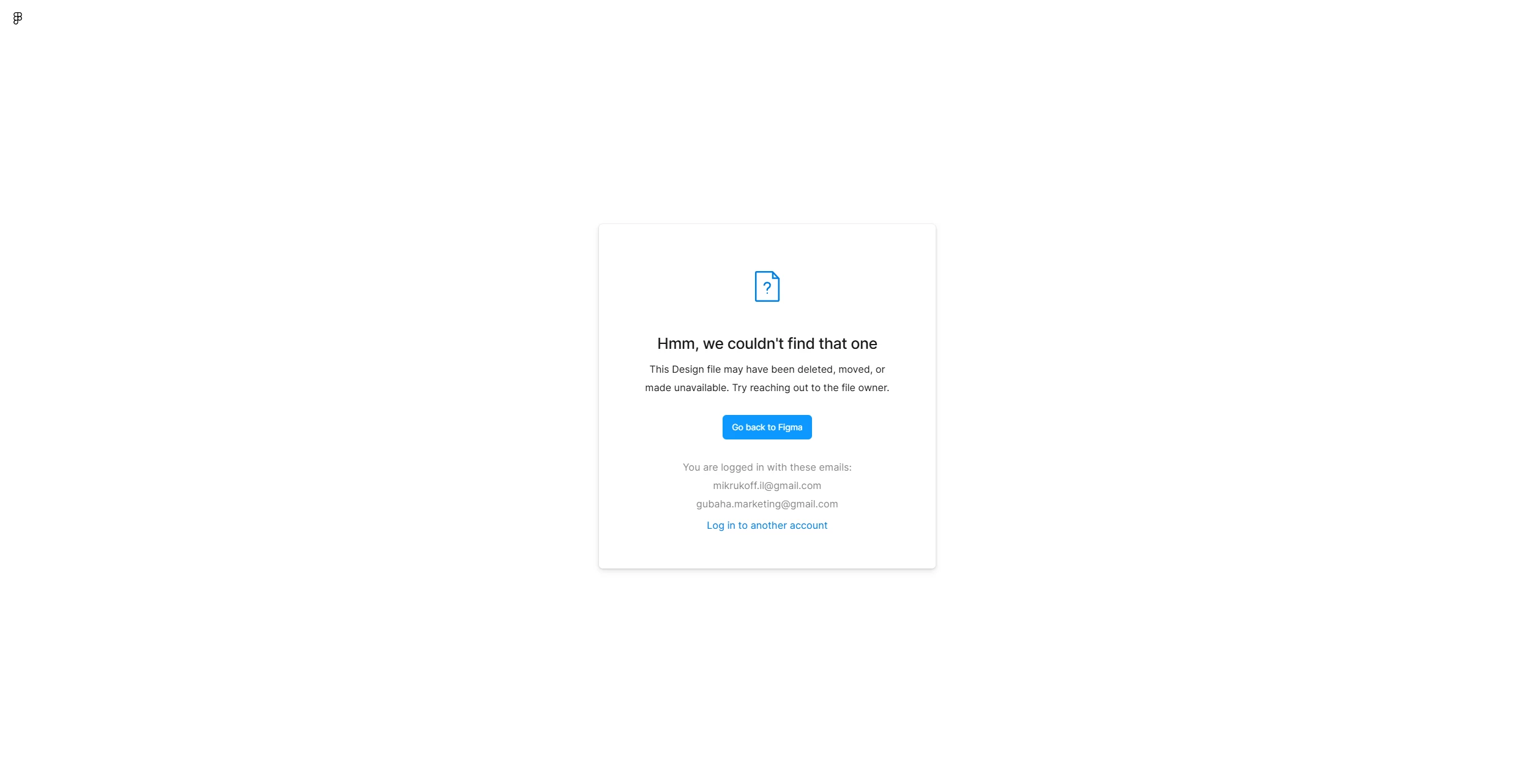
As I sad, i’m the only file owner, I have the URL, it always worked and yesterday i just find out that it’s no longer available. Thats first time I see that issue “hmm we couldn’t find that one”. I really appreciate any assistance in recovering this file
Hey @Gubaha, thanks for reaching out! A few quick things that might help locate the files:
• When checking files in trash, if the files weren’t originally created by you, switch the filter from “Created by you” to “Created by anyone.” (You’ll need edit access to restore them.) • Double-check other teams- each team has its own Trash, so they might be in a different one (It’s possible a teammate moved them to another project or team) • Make sure you’re logged into the correct Figma account
Please note, if the file was in a team that got deleted, they won’t appear in Trash. If that team was deleted within the last 28 days, it may still be possible to restore it and recover your files.
If you’re able to, could you share the file link with me? That would help me to locate it.
Hey @Gubaha, thanks for reaching out! A few quick things that might help locate the files:
• When checking files in trash, if the files weren’t originally created by you, switch the filter from “Created by you” to “Created by anyone.” (You’ll need edit access to restore them.) • Double-check other teams- each team has its own Trash, so they might be in a different one (It’s possible a teammate moved them to another project or team) • Make sure you’re logged into the correct Figma account
Please note, if the file was in a team that got deleted, they won’t appear in Trash. If that team was deleted within the last 28 days, it may still be possible to restore it and recover your files.
If you’re able to, could you share the file link with me? That would help me to locate it.
I double-checked trash either “created by you” and “created by anyone” and other stuff too
Link: [file link redacted by forum moderator to remove PII]
I can see that the file was moved to trash under the team called “At tfwu's team.” Each team has its own separate trash, which is why it may not have shown up where you were initially looking.
If you navigate to that team and check its trash, you should be able to restore the file from there.