Solved

Figma UI borders contrast issue

  • December 17, 2025
  • 2 replies
  • 16 views

ArthurB

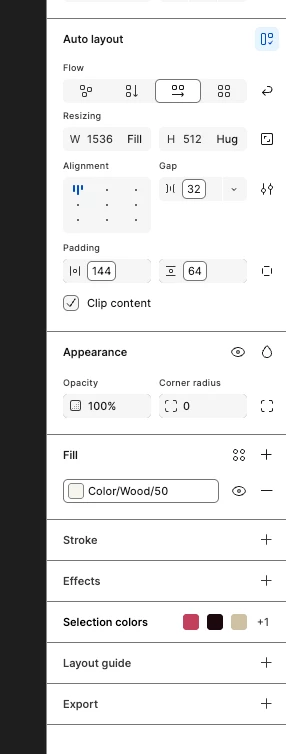
Hi, since today my Figma UI (app) seems bugged. Happens in dark and lightmode. Already did a couple of reboots and installed the latest macOS update. The borders are way too solid. 


Screenshots:
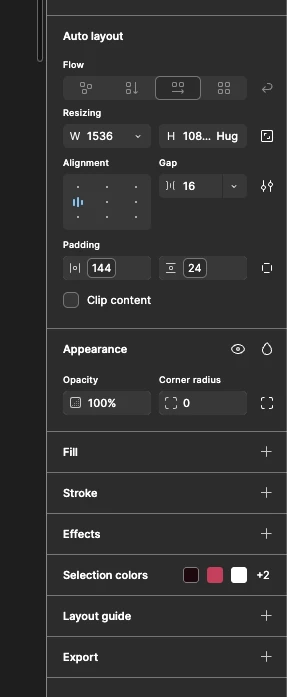
Any ideas how to solve this?

Best answer by Nellya

Hi. You need to turn off the Enhanced contrast mode.

Menu → Preferences → Accessibility settings → Enhanced contrast mode

2 replies

Nellya
  • Power Member
  • Answer
  • December 17, 2025

Hi. You need to turn off the Enhanced contrast mode.

Menu → Preferences → Accessibility settings → Enhanced contrast mode


ArthurB
  • Author
  • New Member
  • December 17, 2025

Thanks a lot! No idea why that suddenly was enabled