Figma Slides WebGL Crash / Blank Canvas when interacting with MP4 videos on Windows 11 Desktop App
Hi Figma Team,
I am experiencing a persistent WebGL crash ("An error occurred...") when working with videos inside Figma Slides on the Windows 11 Desktop App. I have been dealing with this issue for over a month now, and it is severely disrupting my daily workflow. The crash occurs even with very small, highly optimized video files and persists after a clean cache reinstall.
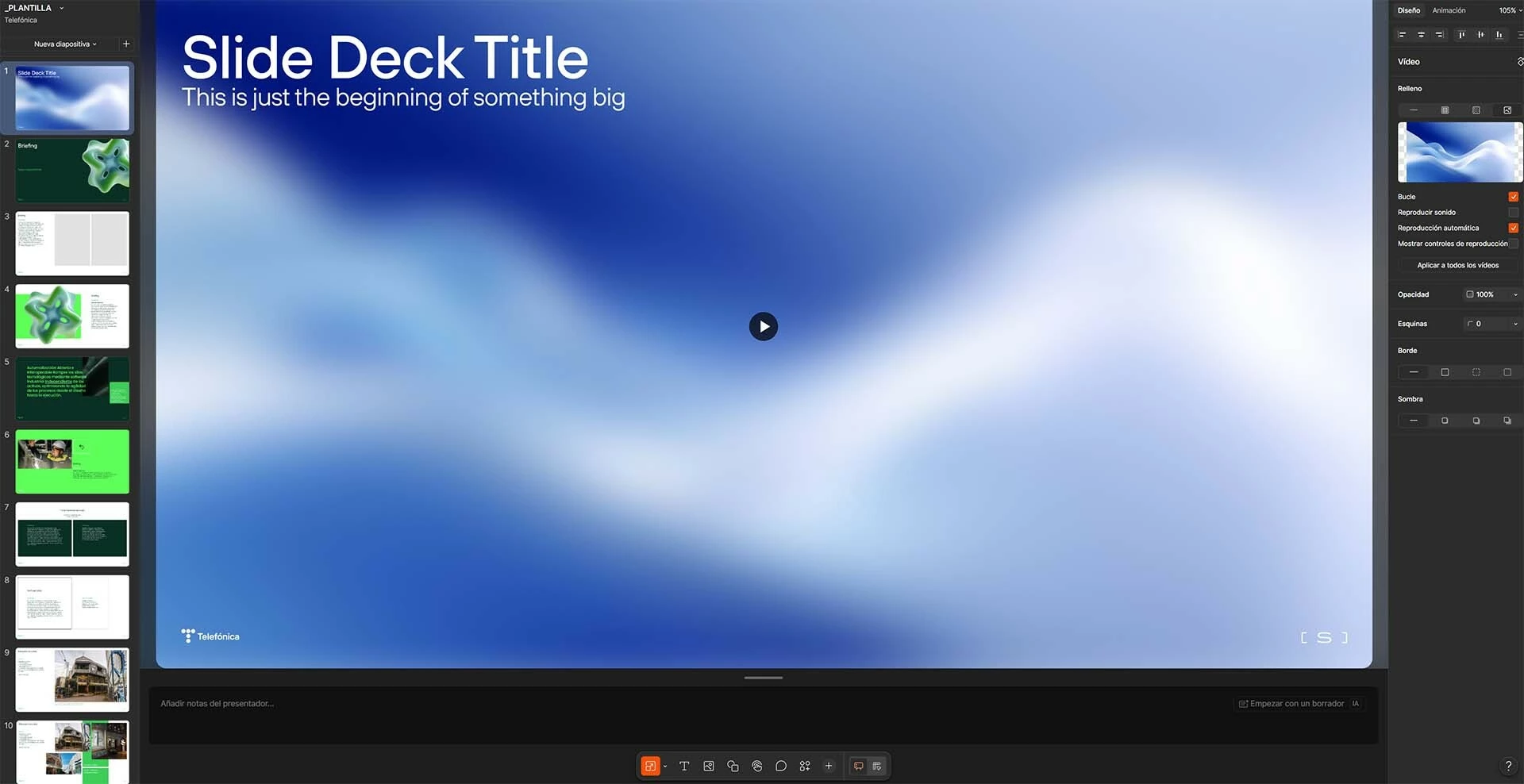
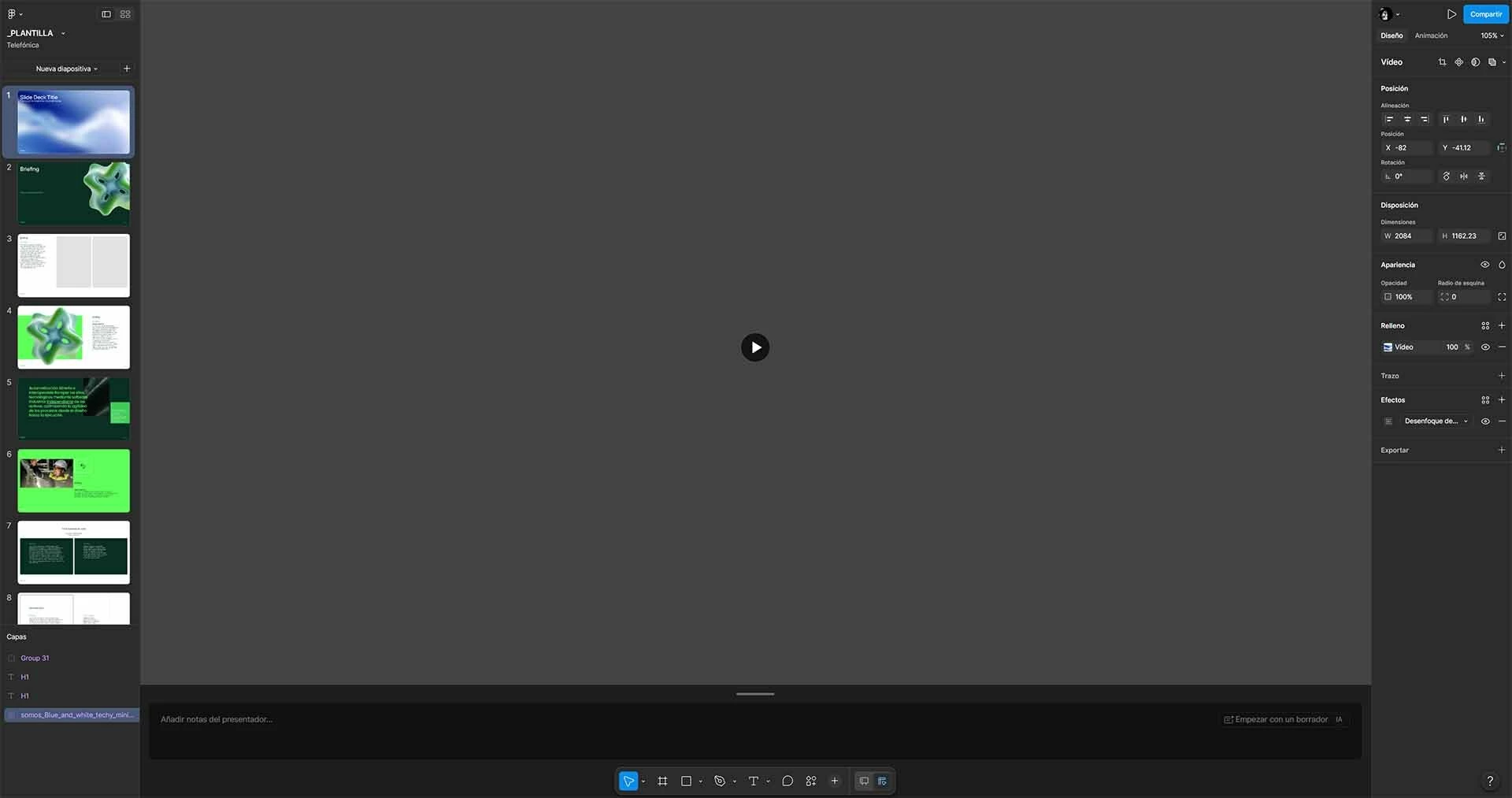
I am attaching three screenshots to this report: the initial WebGL error dialog, and a "before" and "after" comparison showing the canvas degradation after switching workspace views.
Bug Description:
The canvas completely breaks when interacting with an MP4 video or switching workspace modes. The slide ends up looking completely "empty" or invisible. If I close the file and try to reopen it, Figma throws the generic WebGL crash screen: "No podemos abrir este archivo porque tenemos problemas con WebGL..." / "An error occurred. Please try reloading the page."
Video Specifications:
To rule out asset memory overload, I tested this with a minimal, highly optimized video file, but the crash still happens:
-
Quantity: Only 1 video asset in the entire presentation.
-
Size: 1.5 MB
-
Duration: 8 seconds
-
Resolution: 837 x 464 px
-
Format: MP4 (H.264)
Steps to Reproduce:
-
Open a Figma Slides presentation that contains an MP4 video layer.
-
Switch back and forth between Slides view and Design mode 3 times. Behavior noticed: The screen blinks/flickers for a few seconds during each transition, and by the 3rd switch, the canvas goes completely blank (as shown in the attached before/after screenshots).
-
Alternatively, select the video layer, move or scale it on the canvas, and then immediately click on any other element on the slide.
-
The slide content disappears, leaving an invisible canvas.
-
Close the file. Upon reopening, the file fails to load, showing the WebGL error screen.
Troubleshooting Already Attempted:
-
I have completely cleared the Figma Desktop App deep cache by deleting the
%appdata%\Figma\DesktopProfiledirectory. The issue still persists immediately upon restarting the app.
System Specifications (from DxDiag):
-
OS: Windows 11 Pro 64-bit (10.0, Build 26200)
-
Figma Version: Latest Desktop App
-
CPU: AMD Ryzen 9 7900 12-Core Processor (24 CPUs), ~3.7GHz
-
GPU: NVIDIA GeForce RTX 4070 Ti SUPER (Display Memory / VRAM: 16061 MB)
-
System RAM: 65536 MB (64 GB RAM)
-
Graphics Driver Version: 32.0.15.9597 (Driver Date: 3/17/2026)
Given the high-end hardware specs (64GB RAM / 16GB VRAM), this seems to be an issue with how the Figma Slides workspace handles hardware acceleration transitions or VRAM allocation for video textures on Windows 11.
Any insights or fixes from the engineering team would be highly appreciated.
Thank you!