Figma Sites problem with fill of shapes and frames not rendering.
While building a website, I ran into an issue with icon rendering that took a while to pinpoint.
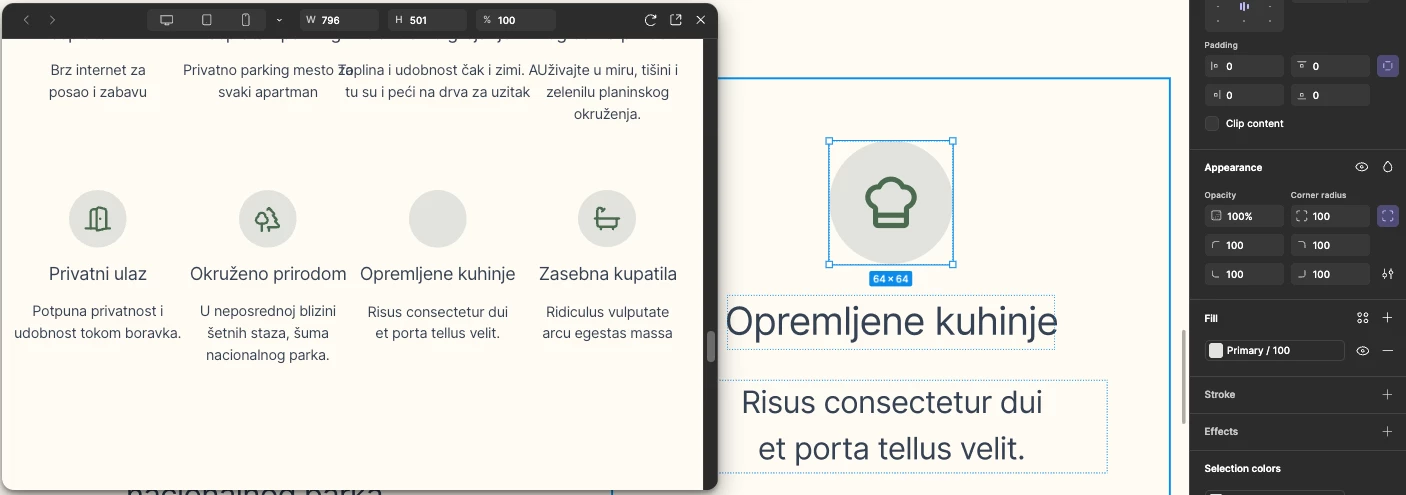
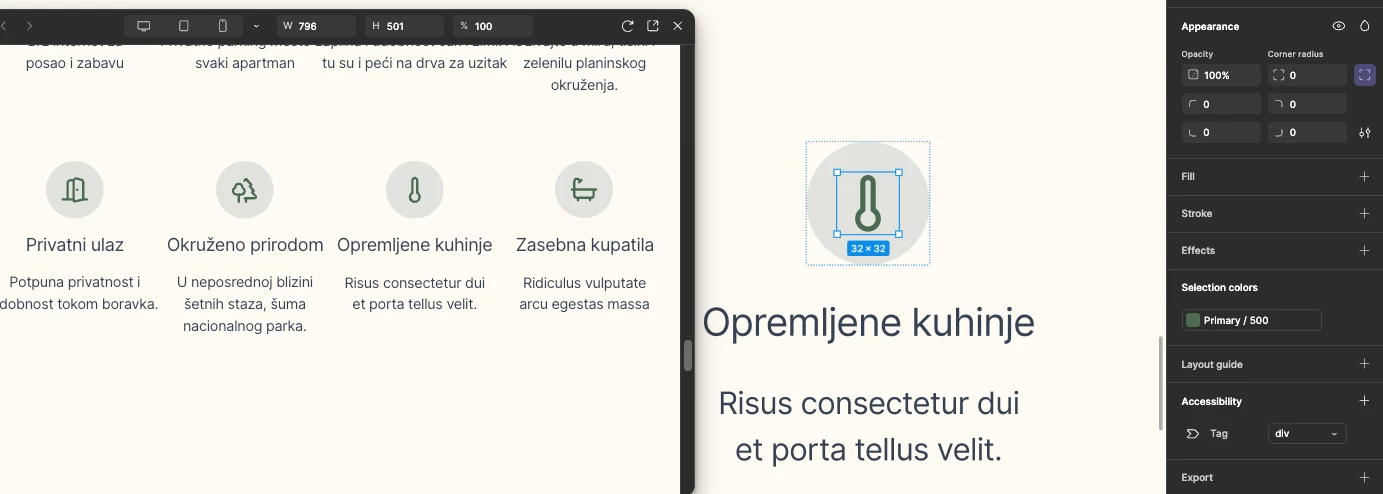
Initially, icons using stroke colors rendered correctly. However, icons that were filled did not render at all. For example, taking the same icon, flattening it, and applying a fill would cause it to disappear.
After investigating further, I found that the issue was not the icon itself, but the parent frame (wrapper) containing the icon. This happens regardless of whether the frame uses Auto Layout or not.
The problem occurs when the parent frame has a color applied via predefined color styles / variables. If a color style (variable) is applied to the frame, any filled icon inside it fails to render properly. Removing the color style from the parent frame resolves the issue.

Fill as hash value of color - all good