Figma Sites components state retention and reset
We have a design file with Desktop, Tablet, and Mobile devices, with the Tablet set as the Primary one.
- When creating a horizontal layout Frame with a few components in it, the Desktop/Mobile views do not get automatically updated with the same order of components as in the primary one.
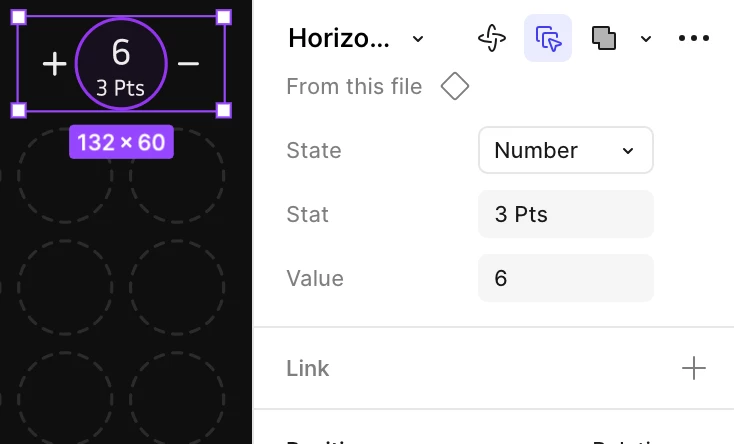
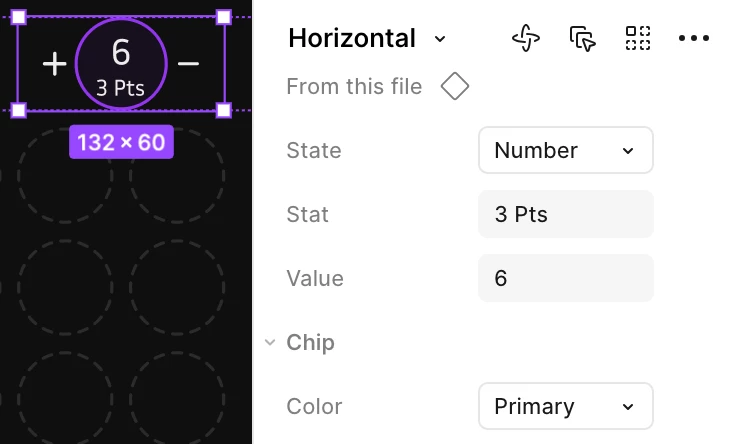
- Nested properties (like a state of a child component) are not shown when selecting a component in the primary device. I have to select and deselect the `Always select matching layers` option to have the child property shown, and then I have to go to the non-primary components and “reset” the components so they take up the updated child property.
- When changing a child property in the primary device, the child component doesn’t resize correctly and reverts the child component’s dimensions to its original values. I have a square with rounded corners that was stretched to double its width, to make a rectangle, and when I change its elevated state, Figma shows it as if it’s back into a square. Note that in preview and in the other devices, it is shown correctly as a “stretched” rectangle.