Question

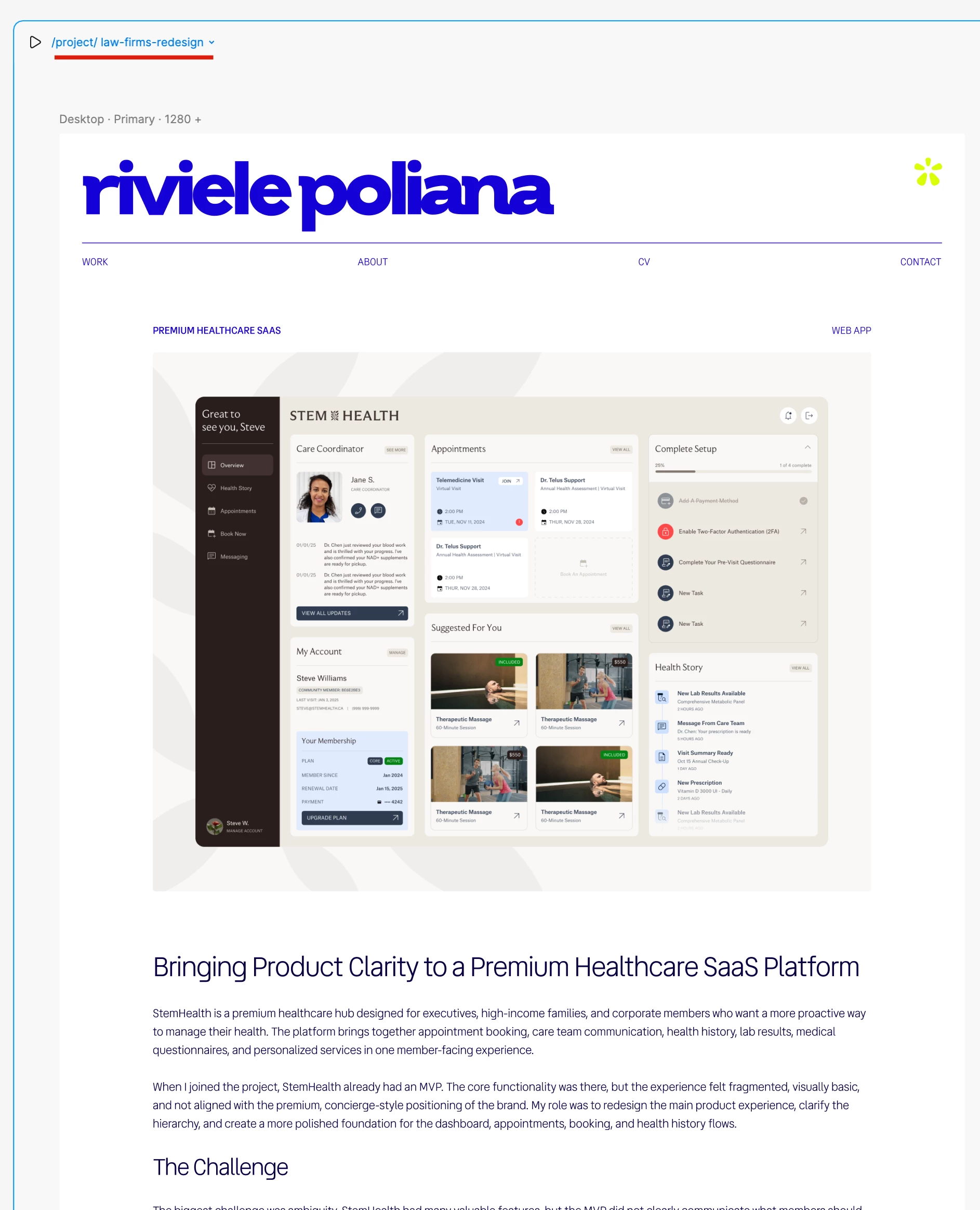
Figma Sites | CMS Issues | Only 1 CMS page is rendering

  • June 16, 2026
  • 3 replies
  • 15 views

Poli

Hey everyone,

I'm making my new portfolio with Figma Sites and am a bit frustrated.

I managed to create the CMS list, link it to a part of my homepage, but only 1 image is rendering in the published website.


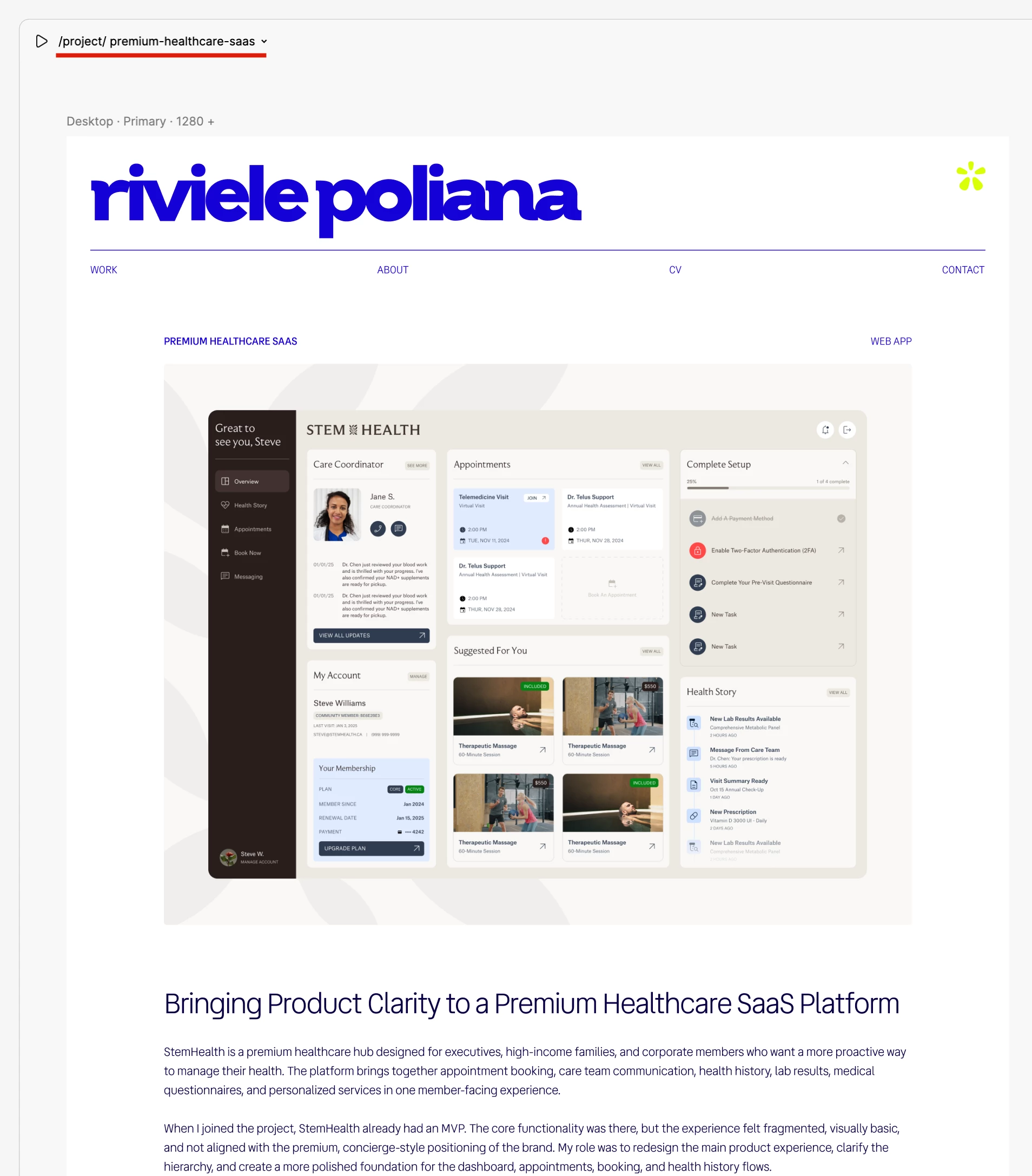
When I click in any of these, it appears the information of the first project only.
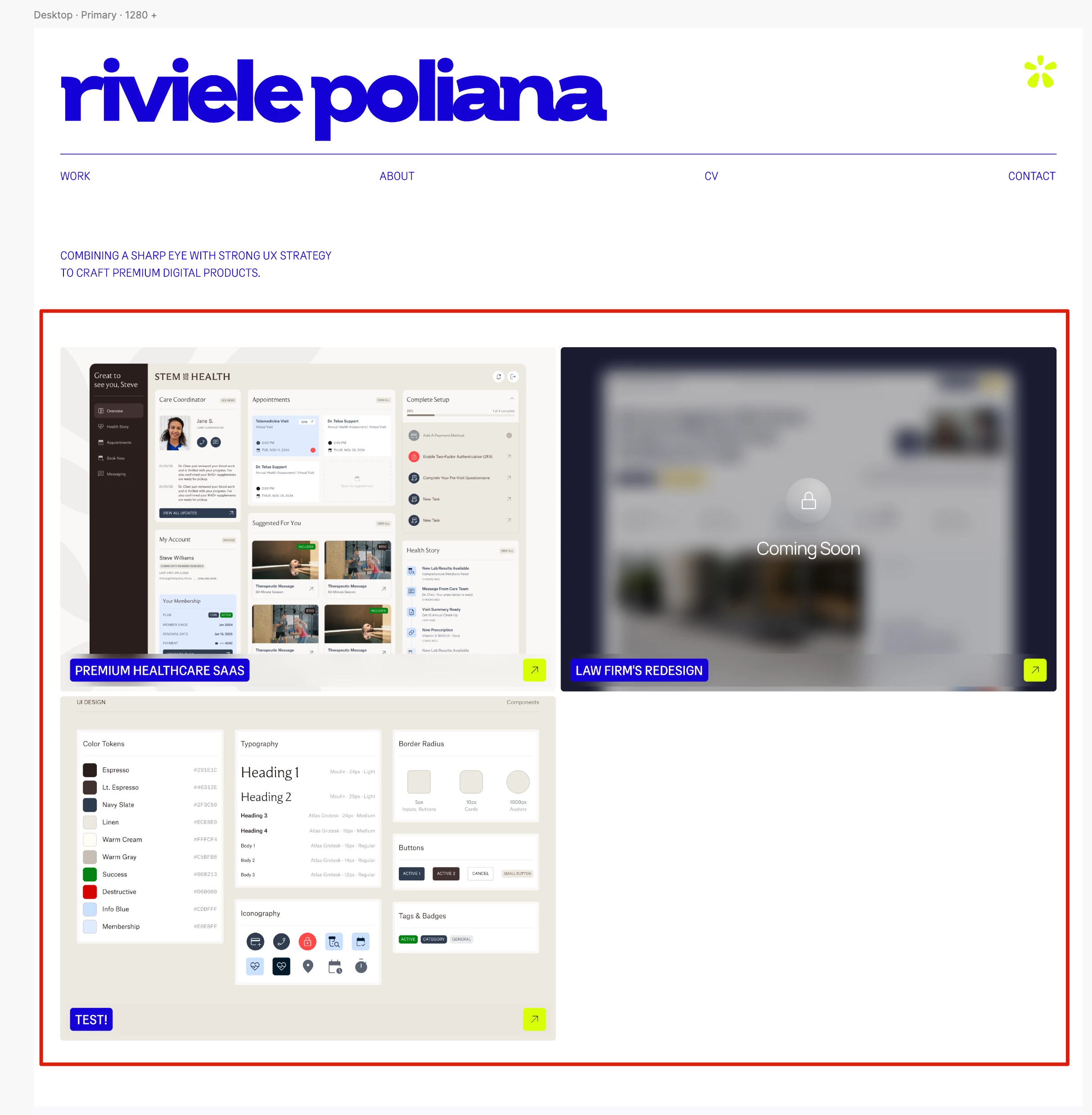


Please check in these screenshots:


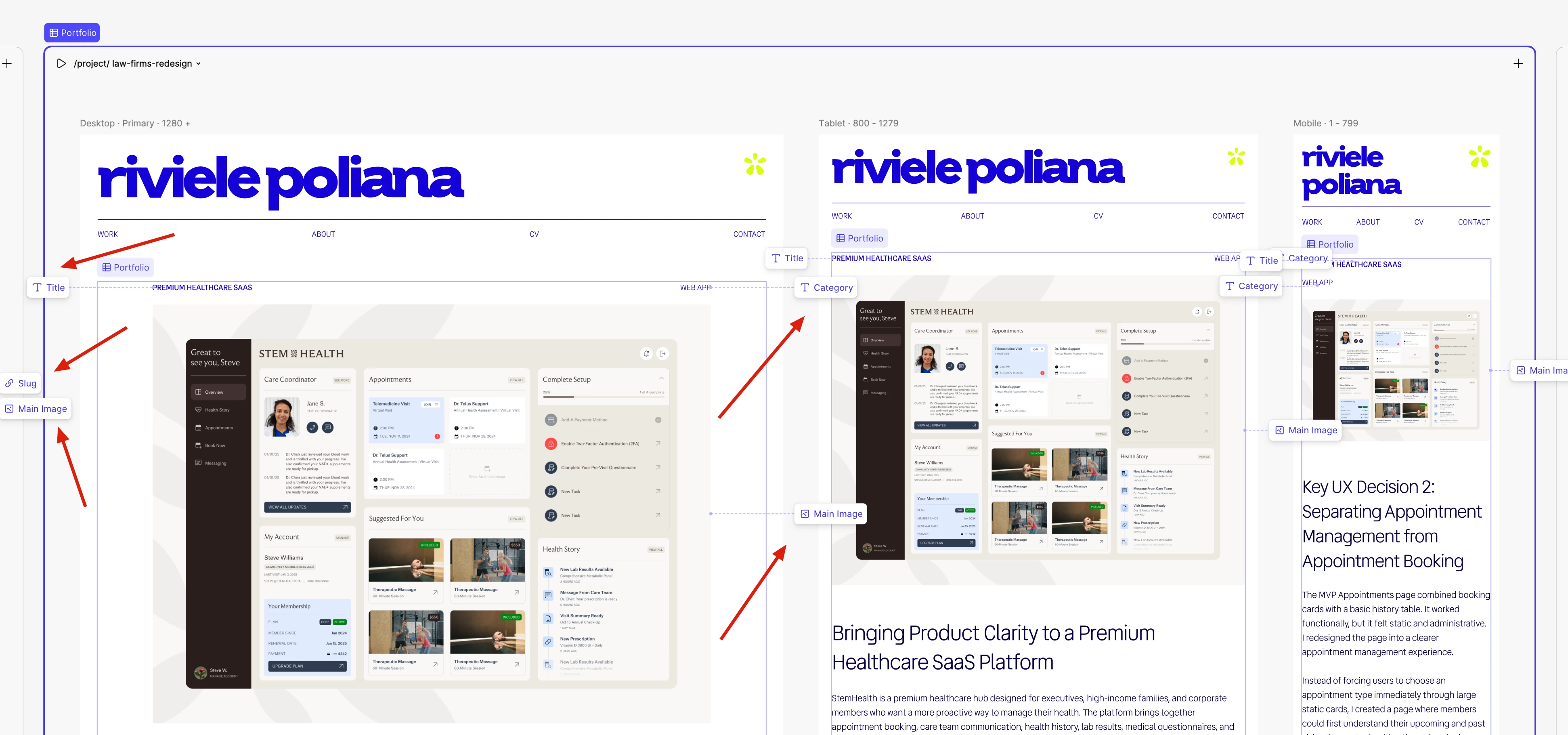
I'd like to know what I'm doing wrong, because when I try to reconnect the CMS with each page, the blocks are already linked:


Thank you.

3 replies

Jaycee Lewis
Figmate

Hey, ​@Poli 👋 Thanks for your post. I’m sorry that happened. Is the issue persisting? If so, can you record a not-zoomed in screen recording of the issue happening, please? That will be helpful if we need to get this on to support. Thanks! — Jaycee


Poli
  • Author
  • New Member
  • June 18, 2026

@Jaycee Lewis Thank you for getting back!


Here is a Loom detailing my issue. Please let me know if you need anything else from my side.


Looking forward to having your help!


Jaycee Lewis
Figmate

Thanks for the Loom, ​@Poli  —that helps a lot! 

One thing worth checking: while you can connect a CMS page to a collection, you also need to connect the individual layers on that page (title, image, and description) to their CMS fields—otherwise every item shows the same content even though the URL changes. This article walks through that last step:

Two quick things to confirm so I can pin this down:

  • On your project detail page, when you click the slug in the page header to switch items, does the content stay stuck on the first project?

  • Did you connect the title, image, and description layers on that page to your CMS fields (vs. just connecting the page to the collection)?

If you've connected the layers and it's still stuck, that's not expected—I'll open a support ticket on your behalf so the team can dig into the file directly. Thanks!—Jaycee