JannicaDesigns
New Member
September 22, 2026
Question

Figma Prototype Mode Showing a Black Screen

  • September 22, 2026
  • 1 reply
  • 25 views

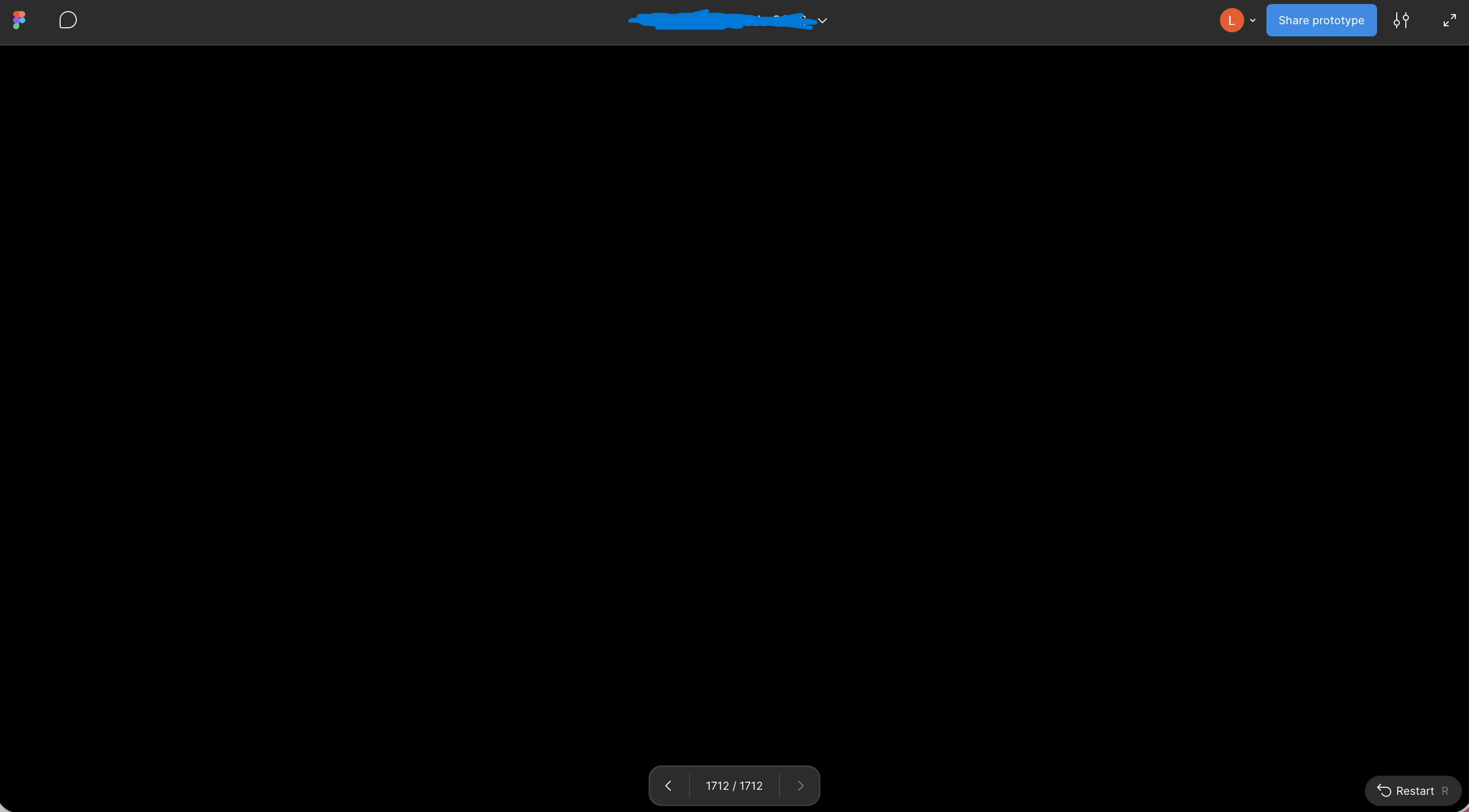
My team mate is having an issue where the Figma prototype link is showing as black or flashing black and white when they open the link. Other team mates do not have this issue. Can someone help us figure out why? 


1 reply

adamsmasher
Figmate
Figmate
September 23, 2026

Thanks for your post, ​@JannicaDesigns! Hopefully this hasn’t been too disruptive to your team’s work. 


Since the same link works for your other teammates, do you know if the affected person is opening it in a browser, the Figma desktop app, or the mobile app? If they’re using a browser, could they try the link in a private window and then in a different, up-to-date browser? That will help narrow down whether a browser extension or browser setting is involved. Supported browsers are the following:

  • Chrome 120 or later (minimum 113 for shaders)
  • Firefox 128 ESR or later (minimum 141 for shaders)
  • Safari 17.4 or later (minimum 26 for shaders)
  • Microsoft Edge 121 or later


If it still appears black or flashes after trying one of those browsers, I recommend having your teammate review the suggestions in our troubleshooting checklist, too. Let me know how it goes!