Question

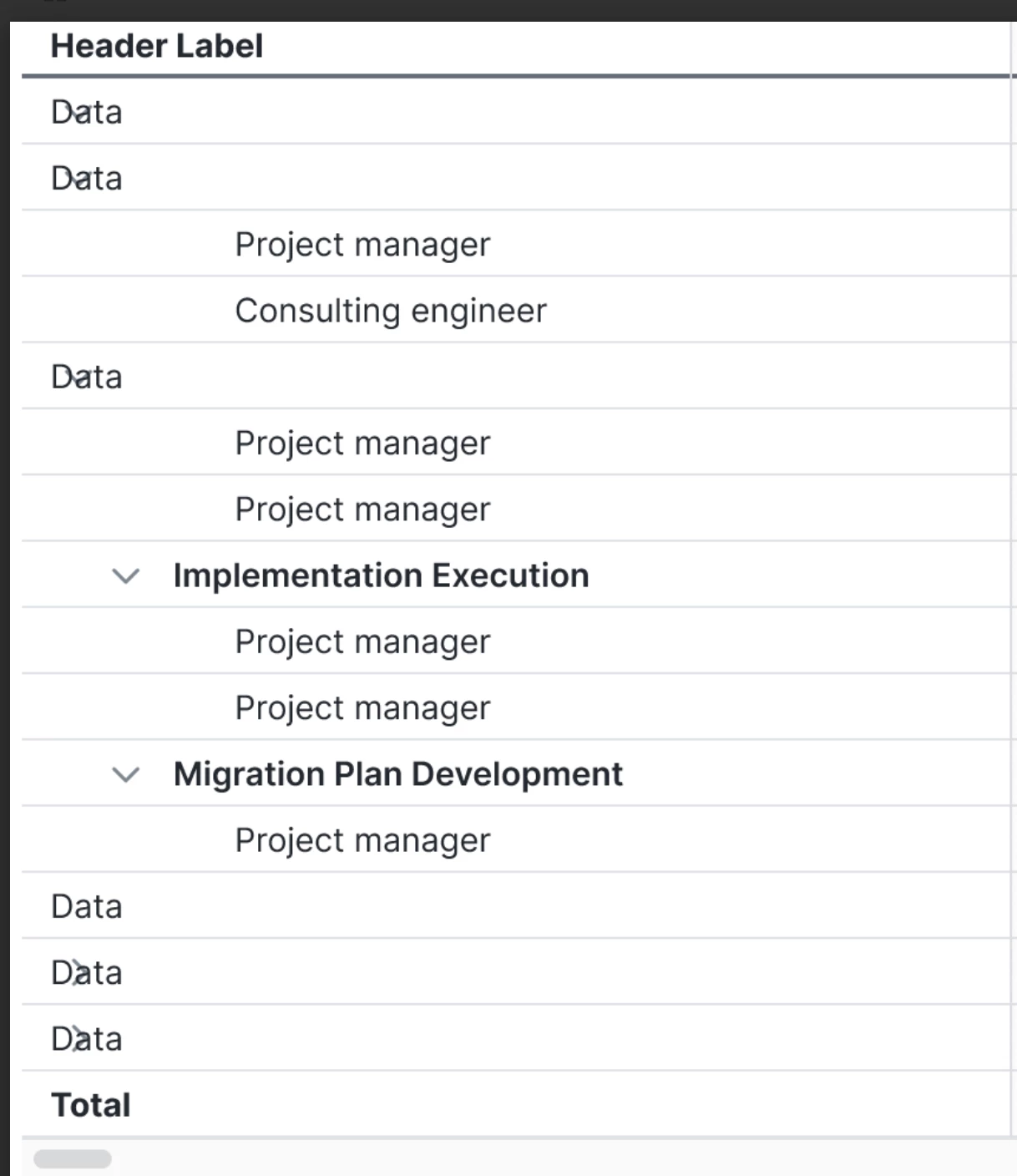
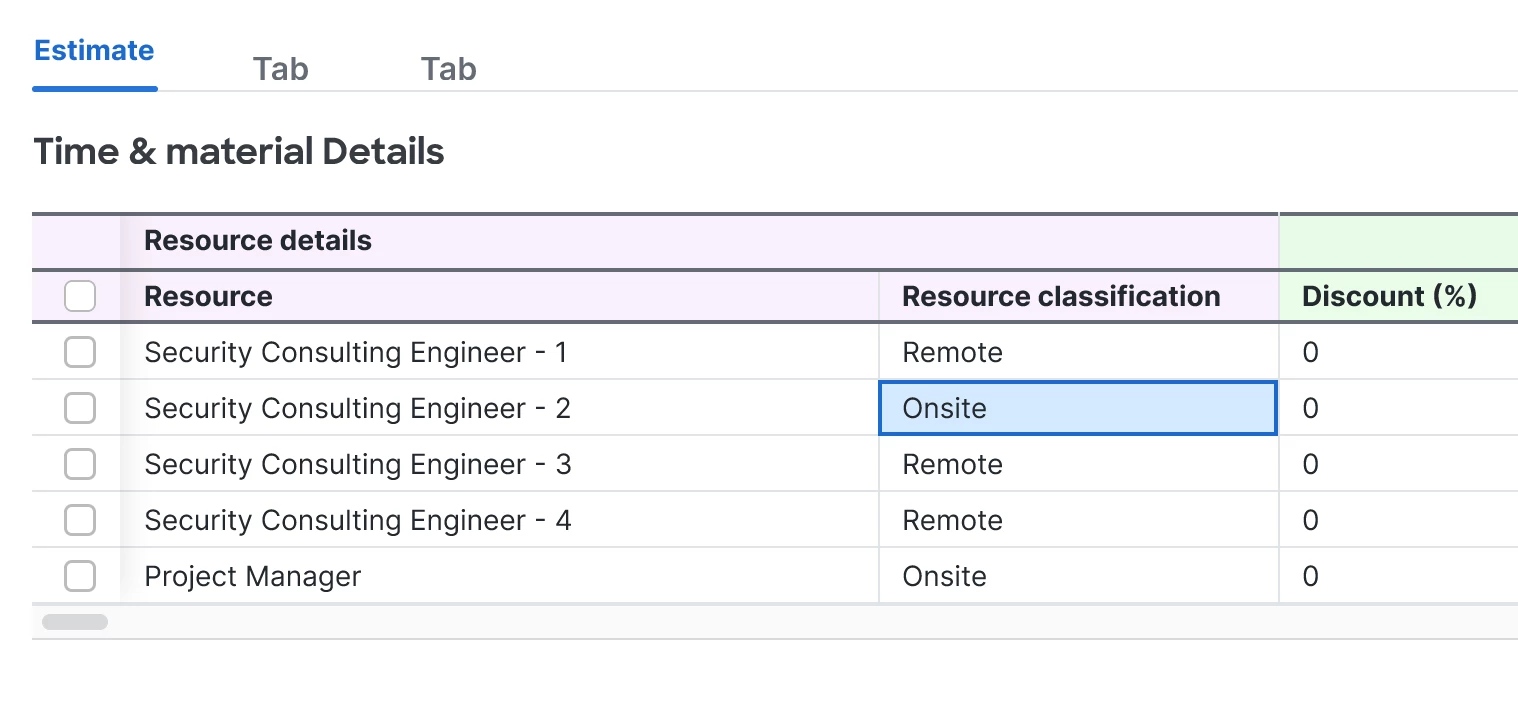
Figma prototype glitch: Tab , button, values Breaks / Incorrect Tab, buttons, values state rendering

  • December 29, 2025
  • 1 reply
  • 9 views

Ashish.Rana


I am facing glitchs in my Figma source file and prototype related to tab, button, values behavior.

In a screen that uses tabs to switch content, the selected tab state and displayed content become inconsistent. While interacting with tabs, the UI does not correctly reflect the active tab, and in some cases, content from another tab appears or overlaps.
 

This issue occurs both:

  • In the Figma design file

  • In Prototype / Present mode

The behavior appears to be system-driven and not caused by incorrect constraints or interactions.
 

Looking for a solution to resolve this issue.

Figma team, kindly provide guidance or a resolution, as this appears to be a platform-level glitch.


1 reply

ksn
Figmate
  • Community Support
  • December 29, 2025

Hey ​@Ashish.Rana - apologies if your prototypes aren’t working as expected.

It would be helpful to have access to the source file you are referring to -- our support team can review to see if there are any bugs or corrections that they can suggest.

If it’s possible for you to share your file, please do the following:

  • Share edit access to all the relevant files with support-share@figma.com. This is our official Figma support account, and only select support and engineering members will be able to access them to try and replicate any problems. You will also not be charged for this.
  • PM me, and include a direct URL to the file[s] you’ve shared access to.

Once you’ve done that, please let me know and I will escalate the inquiry for further assistance. Thanks!