Solved

Figma not working— Desktop or browser (Mac)

  • July 1, 2026
  • 3 replies
  • 43 views

Tanushree Sudheer

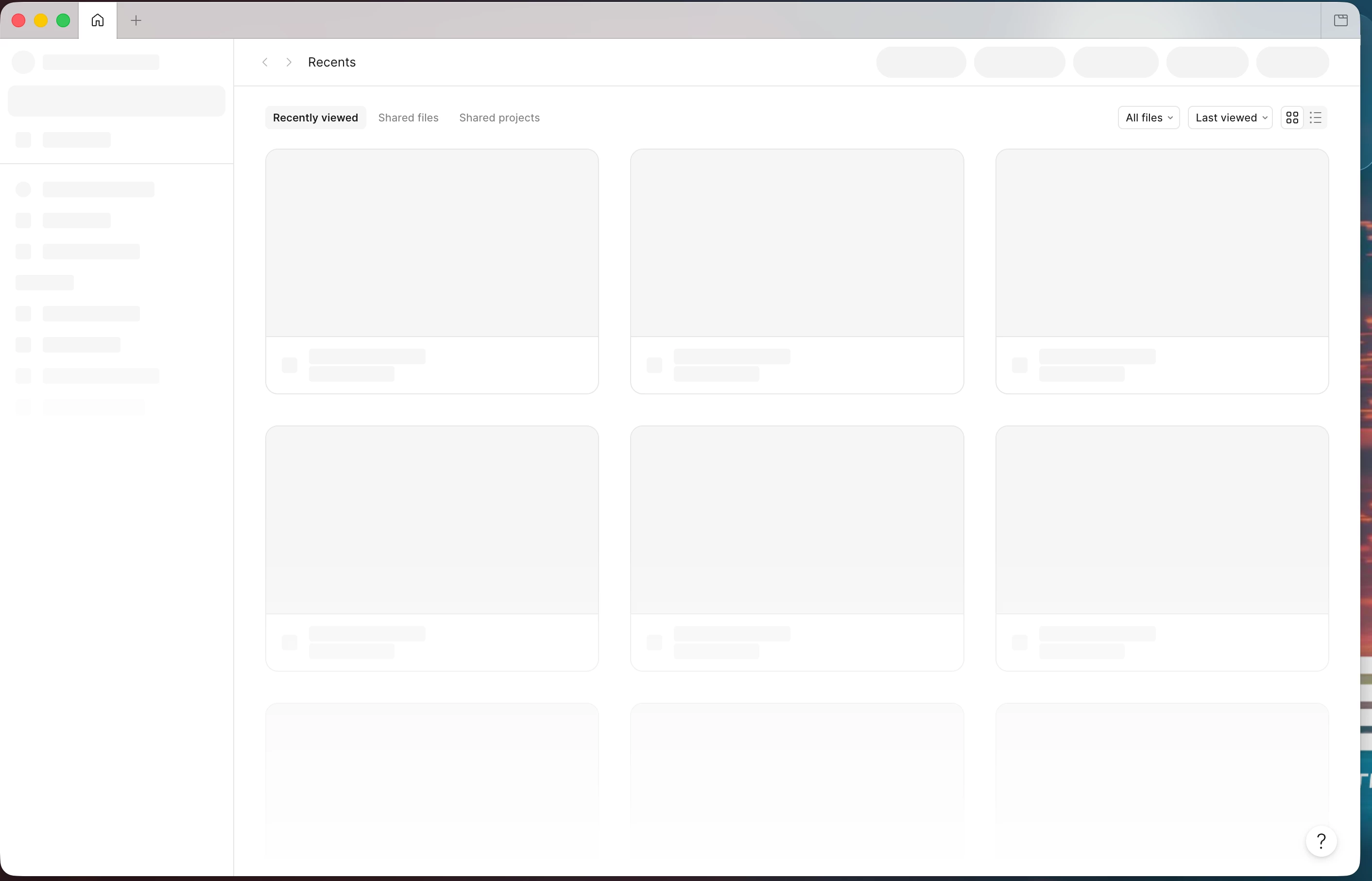
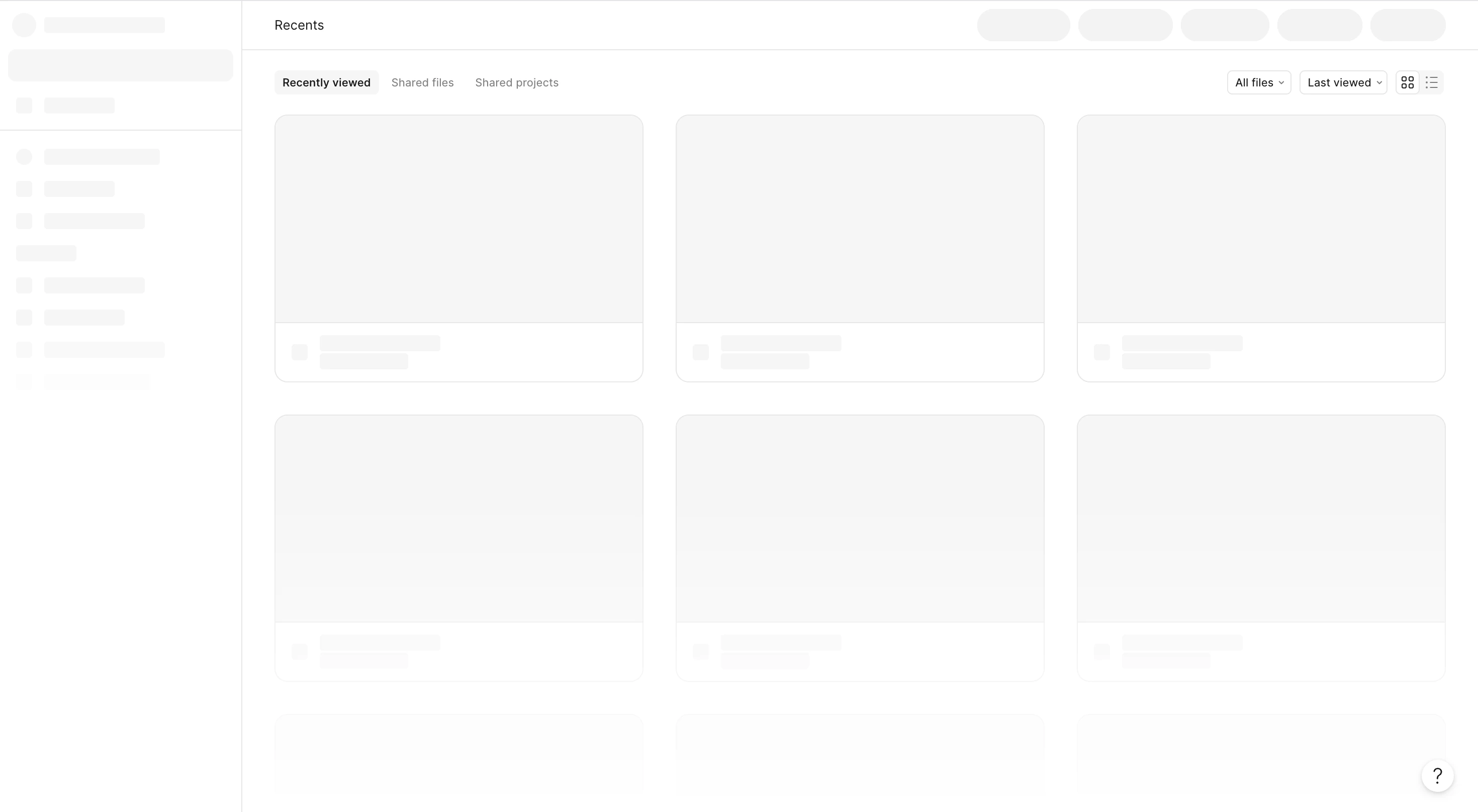
I’ve tried updating figma, restarting figma, restarting my device and reinstalling figma, none of that helped— the browser version is stuck on this too.

figma browser
​​​


fgima desktop

I love this app, please help me get it back.

Best answer by Tanushree Sudheer

Hi ​@Celine_ , someone on your team helped me troubleshoot, it’s resolved now— guys double check your proxies (system settings) if your device is managed 😅.

Other than that, genuinely  some of the best customer support I've ever received. I usually try to trouble shoot myself and don't have very high expectations when I reach out to customer support because I expect a delay, etc. The Figma team was so professional and helpful, and knew how to isolate the issue really well. They stuck with me for a while to help troubleshoot my issue, I can't thank you guys enough. Plus, feeling like I'm speaking to an actual person was such a relief. Please don't ever replace your team with AI, especially when they're absolutely wonderful. Thanks again!


This topic has been closed for replies.

3 replies

Celine_
Figmate
  • Community Support
  • July 1, 2026

Hey ​@Tanushree Sudheer , Celine from the Figma Community Support team here! Sorry for the disruption in your work, and thanks for trying these steps.
I see in the backend that you have already reached out to the support team, thanks for doing that! I’ve gone ahead and assigned directly your case to our Technical Quality team for further investigation. Someone will reply you soon directly via your support case. For reference, your case number is #1992103.
Thanks for your patience in the meantime!


Tanushree Sudheer

Hi ​@Celine_ , someone on your team helped me troubleshoot, it’s resolved now— guys double check your proxies (system settings) if your device is managed 😅.

Other than that, genuinely  some of the best customer support I've ever received. I usually try to trouble shoot myself and don't have very high expectations when I reach out to customer support because I expect a delay, etc. The Figma team was so professional and helpful, and knew how to isolate the issue really well. They stuck with me for a while to help troubleshoot my issue, I can't thank you guys enough. Plus, feeling like I'm speaking to an actual person was such a relief. Please don't ever replace your team with AI, especially when they're absolutely wonderful. Thanks again!


Celine_
Figmate
  • Community Support
  • July 1, 2026

Hi again, thanks so much for the update! I'm really glad to hear the issue has been resolved, and thanks for sharing the workaround about checking your system proxy setting (that could definitely help others who run into something similar. 😄_

And thank you so much for your kind words. It truly means a lot to hear that you had such a positive experience with our Support team. I'll be sure to share your feedback internally, they'll really appreciate it!

Since everything is now resolved, I'll go ahead and close this Forum thread. If anything else comes up in the future, don't hesitate to reach out. Thanks again! 💙