Josh Bennett
New Member
September 18, 2026
Question

Figma Motion Export Colour Discrepancy (Colours Appear Darker After Export)

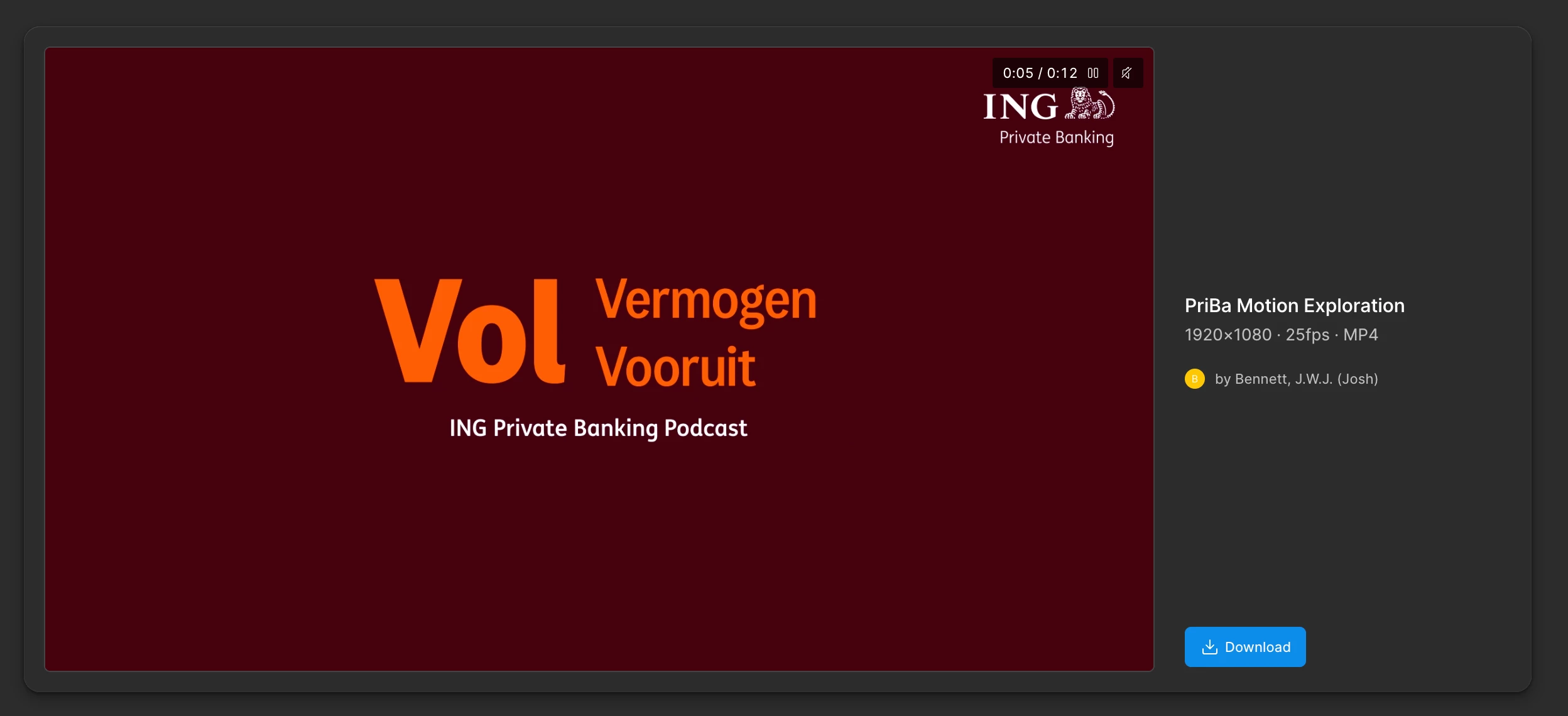
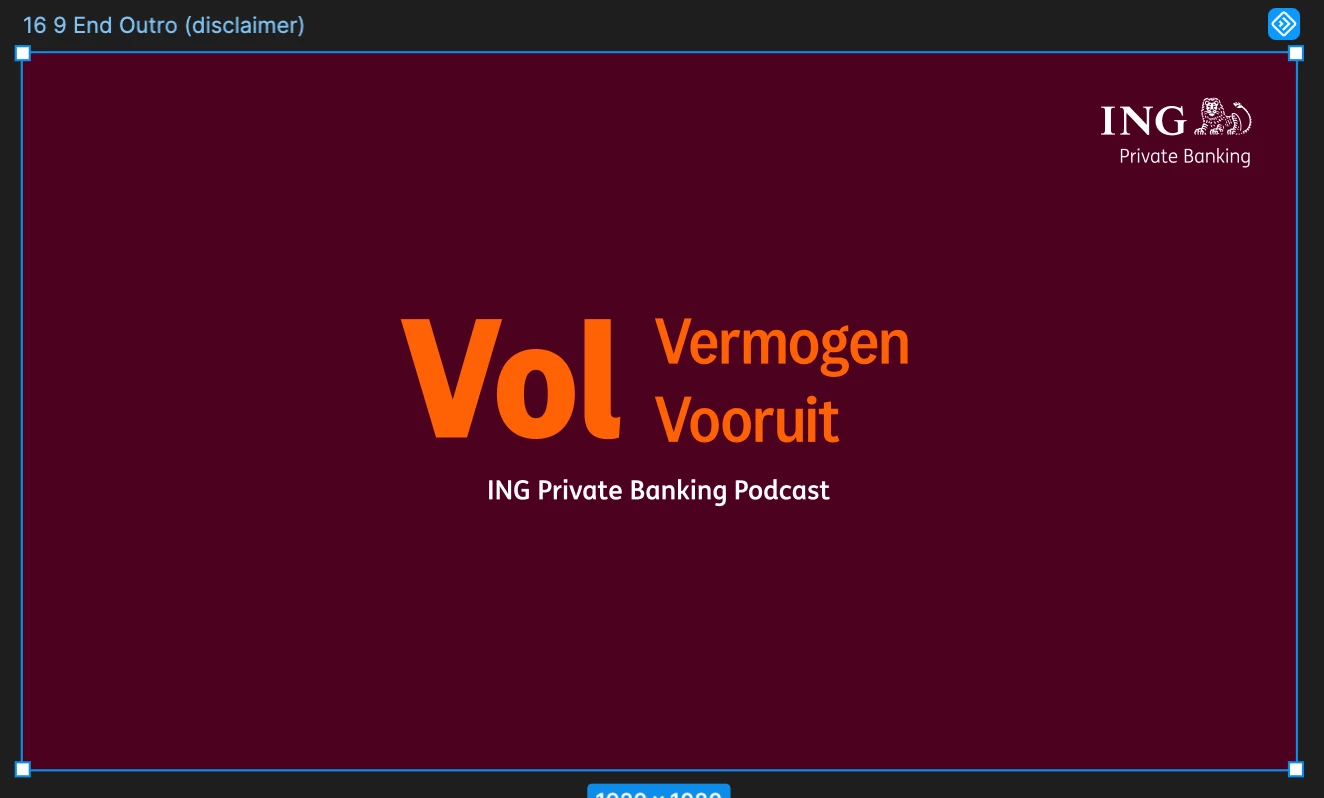
I’ve been experiencing this issue for several weeks now, and it’s starting to make Figma Motion impossible to use. Within Figma Motion, the colours display correctly (for example, #4D0020), but after exporting, the resulting videos appear noticeably darker (#4D000B).

This colour shift significantly impacts the output quality and makes the tool unreliable for production work. I’m hoping this can be resolved as soon as possible, as the tooling and UI are otherwise excellent and very intuitive to use.

If anyone has found a workaround or solution, I’d really appreciate hearing about it.
 

8 replies

Jaycee Lewis
Figmate
Figmate
September 18, 2026

Hey ​@Josh Bennett 👋 Thanks for flagging this. Can you share a link to the file where this is happening? You can share it with us by inviting  support-share@figma.com  as a viewer. Adding support as a viewer won't affect your billing or take up a seat on your team. If you don’t want to post the link publicly, you can DM it to me and I’ll share it with the team. Thank you! — Jaycee

Josh Bennett
New Member
September 21, 2026

Hi, I’ve just sent an invite to the file (PriBa Motion Exploration). Let me know if that works for you. Thanks! 

Jaycee Lewis
Figmate
Figmate
September 22, 2026

Thanks ​@Josh Bennett 🙌 I’m going to get a support ticket open for this. I’ll add the ID and email subject line here. Talk soon! — Jaycee

JeniaDru
New Member
September 22, 2026

Oh the same problem here( 

Josh Bennett
New Member
September 22, 2026

Hoping for a solution soon!

JeniaDru
New Member
September 23, 2026

I preemptively adjusted the colors in the slides—increasing the HSL lightness by 8 points—and hit the color almost exactly, but the process is incredibly inconvenient.

JeniaDru
New Member
September 27, 2026

Lord Hesus - it solved low key