Solved
Figma Mirror app only shows a black screen and doesn't work
Hello,
Figma Mirror hasn't been working for few days on my iPhone.
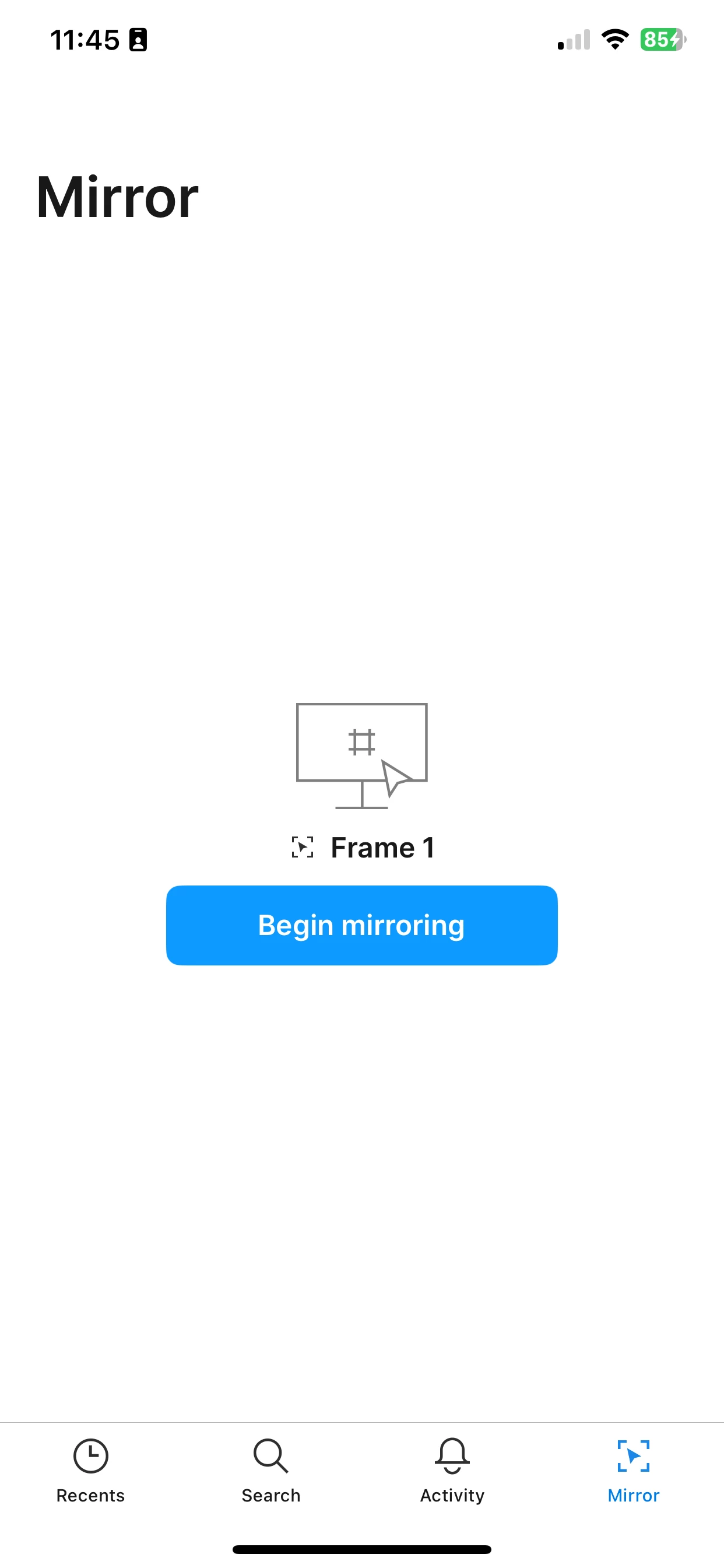
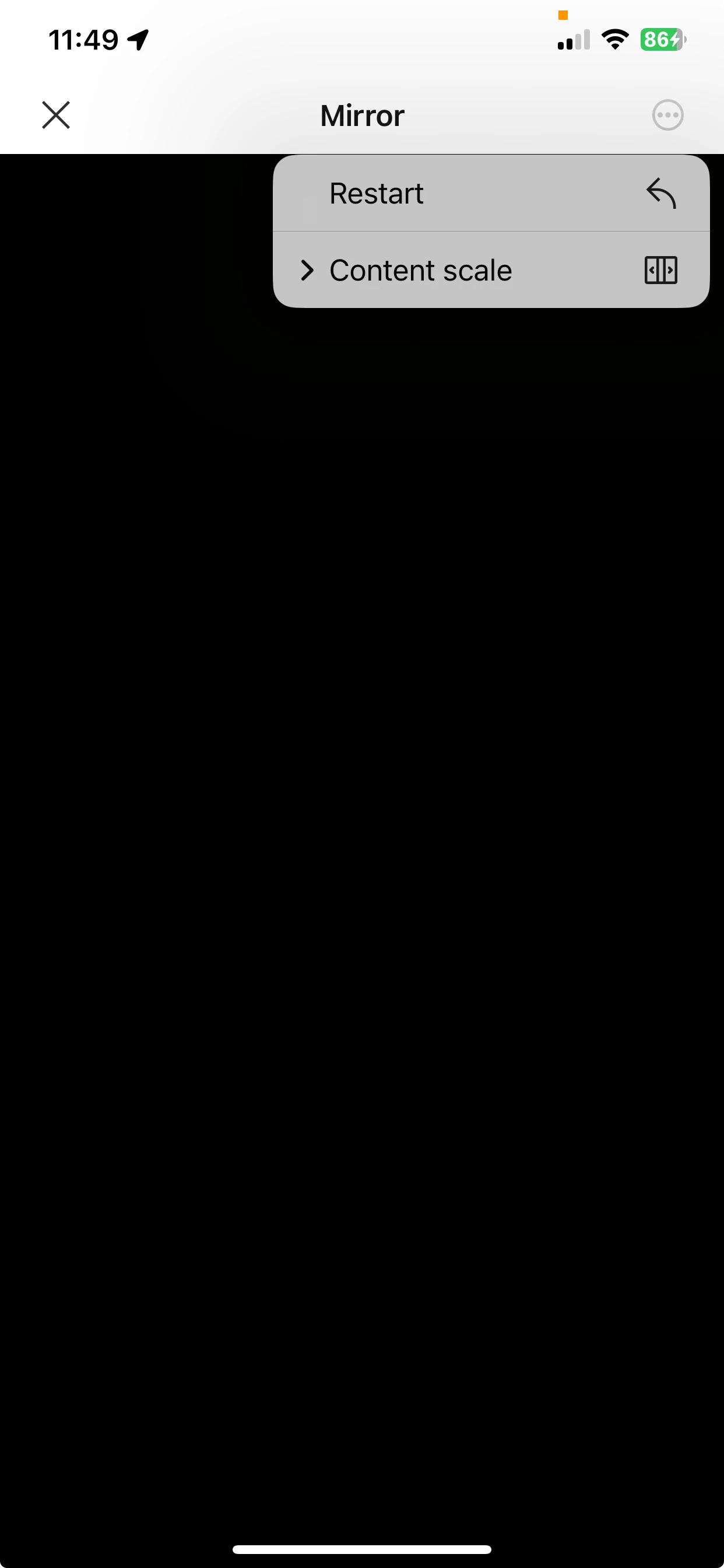
It used to work “ok” before but now, every time I want to use Mirror, I just see a black screen no matter what I try. The app correctly shows the selected frame prior to mirroring but as soon as I tap on “Begin mirroring”, I see nothing but a black screen.
-
I tried with different projects...
-
I restarted Figma on macOS...
-
I rebooted my Mac...
-
I restarted Figma on iOS…
-
I rebooted my iPhone…
-
I logged out/logged in again on macOS and iOS…
-
I “restarted” the preview from the iOS app
Just a black screen.
Has anyone the same issue?
Thank you,
Axel
About the app:
-
App Version: 25.41.0 (251029.5015844)
-
Commit: 7eaf00d18ba9
iPhone
-
XS Max
-
iOS 18.7.2