

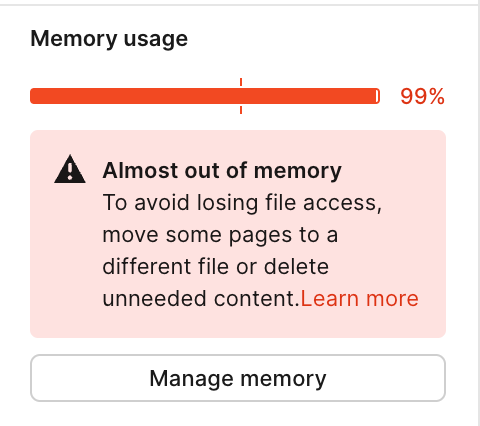
Figma Memory usage Alert slowly increse even i did noting
Hi
I've been using Figma for over 3 years and I've been using
Ideally, I keep components connected. I've been optimizing it by splitting files when they get heavy to avoid memory usage alerts.
However, for some reason, my Figma memory usage is gradually increasing.
I don't visit many pages, so I don't need to load layers,
I've done 4 file splits to keep it from getting too heavy.
There are no network or computer specs issues. I'm using a high end Spec m2 iMac.
I can understand the memory warning if the file is too heavy or not split.
But I don't understand why it warns me with an unknown error when I'm using it ideally.
Especially when the memory usage goes from 50 to 100 without doing anything is ridiculous.
If anyone else is experiencing the same thing, or the Figma developers, please comment.