Question

Figma MCP with Code Connect doesn't return the right framework in get_design_context

  • April 16, 2026
  • 1 reply
  • 54 views

JHu

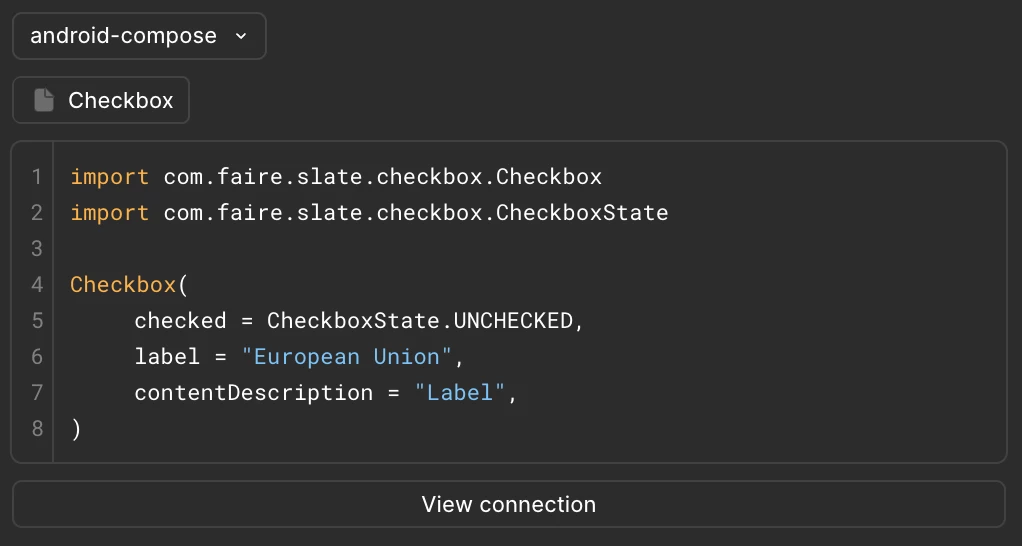
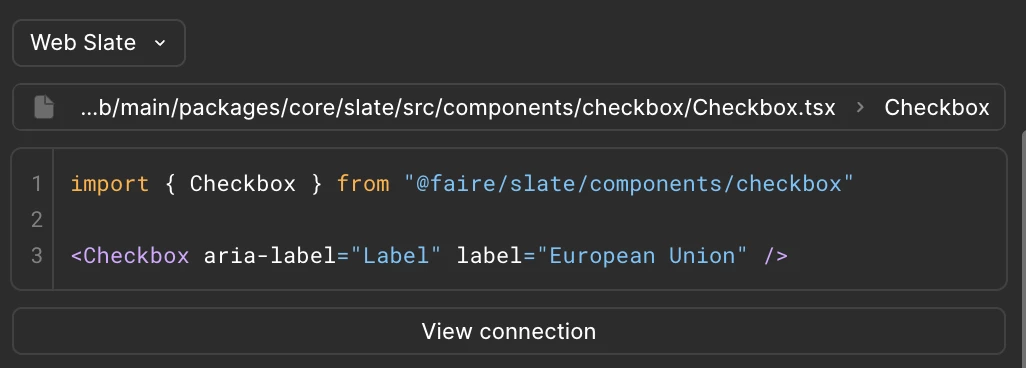
I have Code Connect setup for both Web via React and Android via Jetpack Compose. Both show up correctly in the Figma app

e.g. for a Checkbox component:

This is the config file where I set my label. This is using the no-parser template.
 

{  "codeConnect": {    "parser": "react",    "include": ["/**/*.figma.js"],    "label": "android-compose",    "language": "kotlin"  }}


When I call get_design_context with the remote Figma MCP with a Figma link that uses a Checkbox in the Android repo, it still returns React+Tailwind instead of my Compose code.

According to the additional FAQ info here, it should work when I set clientFramework to android-compose but it is still not working



1 reply

  • Figmate
  • April 22, 2026

Hi ​@JHu ,


I understand that you have both React and Android Jetpack Compose configurations set up, and they're displaying correctly in the Figma app, but when you call get_design_context with the remote MCP server, it is returning React+Tailwind instead of your Code Connect Compose code even when you specify clientFramework: "android-compose".


I see you already contacted our support team via ticket (#1853883) and our support specialist has replied to you with a few questions. Please take a look at your inbox and reply to the ticket email when you have a moment.

In the meantime, I'll go ahead and add all the information you shared here as an internal note to consolidate everything in one place and help our team investigate more efficiently. Since some community members liked this post, I'll try to follow up on the ticket, and if I learn anything, I'll update here.


Thanks!