Question

Figma MCP: Rate limit exceeded, please try again tomorrow

  • March 15, 2026
  • 2 replies
  • 32 views

Sofard_Nnlofais

Hi!
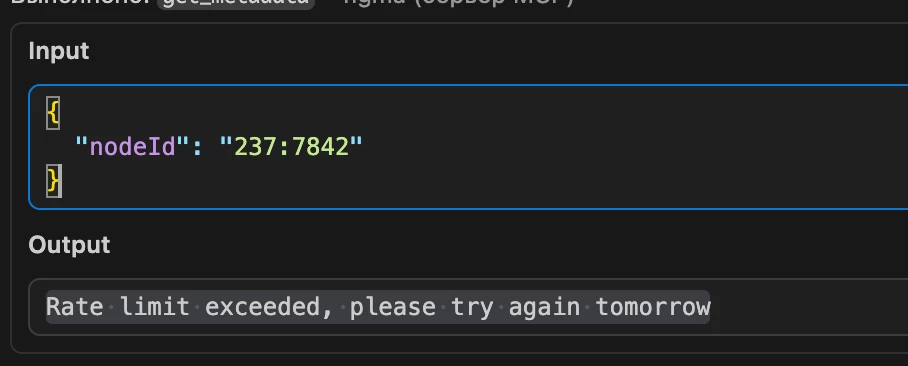
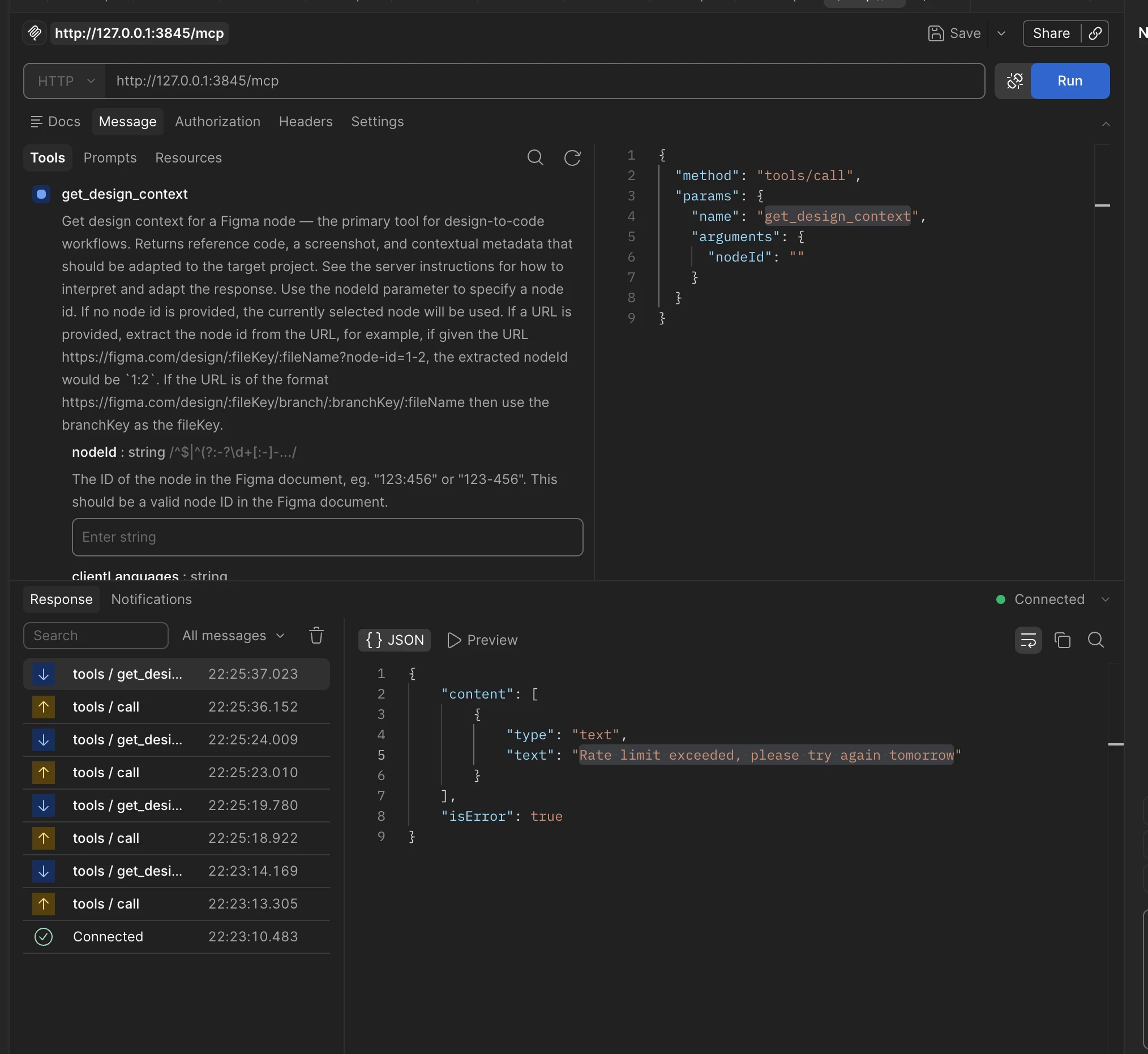
I have a paid Dev subscription for $20/month, and I often use Figma MCP to generate layouts. Today, for the first time in many months, I encountered an issue where my MCP started returning the error:

“Rate limit exceeded, please try again tomorrow.”

What’s going on? I’ve used MCP much more actively before, but this time I only used it to generate three sections of layout and immediately got this error.

Is this due to new limits/rules, or is it a bug?


2 replies

Sofard_Nnlofais

I think I figured out the issue. My agent was running autonomously and at some point it started repeatedly calling get_screenshot, which was returning the error:

"No node could be found for the provided nodeId: 250:433. Make sure the Figma desktop app is open and the document containing the node is the active tab."

The agent kept hitting the same tool over and over, receiving the same error each time, and apparently the rate limits were exhausted because of that.


Celyn_L
Figmate
  • Figmate
  • March 16, 2026

Hi ​@Sofard_Nnlofais — Celyn from Figma Community Support here.

Thanks for sharing the additional context and for taking the time to investigate this. Glad to hear you were able to narrow down what might have been happening.

From what you described, it sounds like your agent may have been repeatedly calling get_screenshot, which could explain why you ran into the rate limit.

Really appreciate you sharing your findings here — this is helpful context for others who might run into something similar.